
Post Call Actions
A post-call action routes a call through an IVR routine at the point it would normally disconnect. An agent can trigger it directly, or an IVR routine can set it automatically. This is useful when a caller needs to hear a message or complete a post-call survey after the agent has finished with them. Post-call actions are configured through result codes, found under Settings > General > Result Codes.
Setting up a post-call action
IVR Setup
Since a post-call action sends the call to an IVR routine, start by creating that routine. Include a Start IVR element that links to the first element of the routine. Give it a unique name so you can easily find it within the Result Codes dropdown.
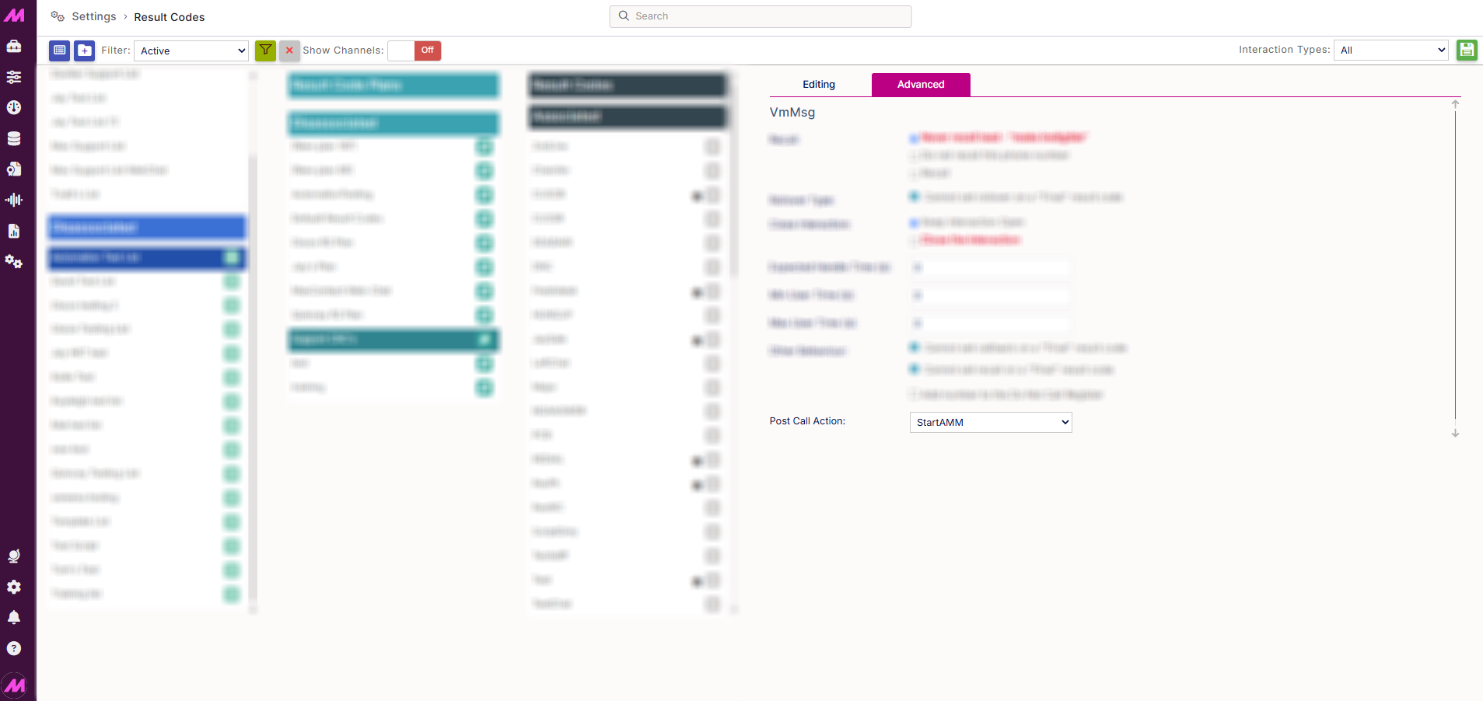
Result Code Setup
Go to Settings > General > Result Codes, find the result code you want to trigger the action, and within the Advanced tab set the Post Call Action to the Start element of your IVR.
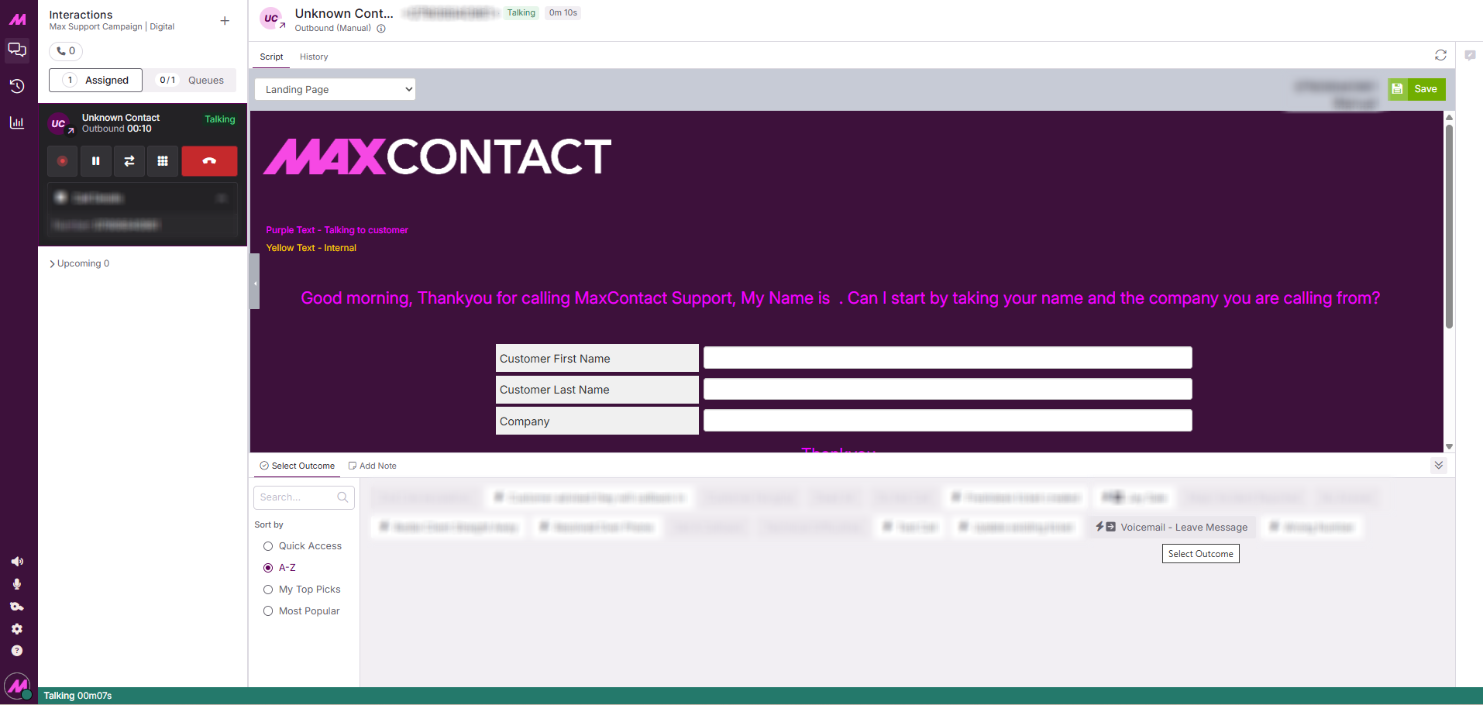
Triggering a post-call action from Contact Hub
Triggering a post-call action from Contact Hub works like a call transfer, but with fewer steps. The agent selects a result code while the call is still connected, from the list of favourite result codes.
A result code with a post-call action shows an arrow icon. Once the agent selects it, the call is removed from the agent and sent to the post-call action IVR routine.
Triggering a post-call action via IVR
Use any IVR element in the routine to set the result code for the post-call action you want to run. When the call reaches the end of that routine, it's sent to the post-call action IVR routine.