
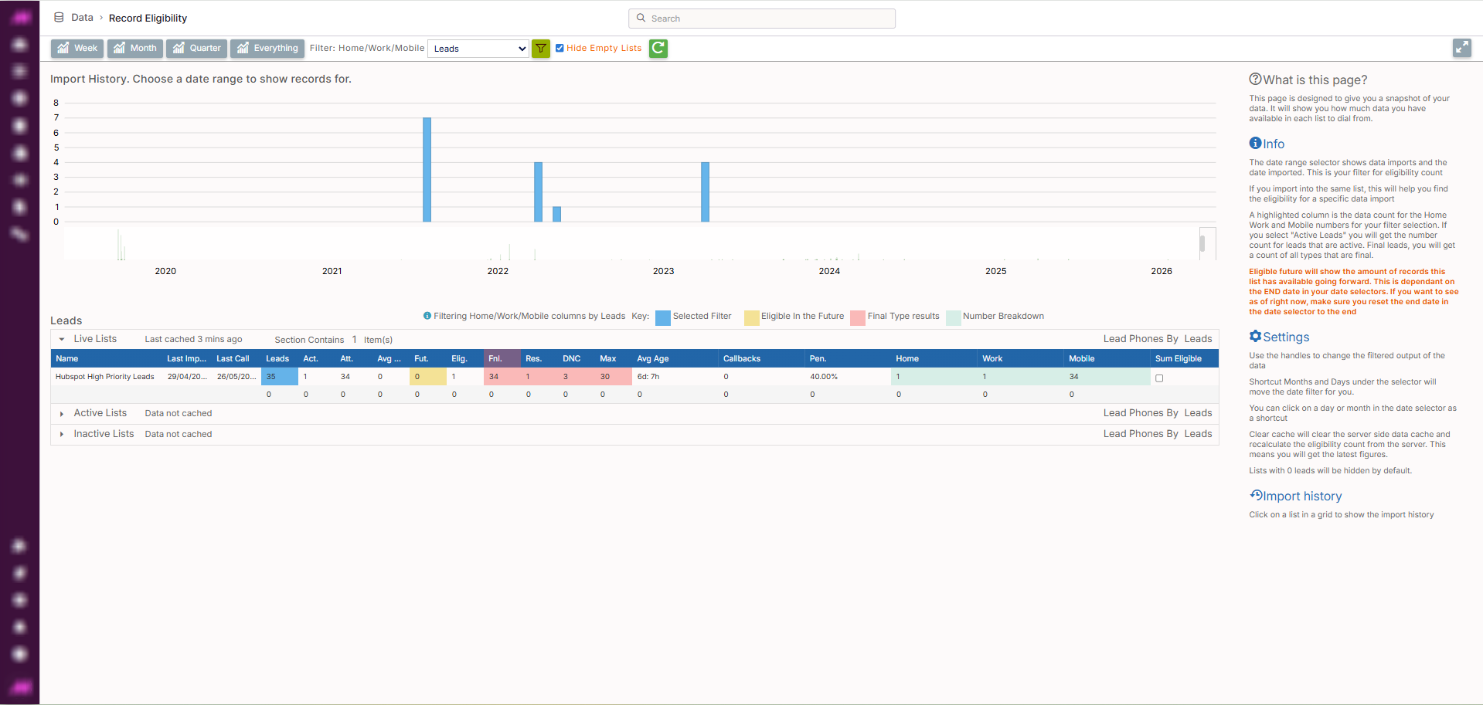
Record Eligibility
The Record Eligibility page gives you a real-time snapshot of your list data. Showing how many leads are eligible to dial now, how many are finalled, how many have callbacks set, and how future eligibility looks across your lists. It is a read-only reporting page and does not allow you to make changes to data directly.
The figures shown reflect leads that have an associated phone number. Leads imported without a phone number are not included in the eligibility counts, as they are not available for outbound dialling. If your totals appear lower than expected, it is worth checking whether all leads on the relevant list have a valid phone number mapped against them.
To access it, go to Data > Data Handling > Record Eligibility.
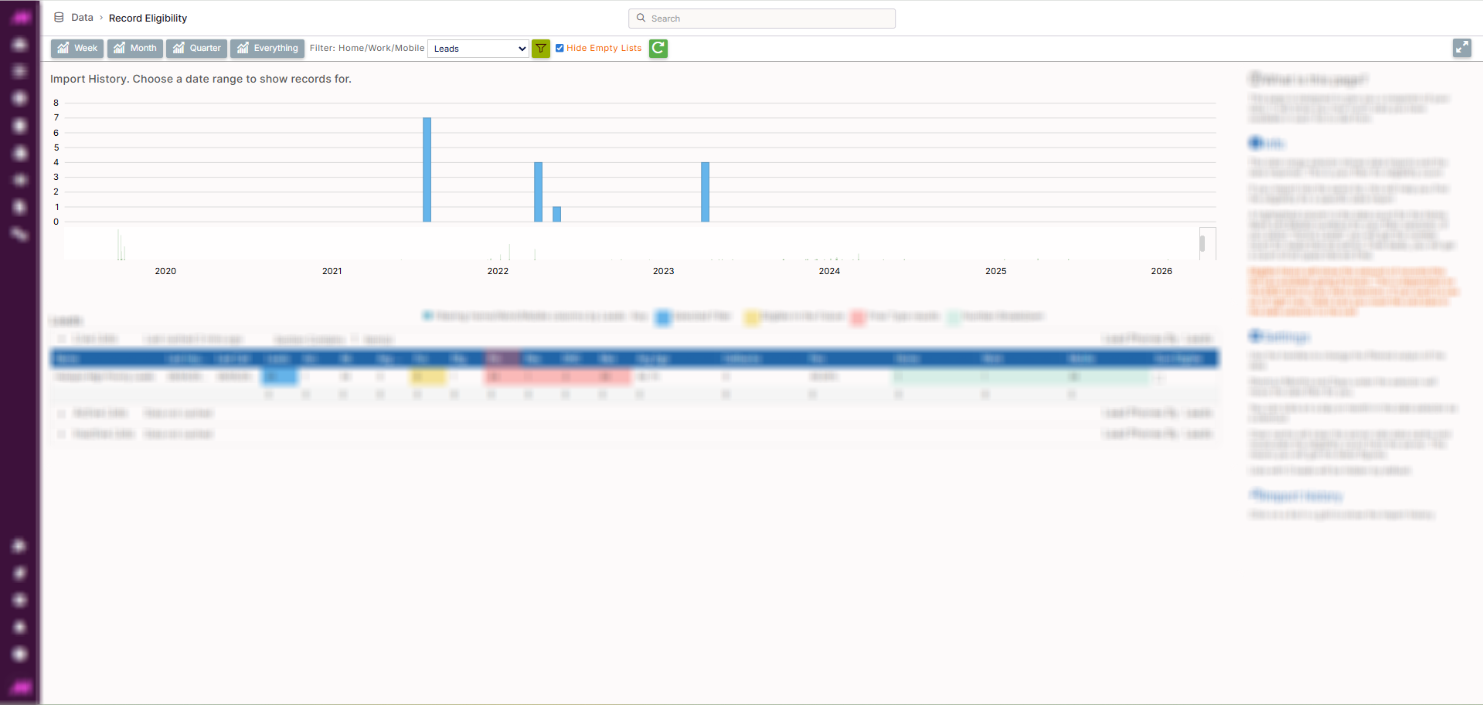
Page controls
The controls at the top of the page let you filter and adjust the view.
| Control | Description |
|---|---|
| Filter button | Updates the data displayed based on the selected filter criteria. |
| Hide empty lists | Ticked by default. Hides lists with no records from the table. Untick to show all lists including empty ones. |
| Refresh | Reloads all data on the page to reflect the latest figures. |
| Show/hide panel | Toggles the import history panel on the right-hand side of the screen. |
Date range selector
The date range selector filters eligibility data by import date. This is useful when multiple imports have been made to the same list. Selecting a specific date range shows eligibility figures for that import only, rather than the entire list.
The highlighted columns show the data count for Home, Work, and Mobile numbers within the selected date range. Selecting Active Leads shows a count of active leads for the selection; selecting Final Leads shows a count of all leads that are finalled.
Note. The Eligible in the future figure in the table is dependent on the end date set in the date range selector. To see future eligibility as of right now, ensure the end date is set to today or left at the default end.
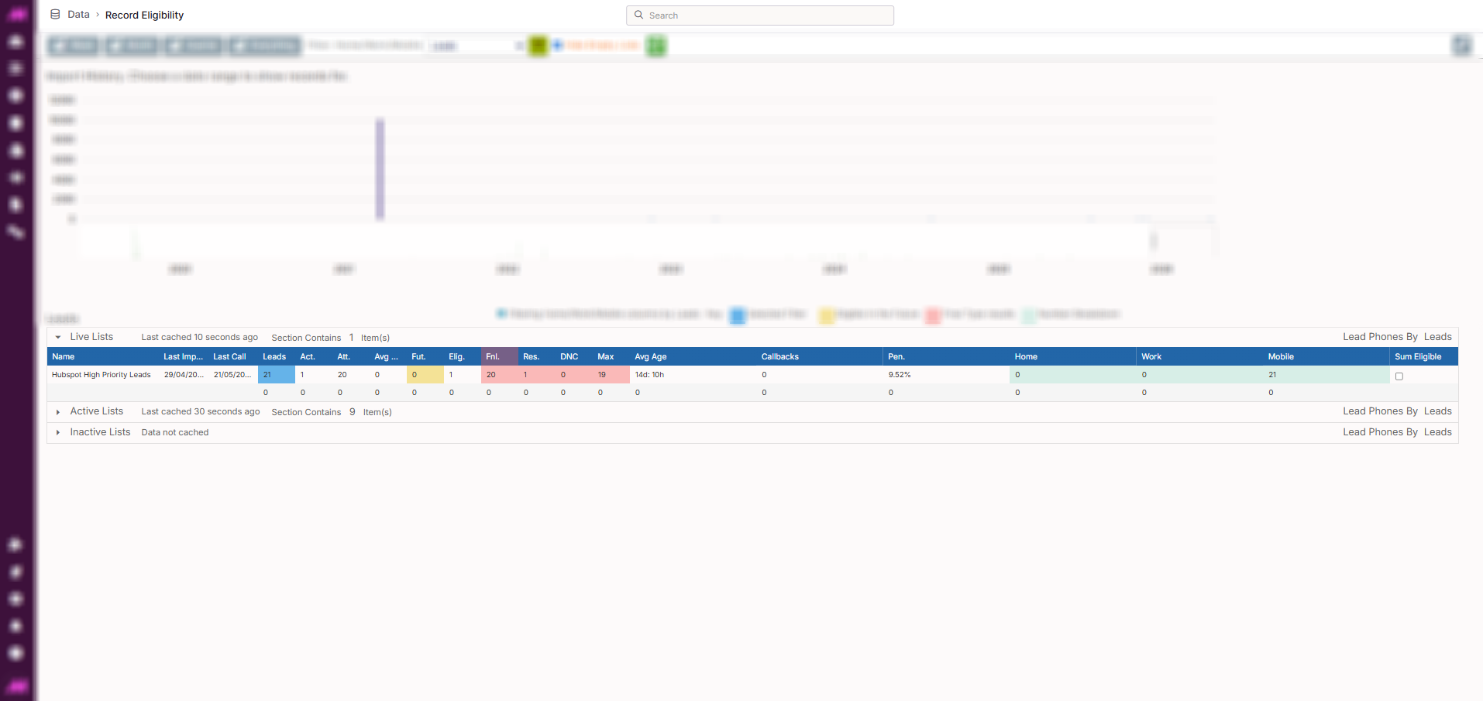
Leads Table
The main table lists all your lists grouped by status. Clicking on a list row opens its import history in the right-hand panel.
List rows
| Row | Description |
|---|---|
| Live lists | Lists currently active in a running campaign. |
| Active lists | Lists that are active but not currently assigned to a running campaign. |
| Inactive lists | Lists that have been deactivated. |
Column definitions
| Column | Description |
|---|---|
| Name | The name of the list. |
| Last Import | The date the most recent import was made to this list. |
| Last Call | The date the most recent call was made from this list. |
| Leads | Total number of leads on this list. |
| Act. | Total number of active leads on this list. |
| Att. | Total number of leads on this list that have been attempted. |
| Avg Att | The average number of call attempts across active leads on this list. |
| Fut. | Total number of leads on this list that will become eligible to dial in the future. Dependent on the end date set in the date range selector. |
| Elig. | Total number of leads on this list currently eligible to be dialled. |
| Fnl. | Total number of finalled leads on this list (leads that cannot be automatically called again). |
| Res. | Total number of leads dispositioned with a final result code on this list. |
| DNC | Total number of finalled leads dispositioned as Do Not Call on this list. |
| Max | Total number of finalled leads that have reached their maximum call attempt limit on this list. |
| Avg Age | The average age of records on this list, calculated from their import date. |
| Callbacks | Total number of private callbacks currently set for leads on this list. |
| Pen. | Penetration rate for this list (the percentage of leads that have resulted in either a connect or a final result). |
| Home | Total number of home phone numbers on this list. |
| Work | Total number of work phone numbers on this list. |
| Mobile | Total number of mobile phone numbers on this list. |
| Sum Eligible | Shows the total eligible records across all selected lists. Tick the checkboxes on multiple lists to combine their eligible counts into a single total. |
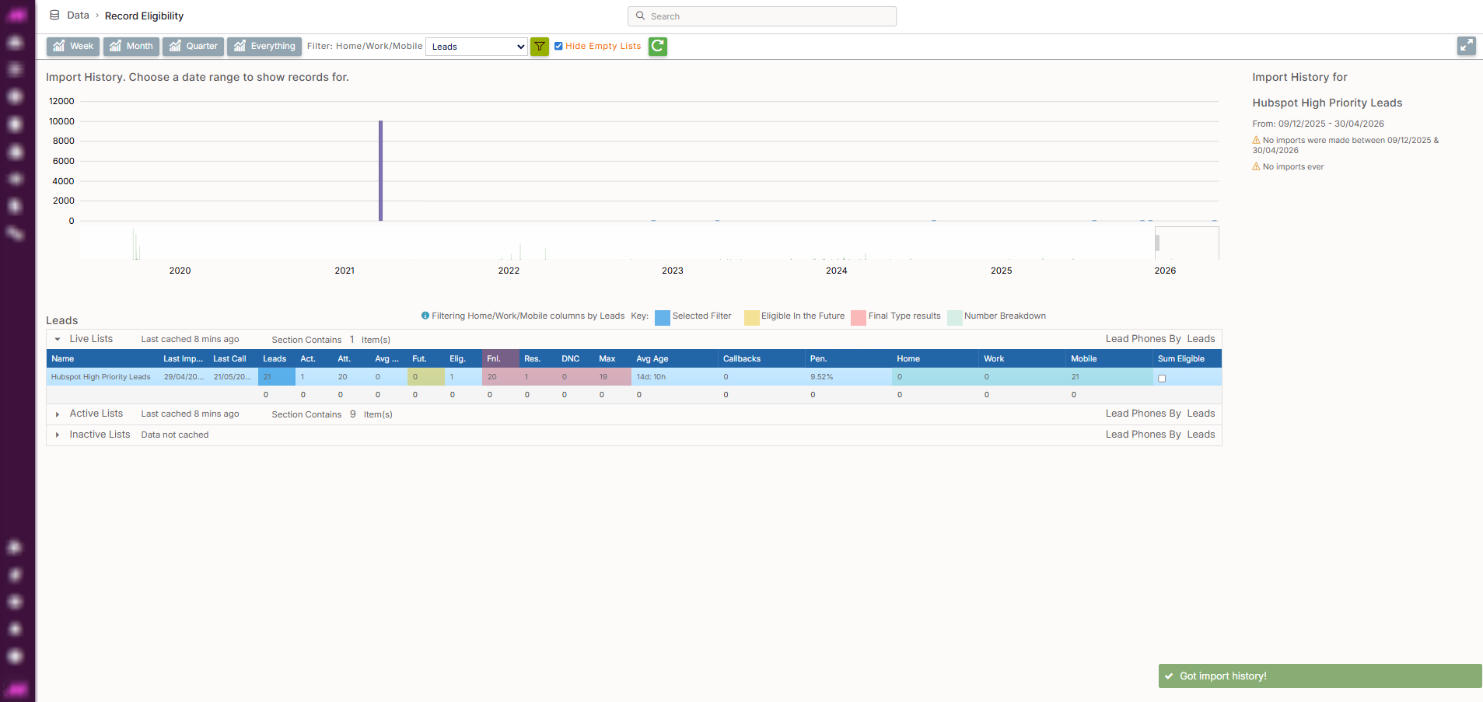
Import history panel
Clicking on a list in the table opens the import history for that list in the right-hand panel. This shows each import made to the list, the date it was imported, and the record count per import — useful for tracking how data has been added over time and for isolating eligibility figures to a specific import using the date range selector.