
Bulk User Upload
Bulk User Upload lets you create multiple users at once by uploading a completed CSV file. This is useful when onboarding a large number of agents or making significant team changes.
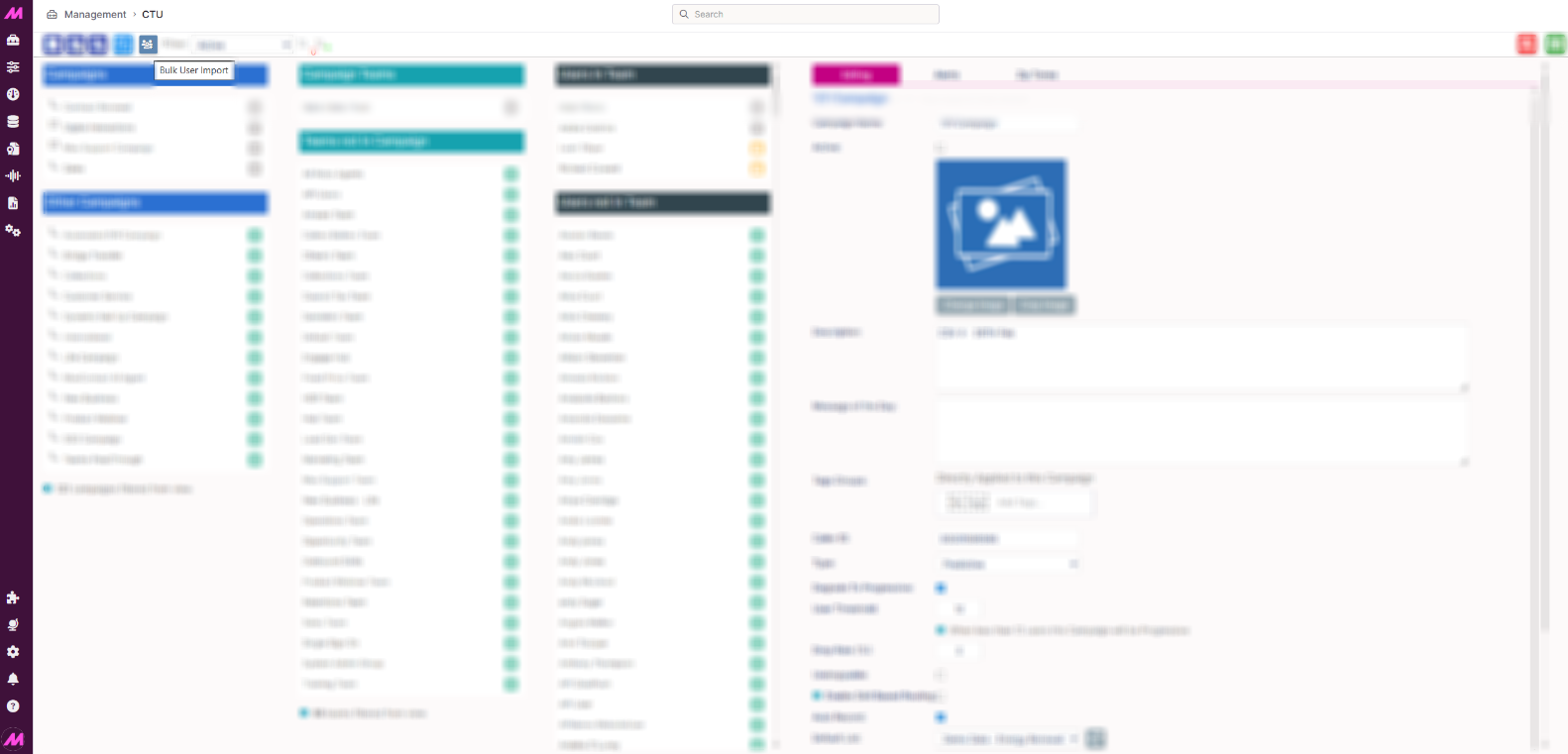
To access this feature, go to Management > General > CTU and select the Bulk User Upload button, located between the Clone button and the Filter options.
Import history table
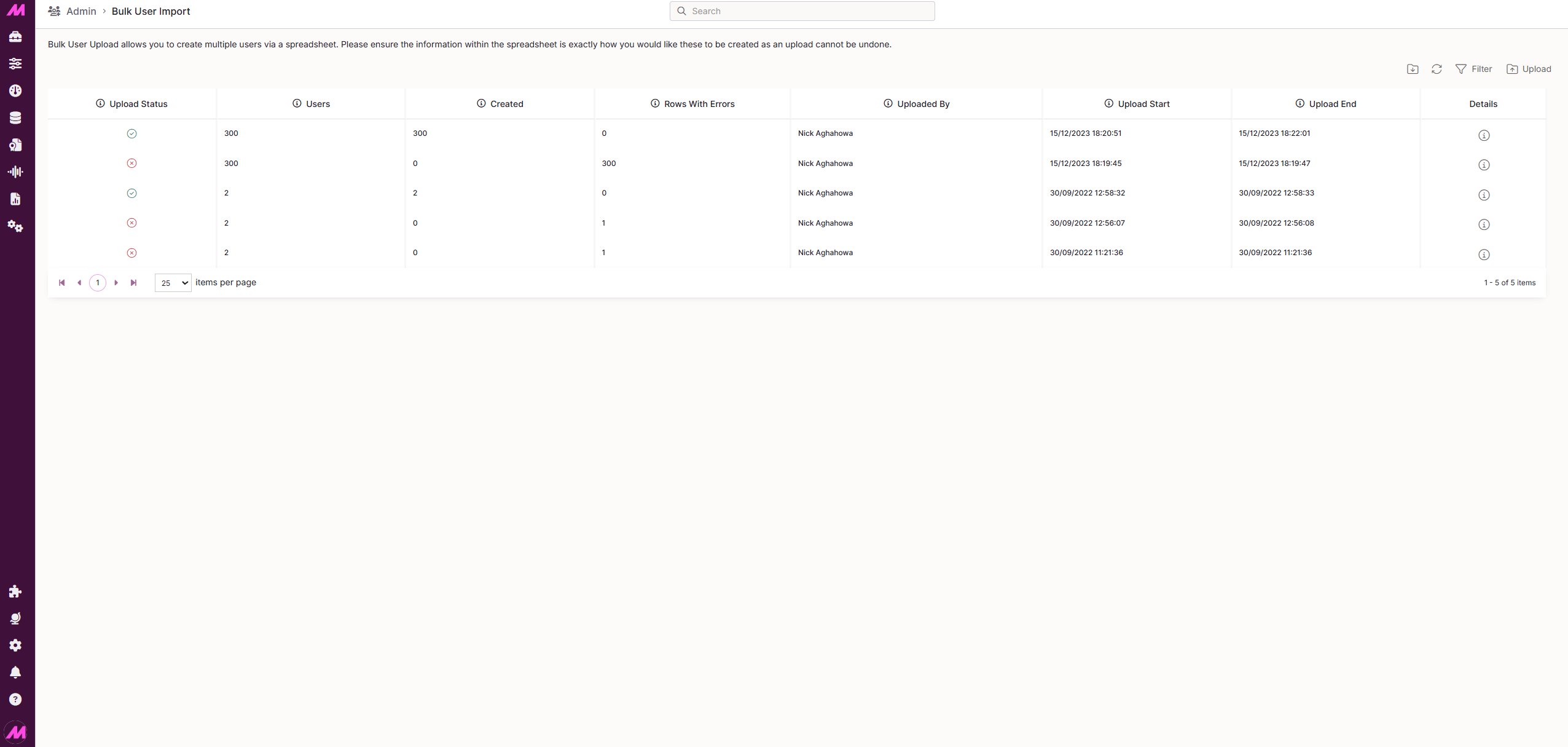
The Bulk User Upload page displays a table of all previous imports. This will be empty the first time you use the feature.
| Column | Description |
|---|---|
| Upload status | Shows the current status of the upload. A tick icon means users were created successfully. A cross icon means there were errors — check that all required fields are completed correctly. A spinner icon means the upload is still in progress; refresh the page or return later to check the result. |
| Users | The total number of entries in the uploaded file. |
| Created | The number of users successfully created from the upload. |
| Rows with errors | The number of rows that contain errors. Select the download button to export these rows, correct the data, and re-upload the file to try again. |
| Uploaded by | The name of the user who initiated the upload. |
| Upload start | The date and time the upload process began. |
| Upload end | The date and time the upload process completed. |
| Details | Select the information icon to view a breakdown of the import. For failed uploads, a download icon is also available so you can export, fix, and re-upload the affected rows. |
 Page options
The following options appear in the top-right corner of the Bulk User Upload page.
| Option | Description |
|---|---|
| Refresh data | Reloads the page to display any uploads that have occurred since you started viewing. |
| Download import template | Downloads the CSV template used to add your users. See the Template fields section below for a full breakdown of each column. |
| Filter | Filters the import history table by the first five columns. |
| Upload file | Opens the upload dialogue. Select your completed CSV file and choose Upload to begin. The system validates the file on selection and confirms whether it is valid before processing. Once submitted, the table shows a pending status while the upload runs. Refresh the page manually to see the final result, as the page does not update automatically. |
Template fields
Download the import template using the page option above, then complete it using the field guidance below. Fields marked with an asterisk (*) are required.
| Field | Notes |
|---|---|
| First name* | Accepts letters, numbers, and the following characters: + - % _ , / () . £ $ ! ? @ ' |
| Last name* | Accepts letters, numbers, and the following characters: + - % _ , / () . £ $ ! ? @ ' |
| Login* | Maximum 40 characters. Must be unique — the upload will fail if the login already exists in the system. |
| Password* | Case sensitive. Must meet the complexity requirements of the associated Password Policy. |
| Permission group* | Enter the name of the permission group (role) to assign to the user. You can only assign groups at or below your own permission level. |
| Web RTC* | Enter TRUE or FALSE. |
| Extension | Optional. The user's extension number. |
| Primary team* | Enter the name of the team to assign the user to. You must be a member of this team for the upload to succeed. |
| Capacity plan | Optional. Enter the name of an existing capacity plan. The upload will fail if the plan specified does not exist. |
| Active* | Enter TRUE or FALSE to set whether the user is active on creation. |
* Required field
Reasons an upload may fail
If an upload fails, you can download the rows with errors and review them against the error messages below.
| Error | Description |
|---|---|
| File type: invalid type | The file is not a supported format. Only .csv and .txt files are accepted. |
| File size: exceeds limit | The file is larger than the 100 KB size limit. |
| No entries | The file contains no data rows. At least one entry is required. |
| Data type mismatch | The data entered in a specific row and column does not match the expected format. |
| Field cannot be empty | A required field has been left blank. |
| Field too short or too long | A field value does not meet the length requirements. |
| First name or last name: invalid characters | The name contains characters that are not permitted. |
| Login: duplicate in file | The file contains two or more rows with the same login. |
| Login: already exists | One or more logins in the file already exist in the system. |
| Permission group: does not exist | The specified permission group cannot be found in the system. |
| Permission group: insufficient access | The specified permission group is at a higher level than your own. |
| Password policy: complexity not met | The password does not meet the requirements of the associated Password Policy. |
| Primary team: does not exist | The specified team cannot be found in the system. |
| Primary team: not a member | You are not a member of the specified team. You must be in the team to upload users to it. |
| Capacity plan: does not exist | The specified capacity plan cannot be found in the system. |