
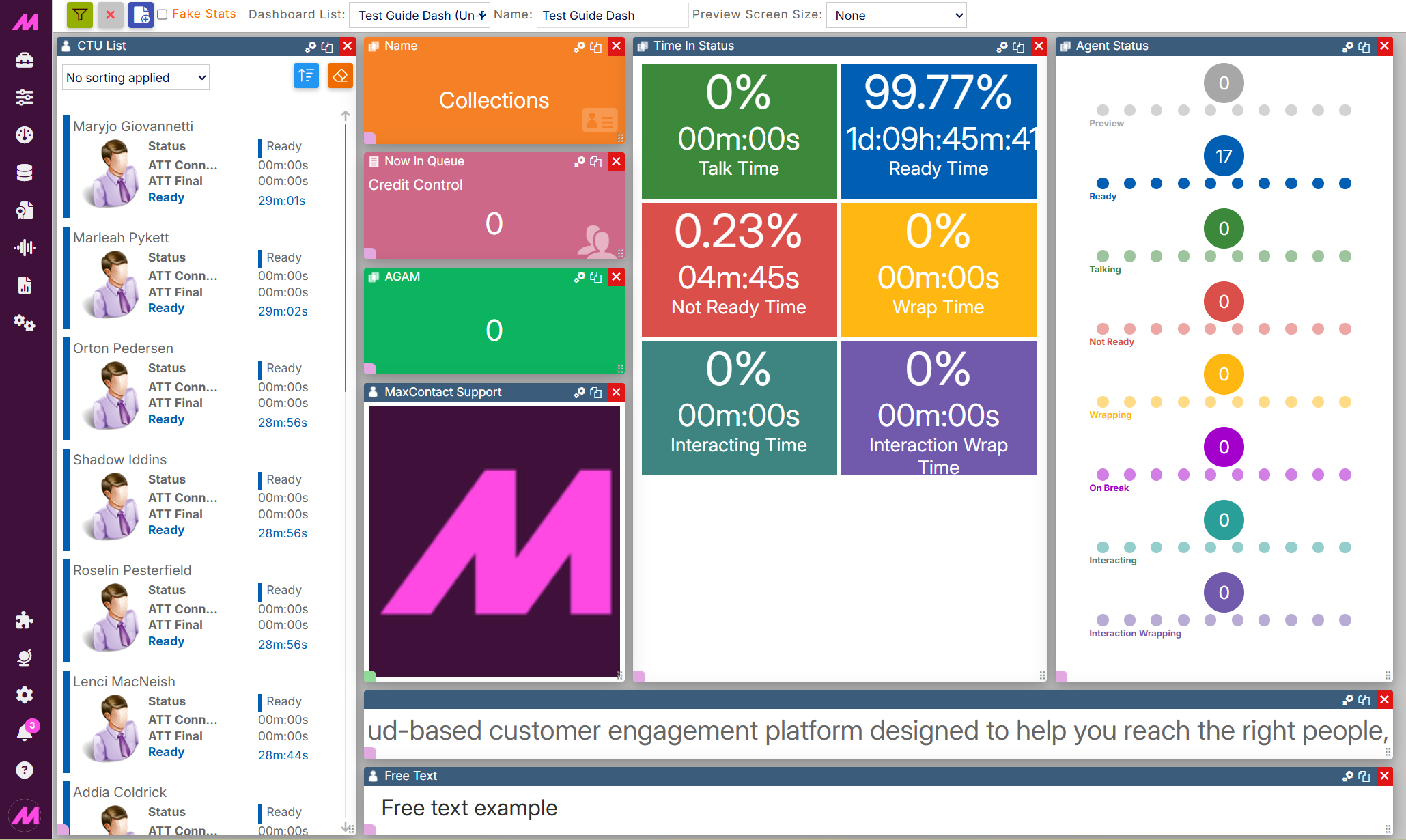
Dashboard Widgets — Grids
Grid widgets display data in table form rather than as individual stat tiles. This article covers each Grid widget type and the settings available within them.
| Widget | Description |
|---|---|
| Configurable Grid | Shows all available information for a selected Campaign, List, Team, or User in a fully customisable table. |
| Break Table | Shows which agents are currently on break and details of those breaks. |
| Filtered Calls | Monitors calls that exceed a specific time limit. |
| Result Code Activity | Shows all result codes submitted by agents when dispositioning calls. |
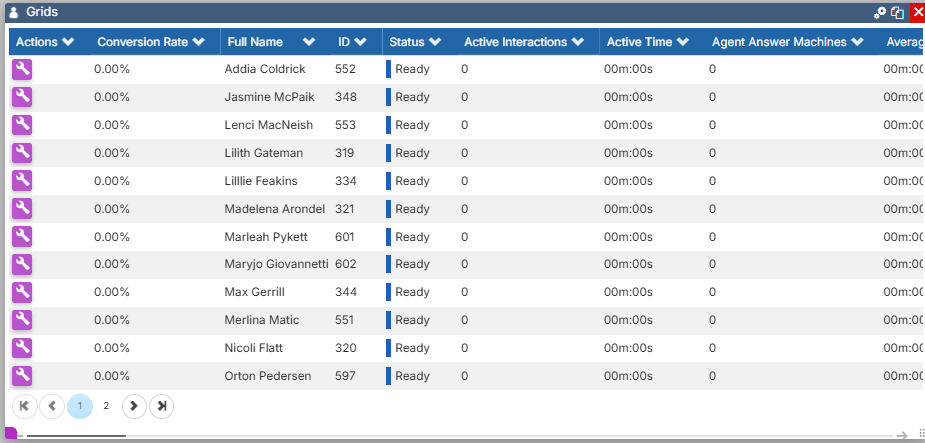
Configurable Grid
The Configurable Grid shows data in a table rather than as individual widgets, displaying information for a selected Campaign, List, Team, or User. Select the settings icon to configure it. For a full list of the stats available for each data type, see Configurable Grid — All Stats by Data Type
| Setting | Description |
|---|---|
| Title | An optional name for the grid. |
| Data Type | Select the data type to display — Campaign, List, Team, or User. |
| Filter Data | Shows only data for agents currently logged in. |
| Filter data by status | Filters the grid by any status agents can be in. |
| Font size | Sets the displayed font size on the grid. |
| Add/Remove Columns | Select Columns from the dropdown menu to choose which columns appear in the grid. Check the columns you want to show and uncheck the ones you don't. Columns can be reordered by selecting and dragging the column header to the desired position. |
Column sorting
Select a column header once to sort the grid by that column in ascending order, twice for descending order, and a third time to return to the default order.
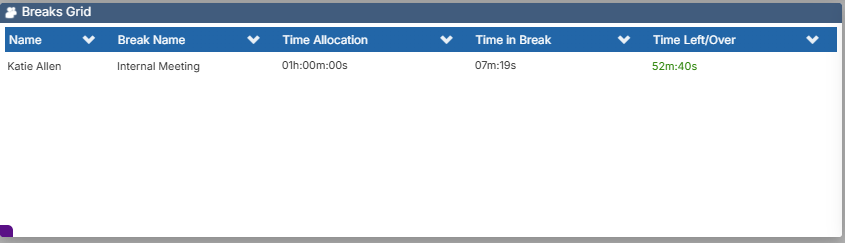
Break Table
The Break Table shows which agents are currently on break and details of those breaks. This can be changed to show campaign or team-level data.
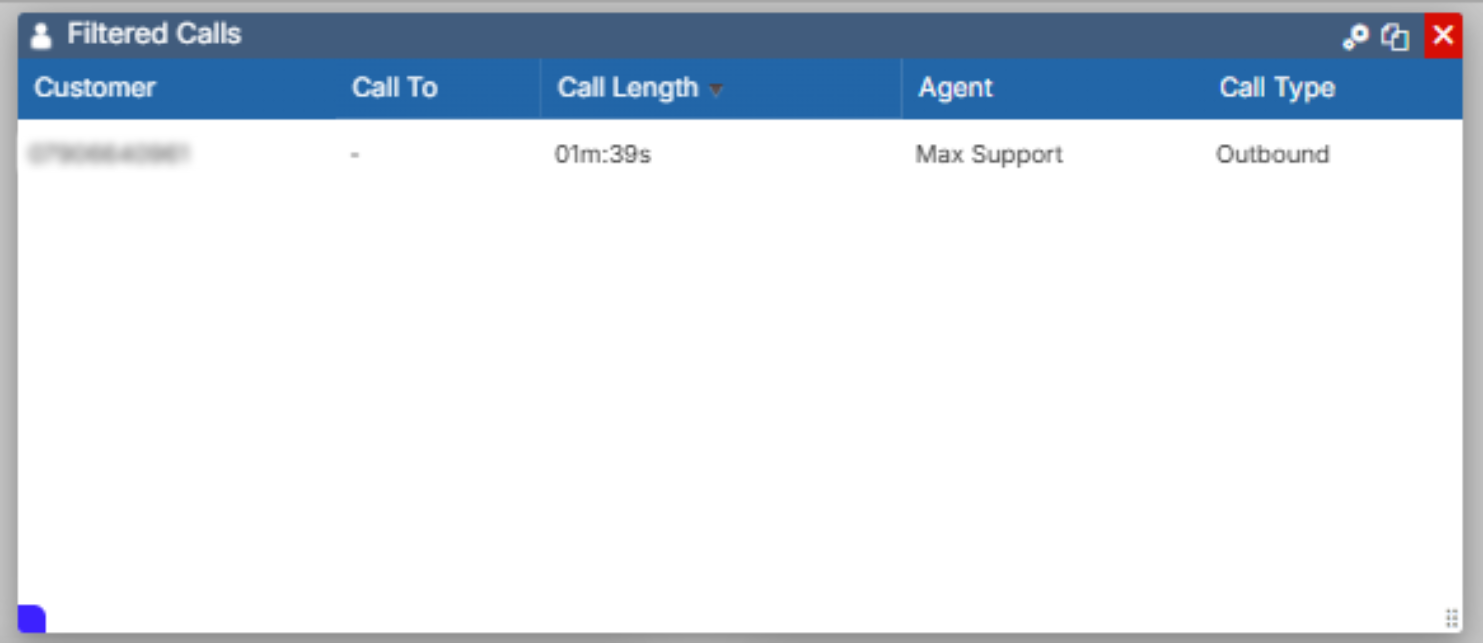
Filtered Calls
The Filtered Calls widget lets you monitor calls that exceed a specific time limit. Select the settings icon to configure it.
| Setting | Description |
|---|---|
| Call Types | Select from Outbound, Inbound, and Transfer/Bridged call types. |
| Call Length | The length of time a call must exceed before it is displayed in the grid. |
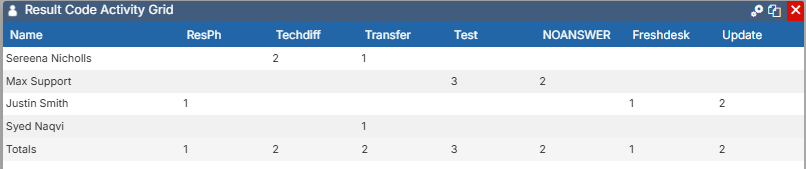
Result Code Activity
The Result Code Activity grid shows all result codes submitted by agents when dispositioning calls. You can order the grid by any of the result codes displayed.