
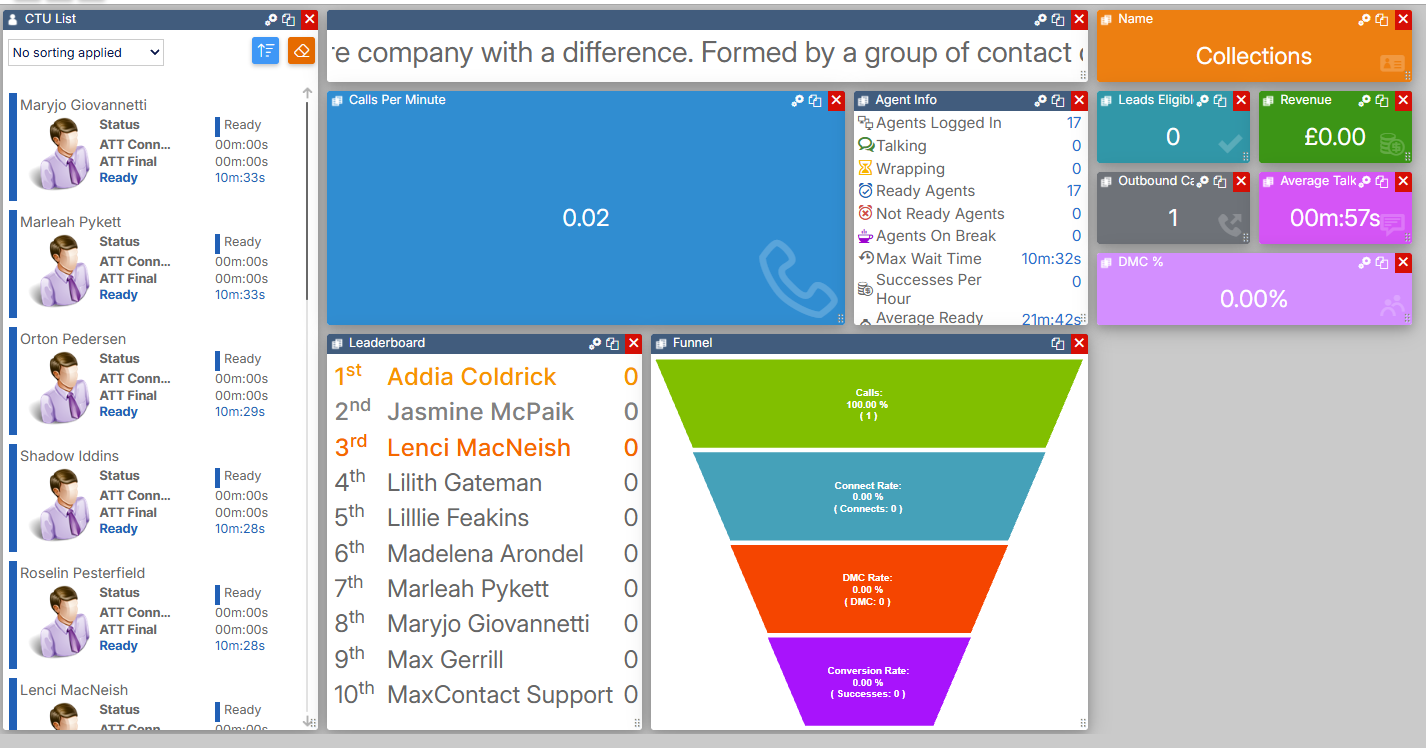
 Dashboard Widgets — Target
The Target Comparison widget shows how a statistic is performing against the targets set on the Targets page. By default, the widget displays Average Handle Time. The widget shows a coloured arrow that changes depending on current performance against the target.
Targets are configured via Settings > Advanced > Targets.
Note. This is a legacy feature currently under development and may display differently to what is described here.
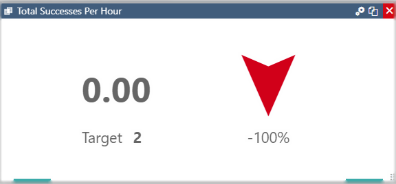
Widget settings
Select the settings icon to configure the widget.
| Setting | Description |
|---|---|
| Target | Select the statistic to display on the widget. Options are: Avg Handle Time, Avg Talk Time, Burns PH, Conv %, Excep %, Productivity Time, Success PH, and Wrap Time. |
| Auto Resize Text | When enabled, the text automatically resizes as the widget is resized on the dashboard. When disabled, the text can be resized manually. |
| Show all targets | When enabled, places a line on the target bar to indicate where the target sits in relation to current performance. |