
What is the feature?
The script without call/interaction feature allows users to bring up a lead within Contact Hub without having to initiate a call/interaction on the system. They can then use the basic script functionality to view/edit/update the leads data or just navigate through the script.
Use case examples
Quality Assurance- Clients with QA teams may wish to log into a campaign and initiate 'Script Only' whilst listening to call recordings. This will enable them to more accurately gauge, not only where the script helps/hinders, but also the agent's performance on the call in relation to the process set out via the script.
Update Lead Info- Using 'Script Only' allows you to go into a script with a lead loaded and modify the information recorded. Examples such as user error, missing information or collecting information from another source can all be remedied in this way without needing to dial the lead.
Training- Without the need for multiple test calls to internal numbers, your users can get a handle on how the script works and the options it presents at a pace suitable to all. Training sessions can be undertaken in group settings around one screen without the need to call people to see how the script works.
Feature Setup
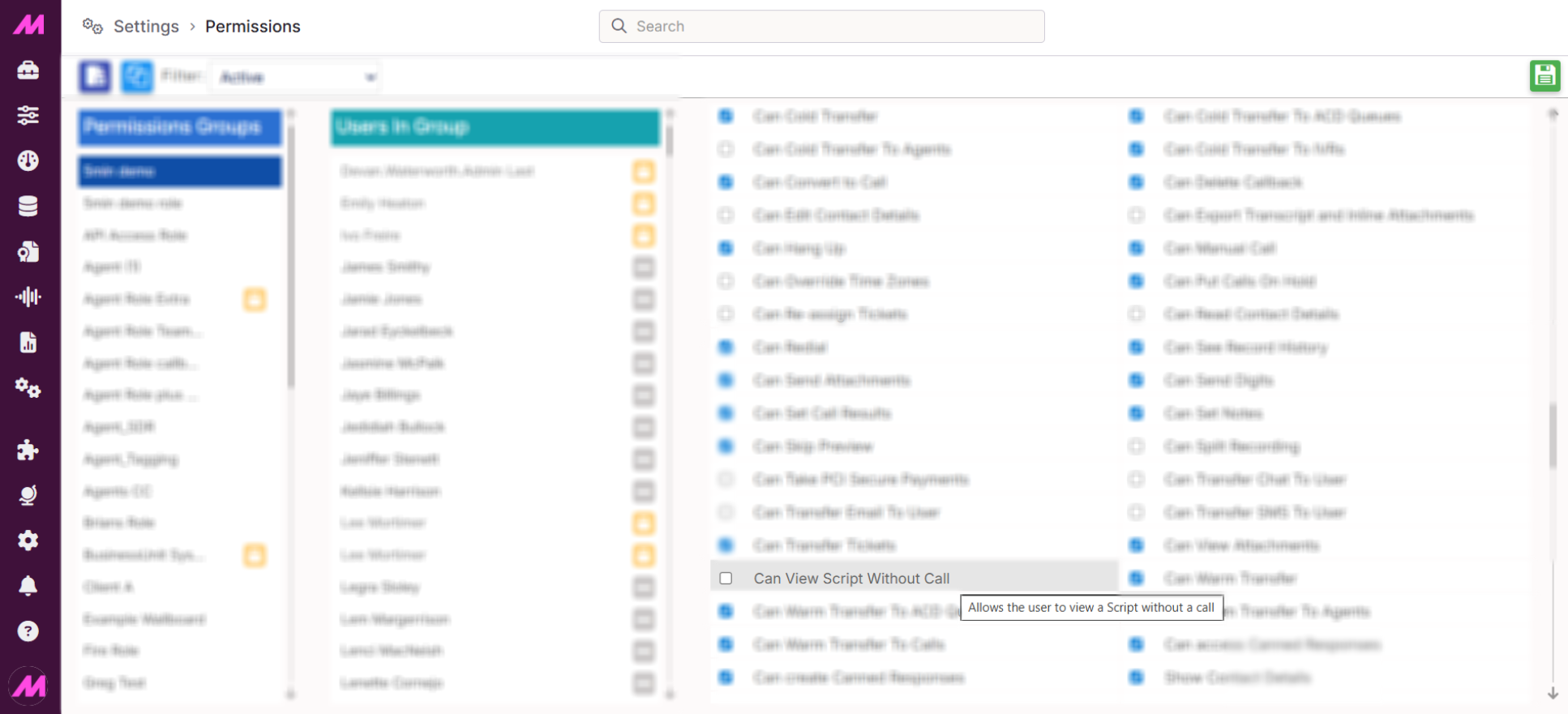
The 'Script Only' feature is on by default, but is only available to users when they have the relevant permission. This can be found under the Agent Permissions, named Can View Script Without Call and will be disabled by default for all roles. Assigning this permission allows users to request a script without an active call/interaction.
Admin users need to create result codes that will be used specifically for this feature. This is because the system simulates a call within Contact Hub to display the script, and the only way to move on from this option will be to apply a disposition. These specific result codes are to signify when someone has used the feature and closed off accessing the script.
When on the result codes page, admin users will see a check box for 'Display on script only interactions'.
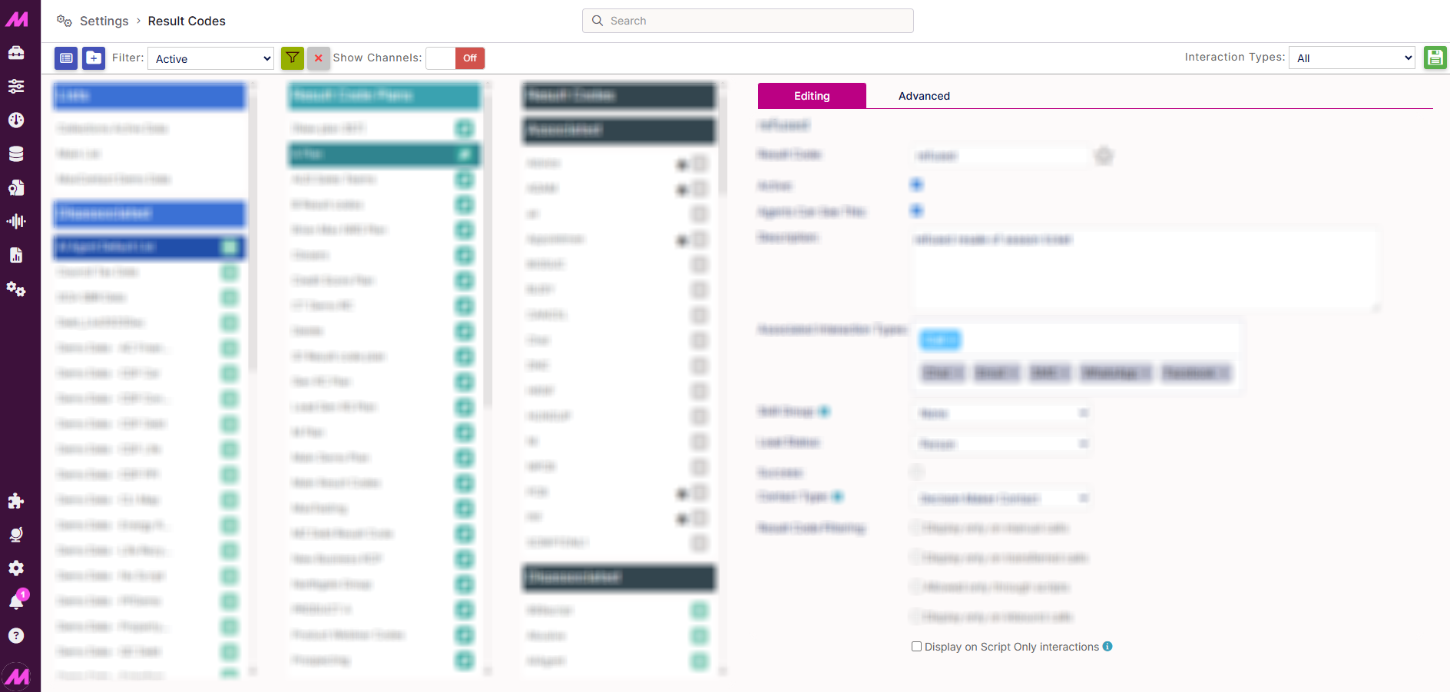
Note - Users can only see result codes that are marked as script only when using the feature and wont have visibility of other result codes.
Steps to Create a Script-Only Result Code
| On the result codes page, select the new result code button in the top left of the page. | 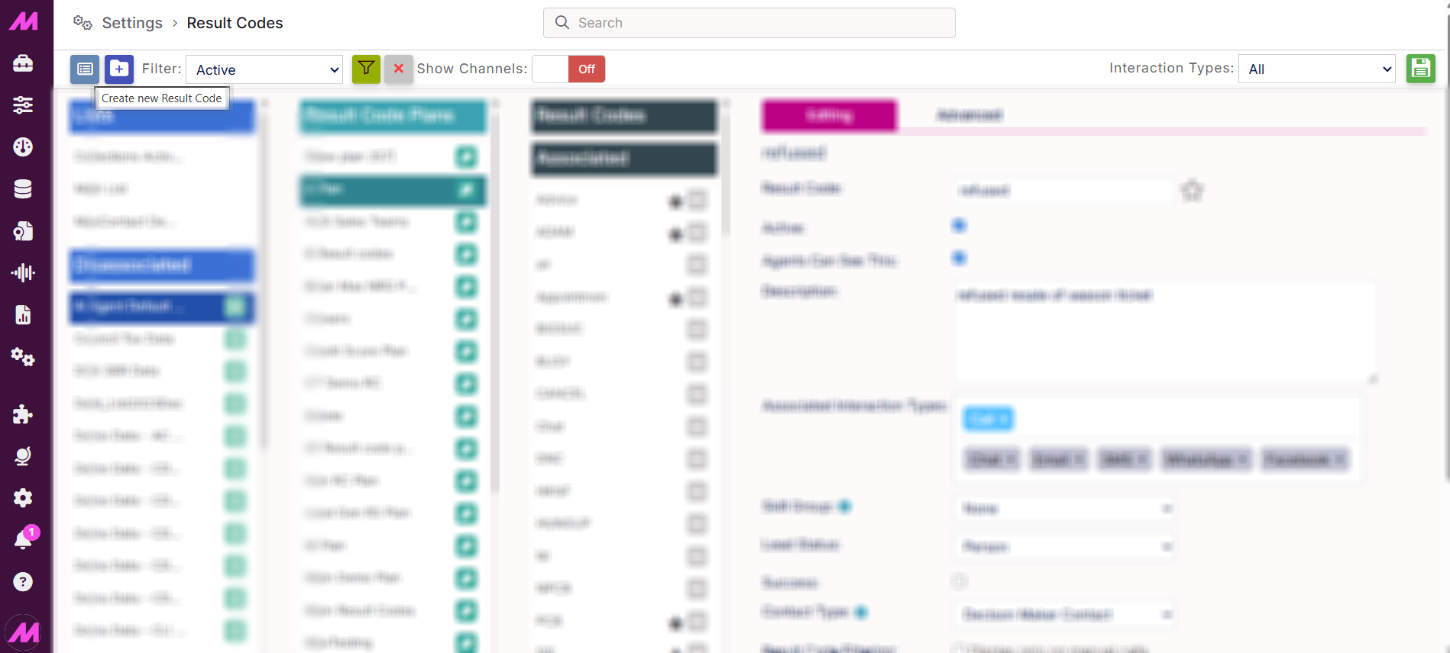 |
| Give the result code a short code/name and a description. | 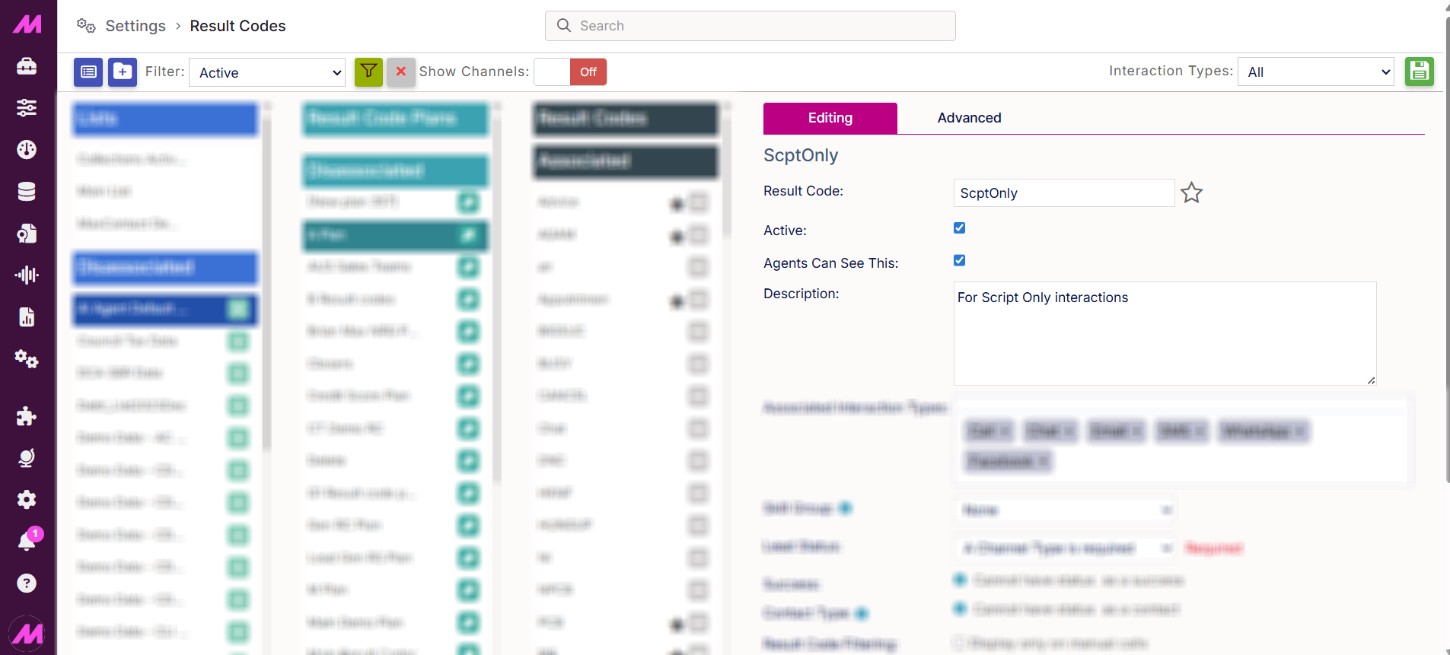 |
| Enable the 'Display on Script Only interactions' tick box. This will restrict the result code so that it is only visible and available to users during a Script Only session. | 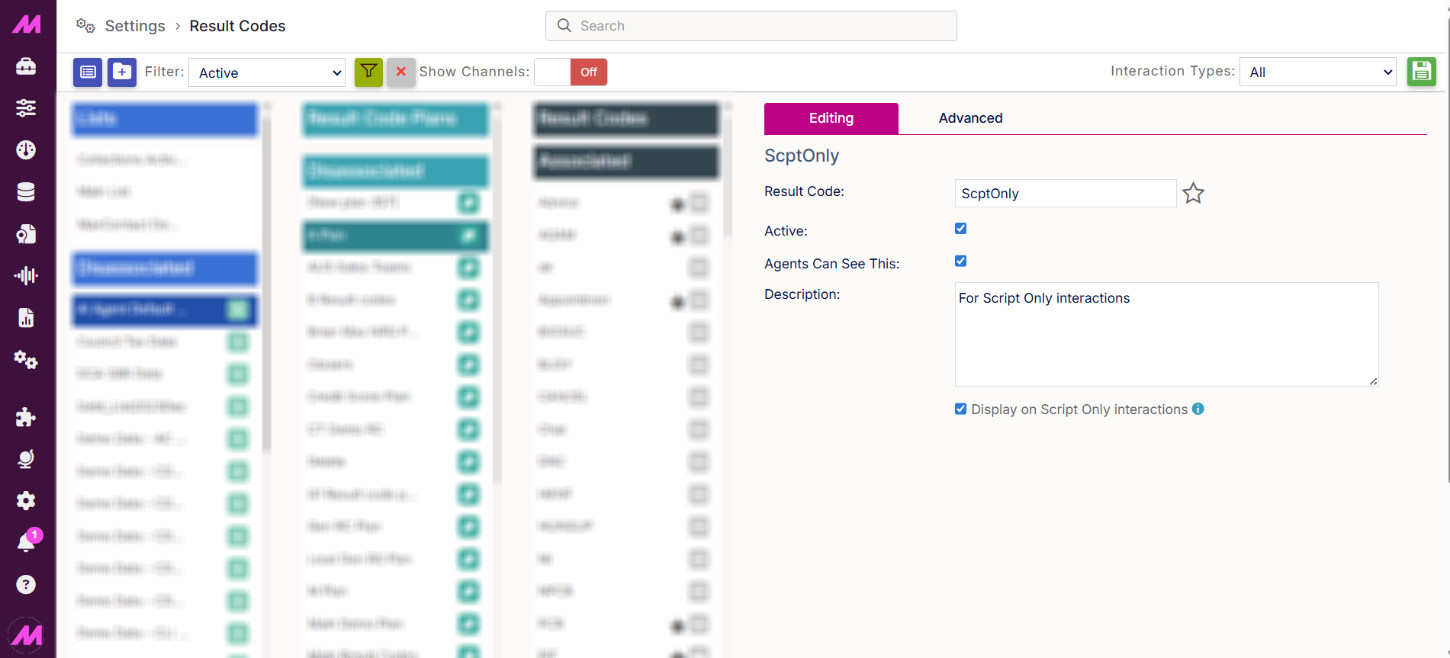 |
| Save the result code and allocate it to the relevant result code plan. | 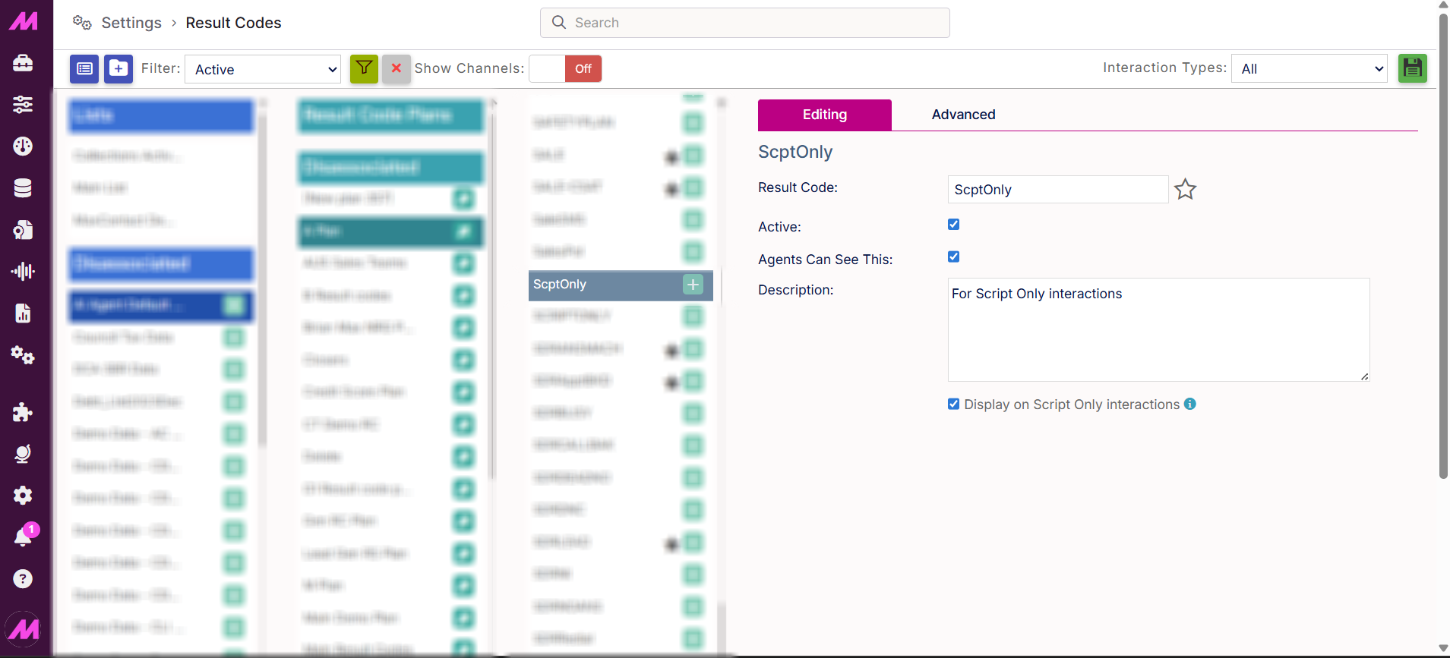 |
Please Note. If you change an existing result code to Script Only, any existing values on the Advanced tab will be cleared and reset. You would need to reconfigure the result code if it is to be used in a traditional script again.
Contact Hub Process
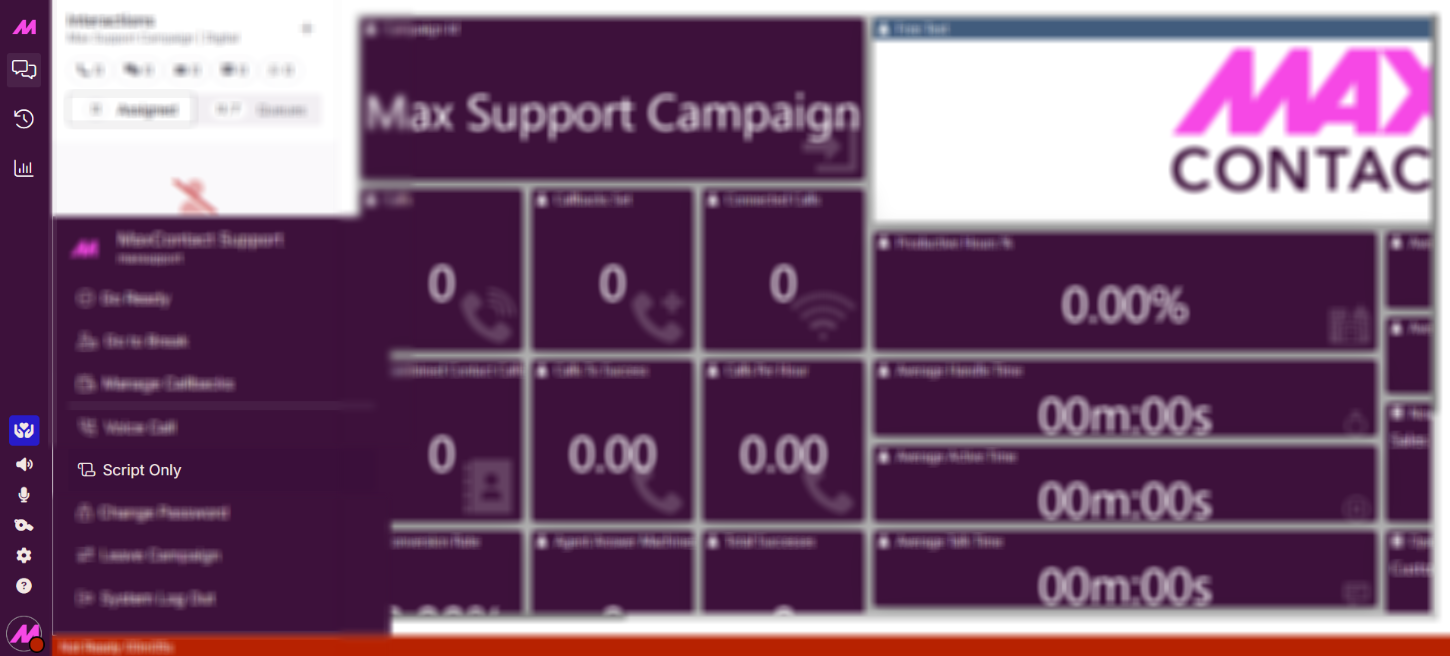
Users log into a campaign as usual and use Contact Hub as normal. In the same way as requesting manual dials or managing callbacks, users can select 'Script Only' to trigger the feature at the next appropriate point.
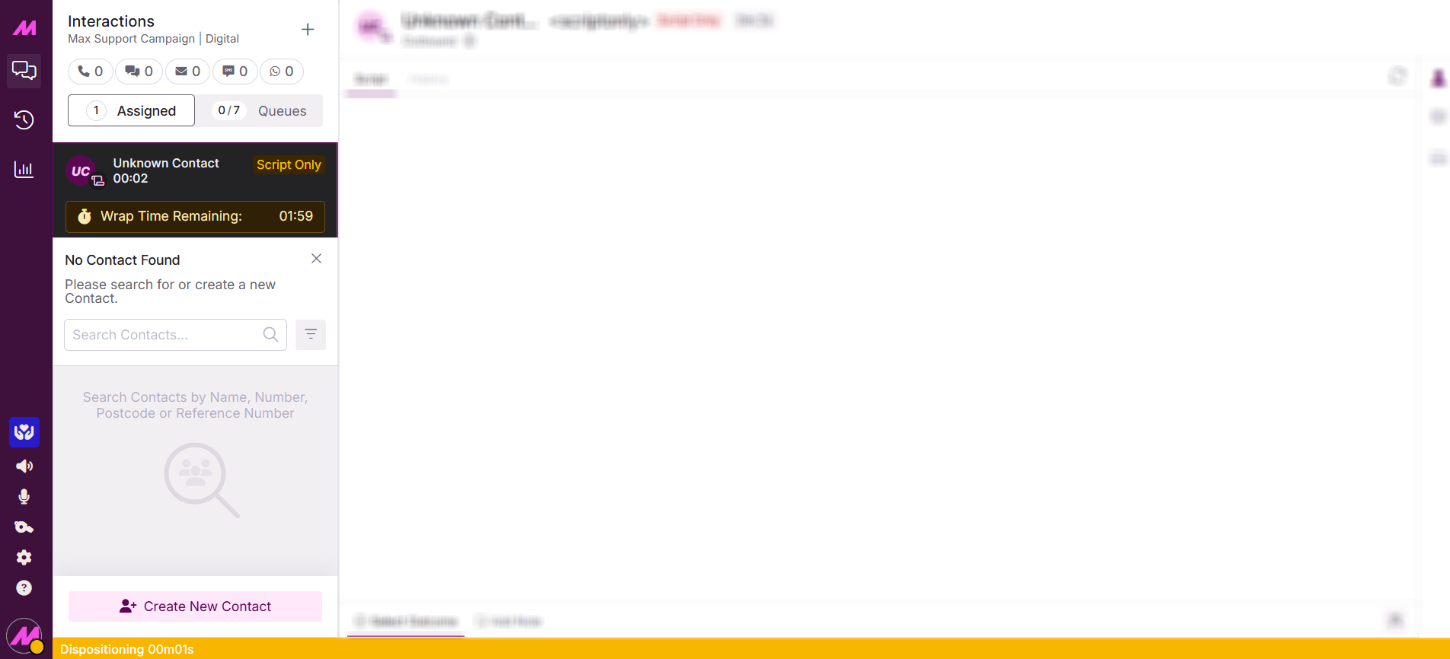
Once actioned, the user is taken into dispositioning/wrap status, where a search box will be present allowing them to locate an existing lead. Alternatively, they can select 'Create Unknown Contact' to add a new lead to the system.
Please Note. Time spent in this state will contribute towards the user's dispositioning/wrap time in reports. This feature is primarily intended for back-office use rather than frontline users.
Once a lead has been selected or created, there are three things to be aware of:
- Script Displayed. Existing leads will display the script associated with the list the lead belongs to. New leads will display the default script set at the campaign level (default list).
- Result Codes. Only result codes marked as 'Display on Script Only Interactions' will be available. All other result codes, whether assigned to the list or embedded within the script, will not be visible.
- Lead Updates. Any edits made within the script will be saved back to the lead upon dispositioning.
Please Note. Using this feature will not change a lead's can-call date and will not affect any callbacks, final result codes, or other lead settings.
Creating a new lead via this feature will set both the imported date and last call date to the date the lead was created. Data from these sessions is written to the script_only_history table in the database, not the standard history table.
Key Points of Awareness
Please note the summary of important points with this feature:
- The permission to access this feature will be off by default on all user roles.
- When presented with a 'Script Only' event, nothing is written back to Record History or Recordings Playback, given there is no active interaction. The user still shows on dashboards, etc, as required.
- If you change an existing result code to script only and save, you cannot revert to the previous settings for that result code, as they are reset to default when saved.
- Wrap time statistics in reports and live stats on wallboards will include use of this feature.
- New leads created with this feature will use the default script set at the campaign level (default list) and won't be 'active' for calls (automatically called from the campaign if outbound).
- Existing leads will use the script from the list the lead is on.
- When a lead is updated via this feature, the information writes back to a new table in the database called 'script_only_history'.
- This feature will not change a lead's can call date and will not affect any callbacks set on the lead, final result codes, etc.
- *Basic script functionality does not include non-script only result codes, telephony buttons, email button and callbacks.