
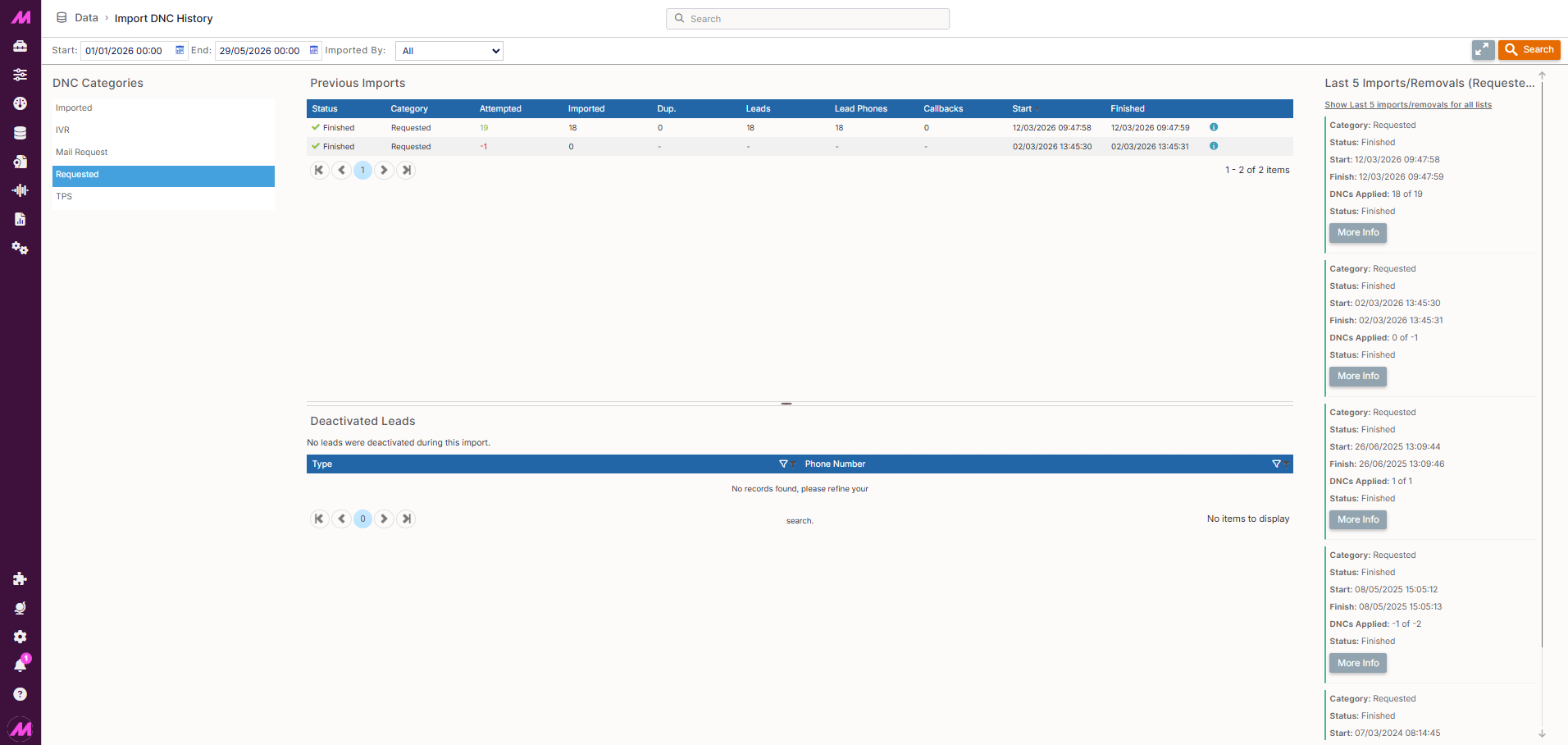
Import DNC History
The Import DNC History page gives you a full record of all DNC imports carried out on your system, including both bulk additions and bulk removals. You can review what was imported, when, by whom, and how many records were affected. Selecting an import also shows you the individual phone numbers that were deactivated as part of it.
To access it, go to Data > Data History > Import DNC History. You can also reach it directly after completing a DNC import by clicking Go to DNC import history on the Import DNC confirmation screen.
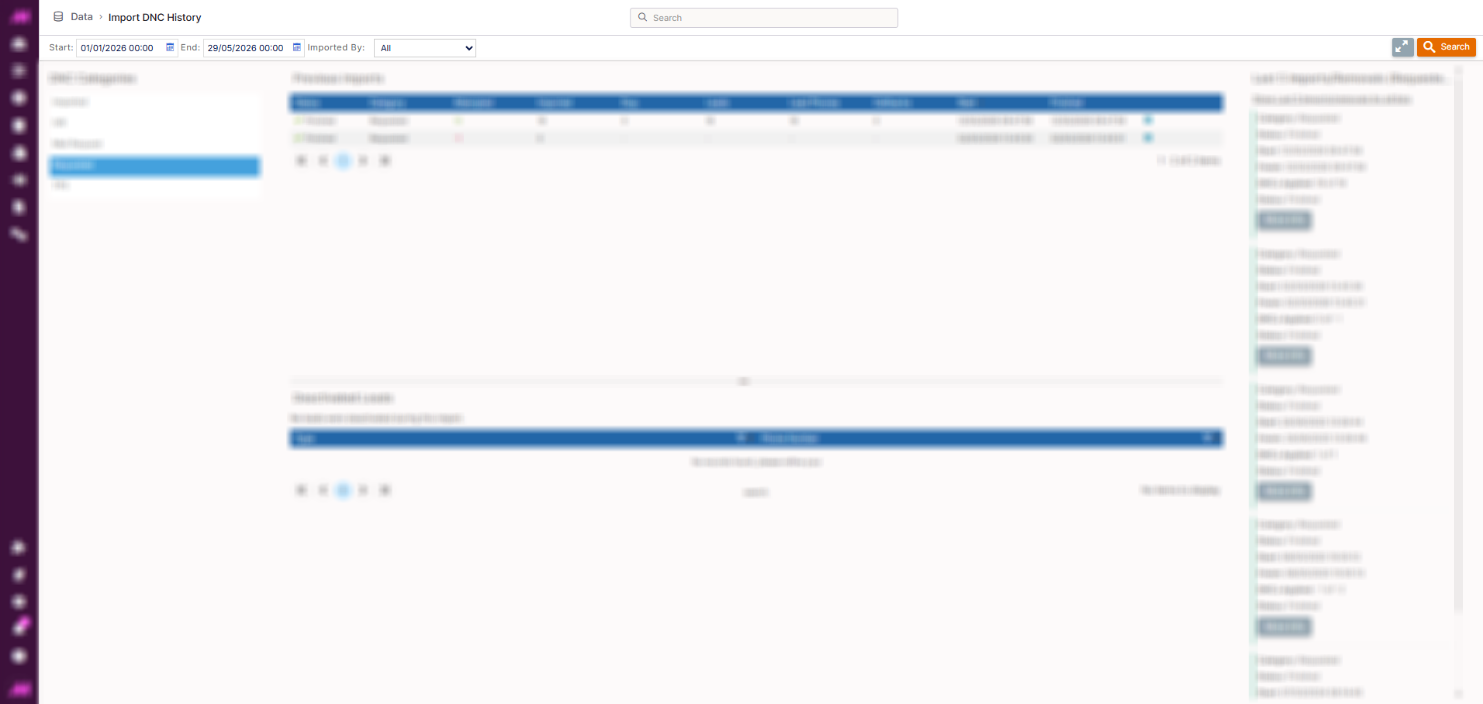
Search and filter
| Option | Description |
|---|---|
| Start date | The start of the date range to search within. |
| End date | The end of the date range to search within. |
| Imported by | Filter by the user who carried out the import. Select All to show imports from all users, or choose a specific user from the dropdown. |
| Recent imports panel | Toggles the right-hand panel that shows the last five imports in summary form. Each entry has a More info button that opens a dialogue box with full details of that import. |
| Search | Applies the selected criteria and updates the Previous Imports table. |
DNC categories
The DNC categories panel shows all the suppression lists currently configured on your system. This gives you a quick reference for which categories are available when reviewing or filtering imports.
DNC categories are created and managed in the Plans section of MaxContact.
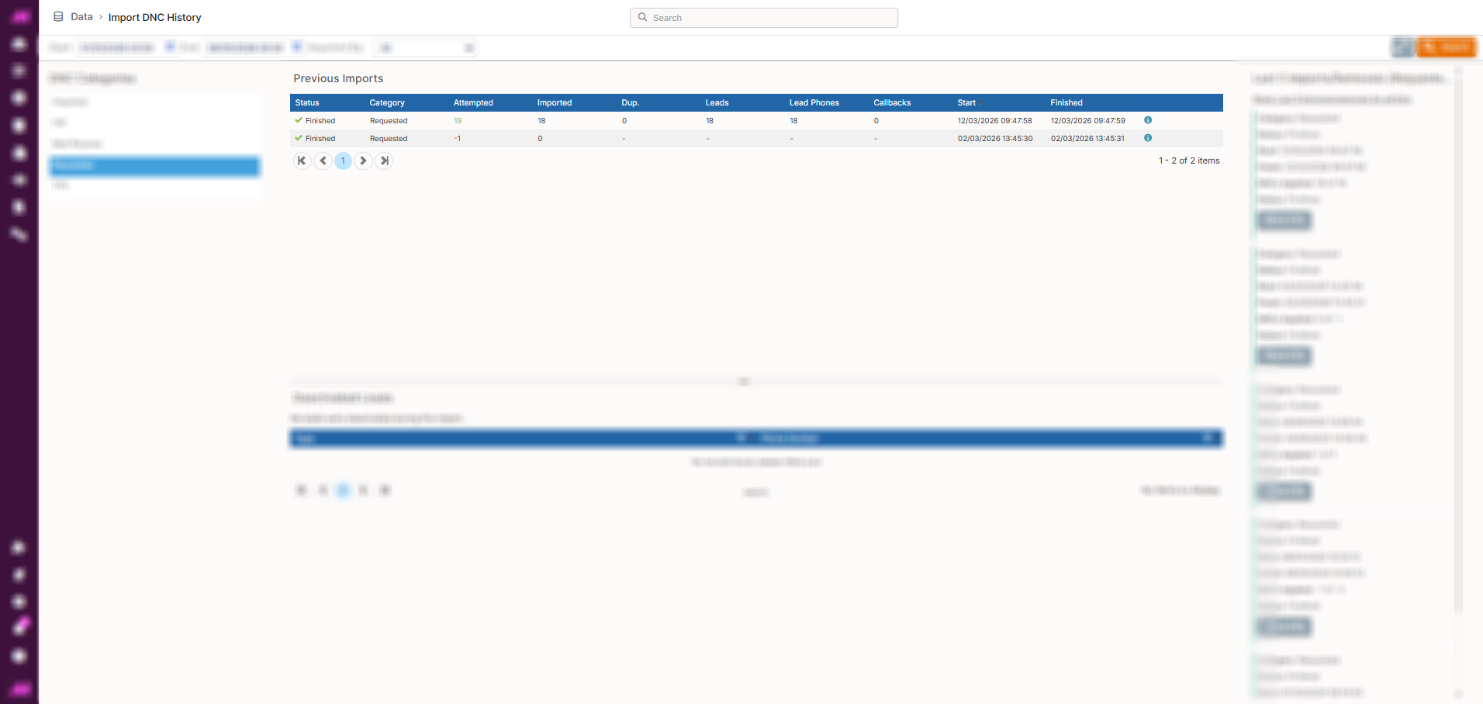
Previous imports table
The table lists all DNC imports that match your search criteria. Each row represents one import. Selecting a row updates the Deactivated Leads section below with the phone numbers affected by that import.
| Column | Description |
|---|---|
| Status | The current state of the import. Statuses follow the same pattern as other import history pages: Completed, Pending or Failed. |
| Category | The DNC category that the numbers were imported into. |
| Attempted | The total number of rows in the import file. With a DNC removal, this will be presented as a negative number. |
| Imported | The total number of phone numbers successfully added to the DNC list. |
| Dup. | The number of phone numbers in the import file that already existed on the DNC list and were skipped. |
| Leads | The total number of lead records deactivated as part of this import. |
| Lead phones | The total number of individual phone numbers deactivated across all affected leads. |
| Callbacks | The total number of scheduled callbacks that were removed as part of this import. |
| Start | The date and time the import started processing. |
| Import finish | The date and time the import finished processing. |
| More info | Opens a dialogue box showing the full details of the import, including the settings applied and the name given to the import at the time it was run. |
Deactivated leads
Selecting an import from the Previous Imports table loads the phone numbers deactivated by that import into the Deactivated Leads section at the bottom of the page.
Use the filter icons above the columns to search through the numbers — useful when an import contains a large number of entries and you need to locate a specific record.
To export the listed numbers, click Download. This saves the current view as a CSV file, including any filters that have been applied.