What's new for Contact Hub for 6.17.0 Release?
AI Agent & PreHandover
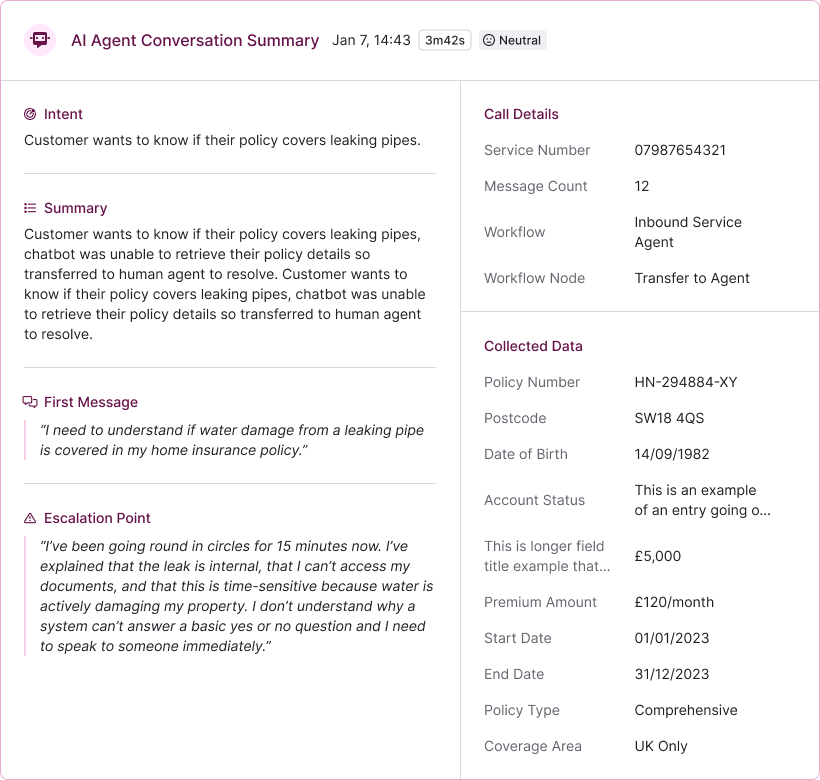
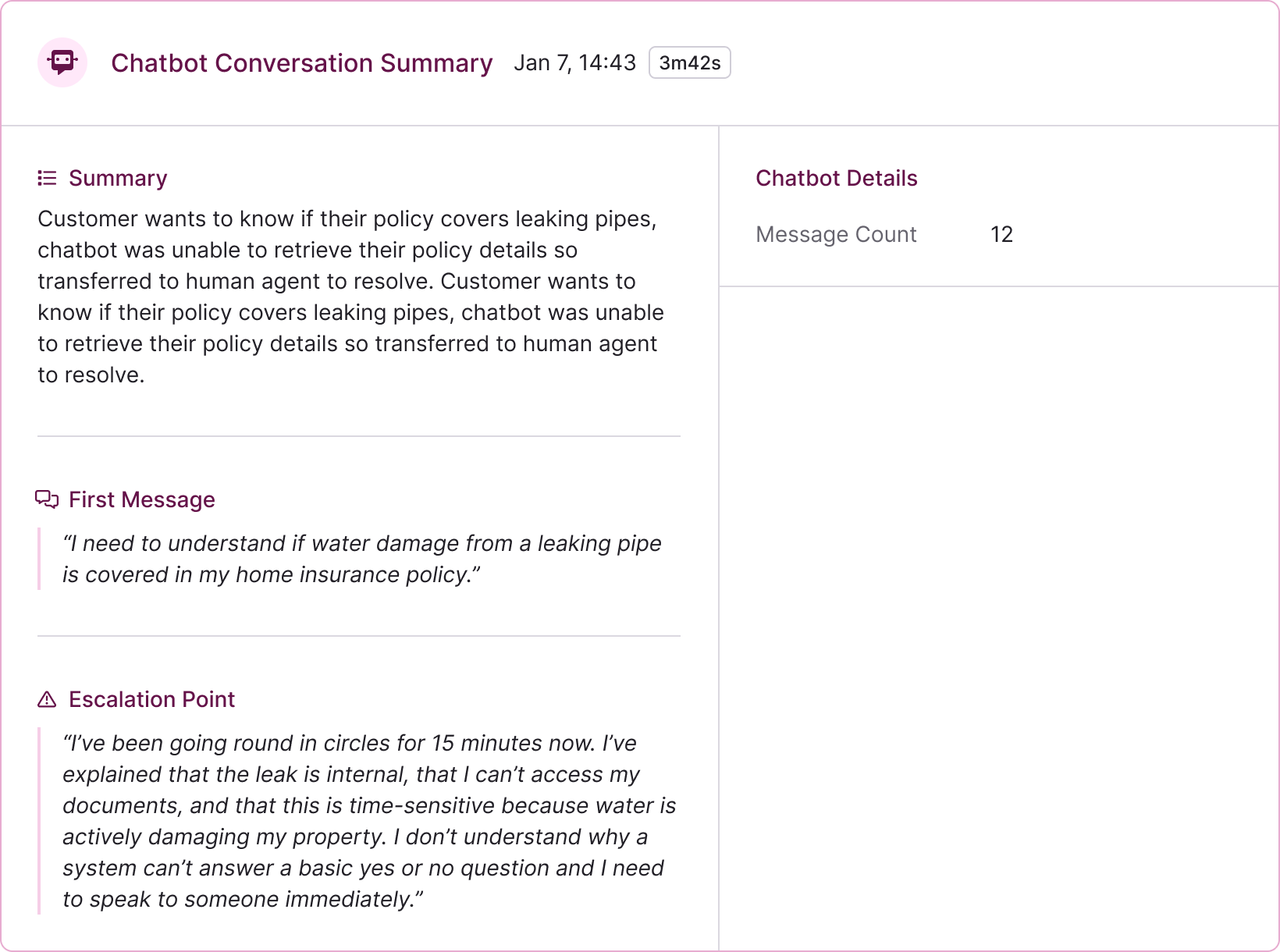
We've refreshed the look and feel of AI Agent Handover and Pre-Chat Handover to make better use of the extra information now available. The updated screens are clearer and easier to follow, so teams can see more helpful context at a glance and pick up conversations with confidence, without hunting for details.
 |  |
- Merging Interactions. This update fixes a problem where merging the same chat or text conversation more than once could leave the interactions page looking empty. After the first merge, the system could incorrectly block the conversation from showing again, so a second merge made it seem like nothing was there until you refreshed the page. Now, merged conversations stay visible and the page updates properly every time.
- Chat Reopening. We've fixed a problem where a reopened chat could end straight away and show "Sorry all agents are busy at the moment", even though it had just gone back into the queue. Now, when a chat is reopened, there's a short pause before any waiting limits are checked, giving the system time to settle and route it properly. This means reopened chats won't close unexpectedly, while all normal waiting rules stay the same.
- Session Handling. In Contact Hub, we've changed how things work when the same account is signed in more than once. If someone logs in on another browser or computer, any existing sessions are now cleanly returned to the campaign selection screen and stay there, instead of being pulled back into a campaign unexpectedly. This avoids the previous sign-in loop where users could keep knocking each other out without knowing why, making it much clearer what's happening and reducing confusion.
What's new for Manager Portal for 6.16.0 Release?
Management Hub | |
| This update introduces the first step in improving Management Hub, making the product easier to navigate and helping settings and configurations be easier to find, with further updates shared as more pages are moved and improved. | 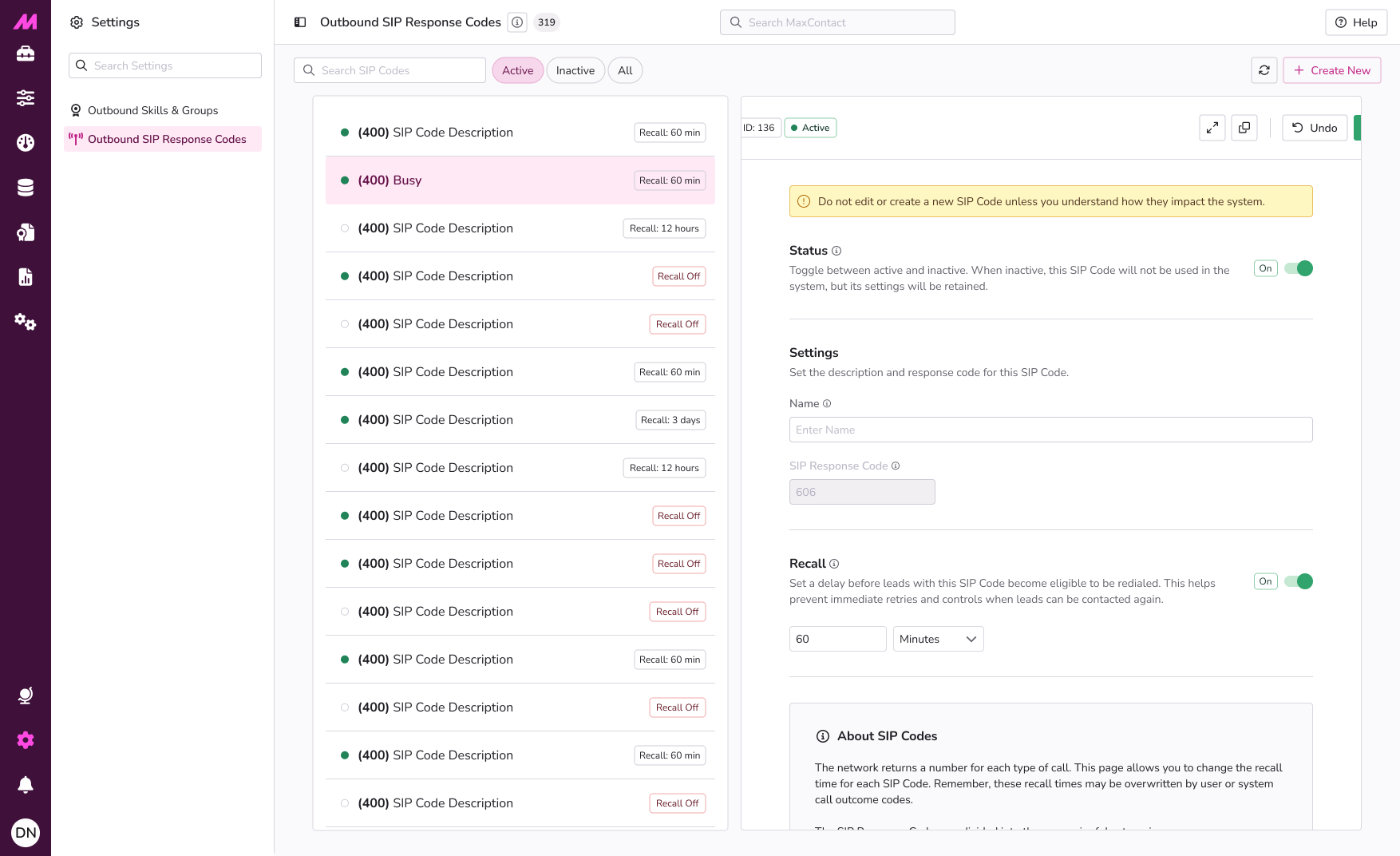 |
- Single Sign-on. We've fixed an issue where people using single sign-on were always sent to the Explore page after logging in, even if they'd tried to open a different page first. Now, if someone follows a link or bookmark before signing in, they'll be taken straight to that page once they've logged in, just as they would expect.
- MFA. We've fixed a problem that could stop some people signing in after the clocks went back. In rare cases, even though the security code was accepted, the sign-in failed right at the end because the system expected a signed-in user too early. We've made this more robust so sign-in checks won't get in the way, ensuring you can log in smoothly when your details are correct.
Other Updates & Enhancements
- System Performance. We fixed an issue that could cause slowdowns for customers using our services during busy periods. Some background processes were holding on to system resources for longer than they should, especially when lots of activity happened at once.
 | As well as the highlighted areas above, infrastructure improvements to enhance the overall product architecture have been included, ensuring better performance, reliability, and scalability, as well as a number of performance enhancements to boost stability and resilience. |
 | New additions are currently in the beta phase of production. You may see this icon for areas containing these features and changes within the product. |