
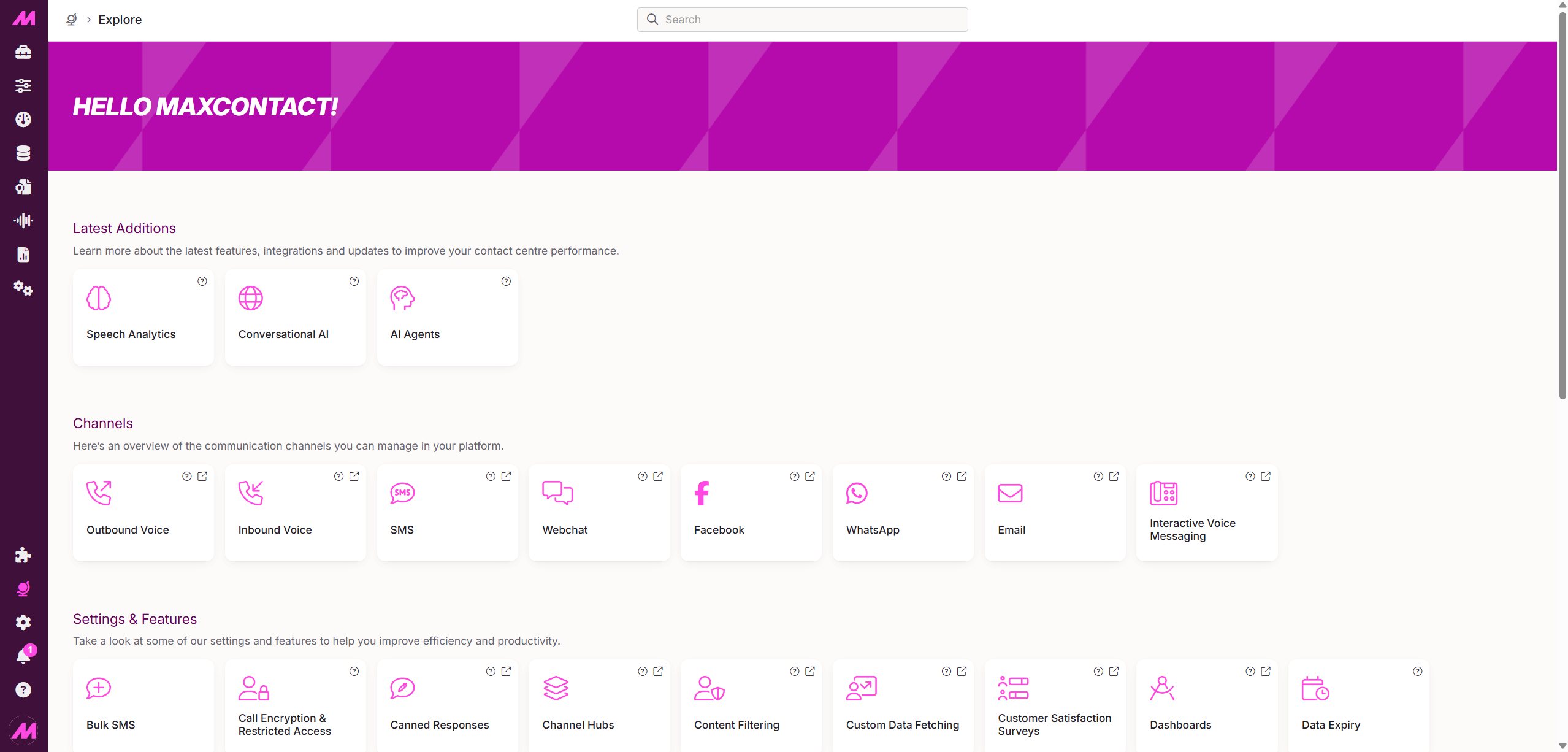
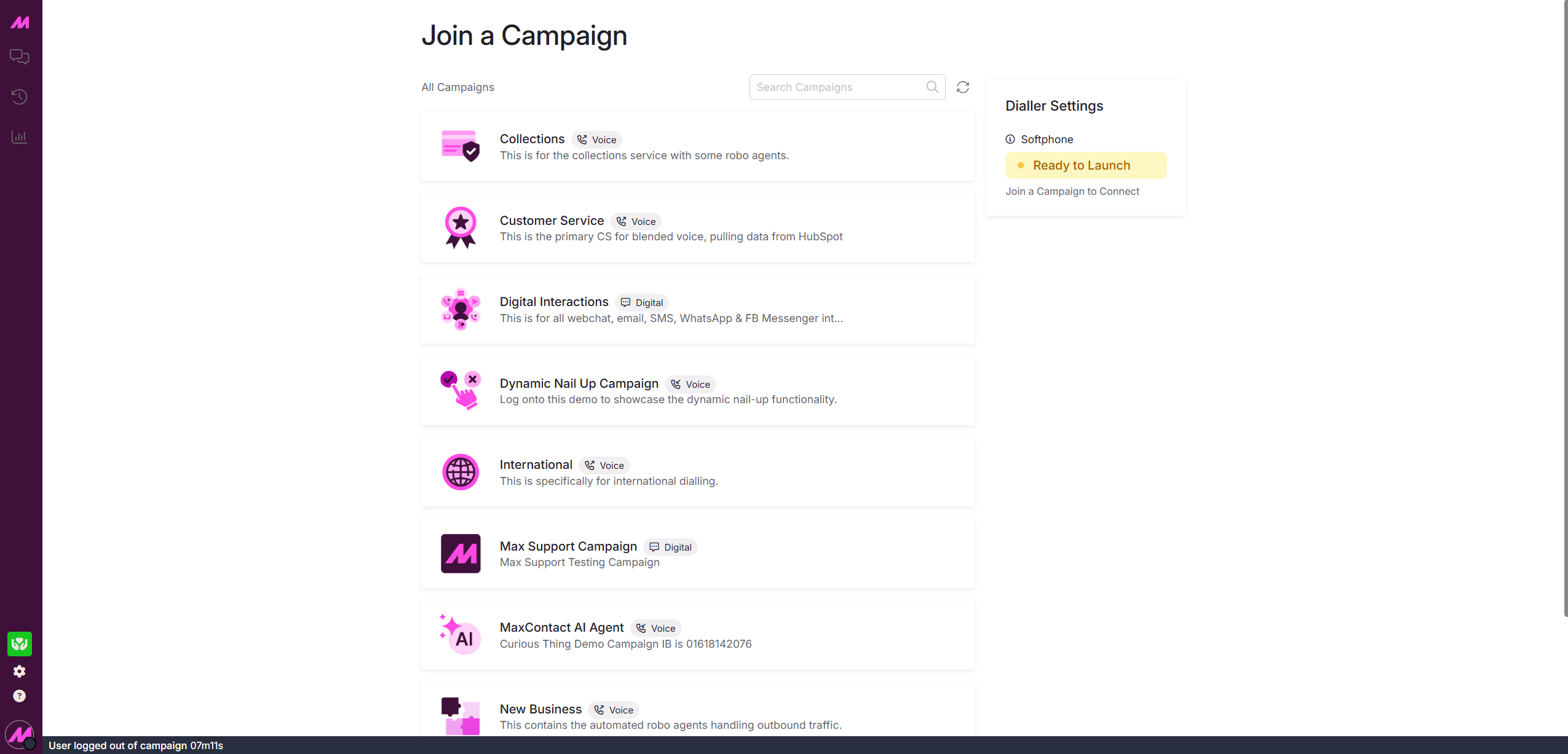
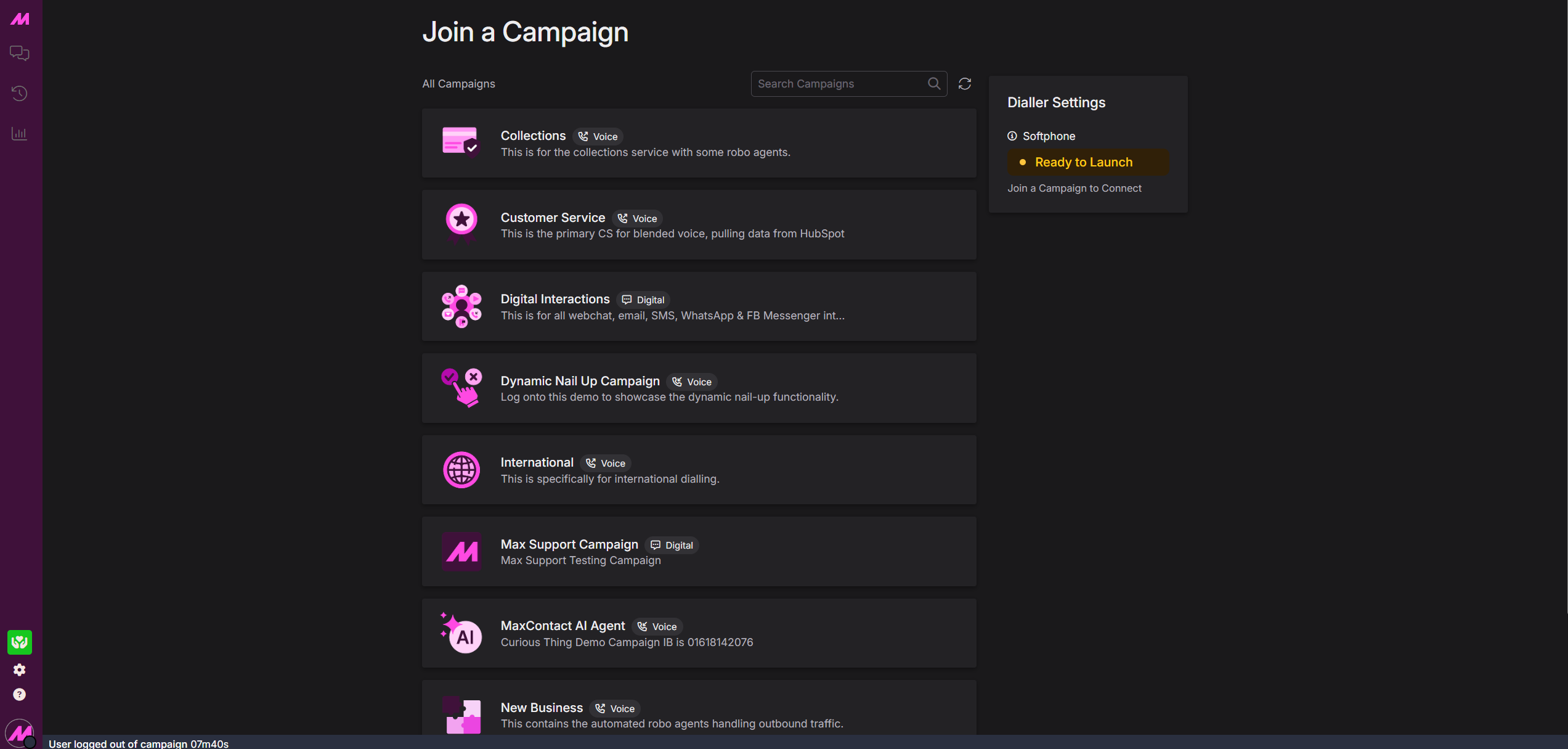
MaxContact supports two theme options that can be applied to change the appearance and colour scheme of your view. Themes can set individually across Contact Hub and Manger Portal/Management Hub.
Default Theme
Dark Theme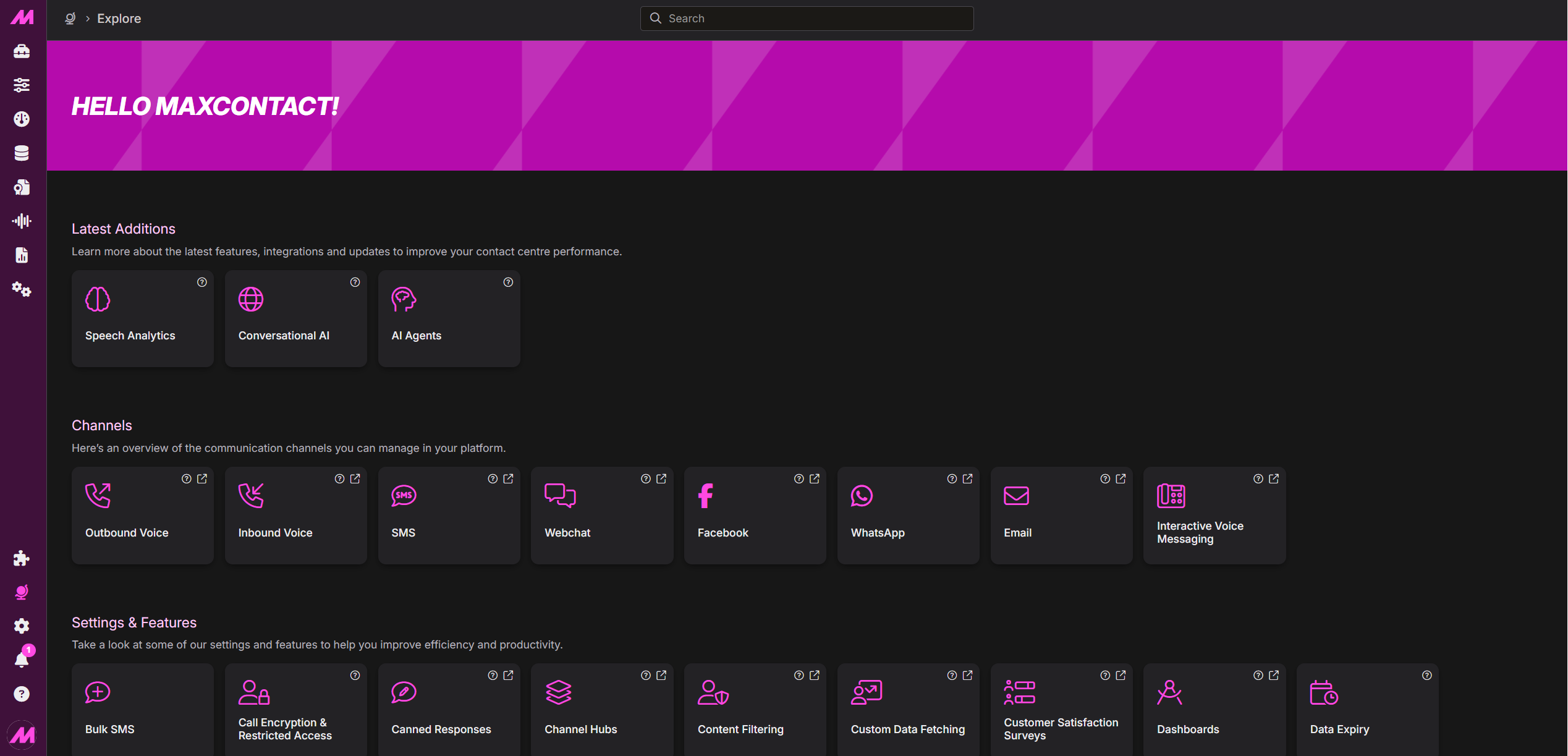
How to change your theme?
Contact Hub
Select the Settings icon (cog) from the left-hand menu. Toggle Dark Theme on or off.
Manager Portal & Management Hub
Select your user profile from the bottom of the left-hand menu. Click Themes and select either Default or Dark Theme.