
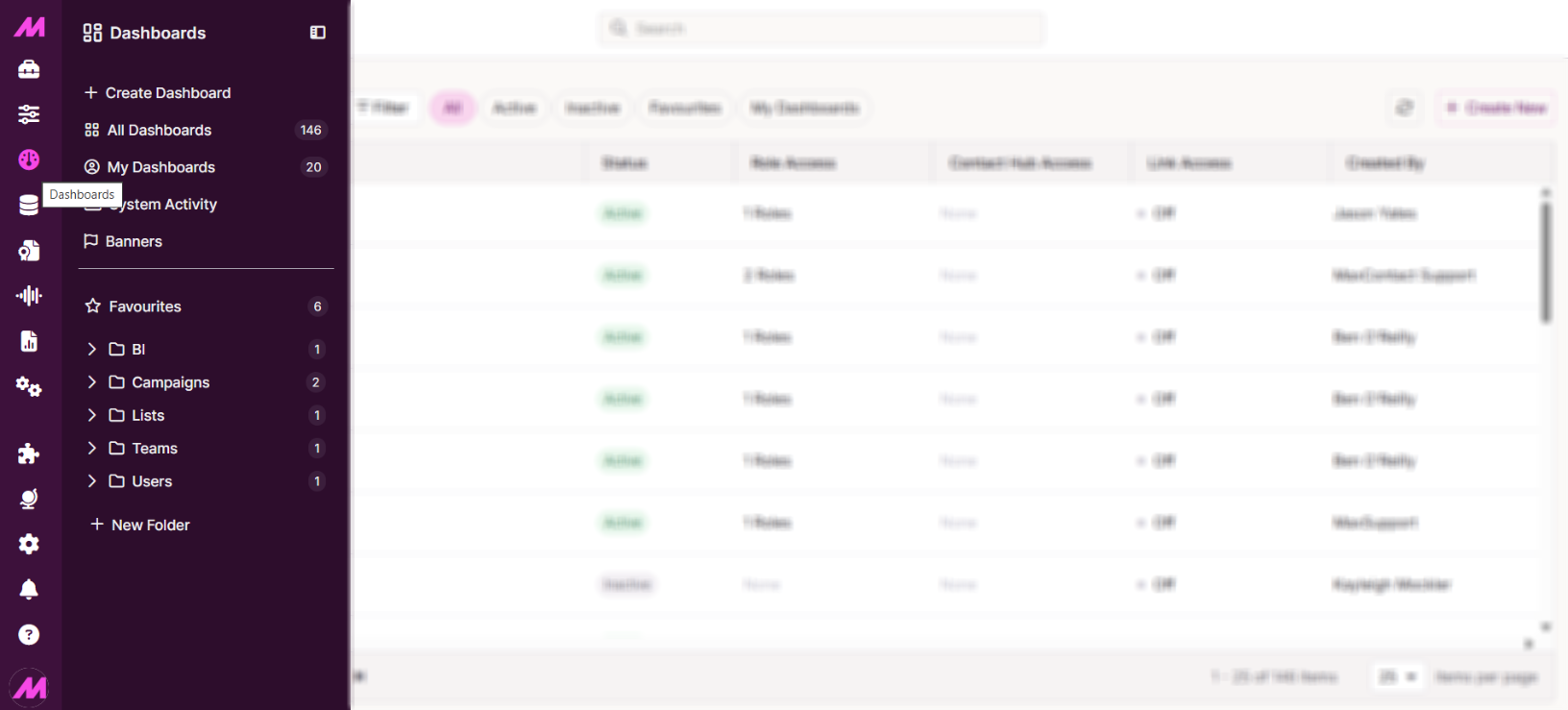
Within the Dashboard panel, select either All Dashboards or My Dashboards.
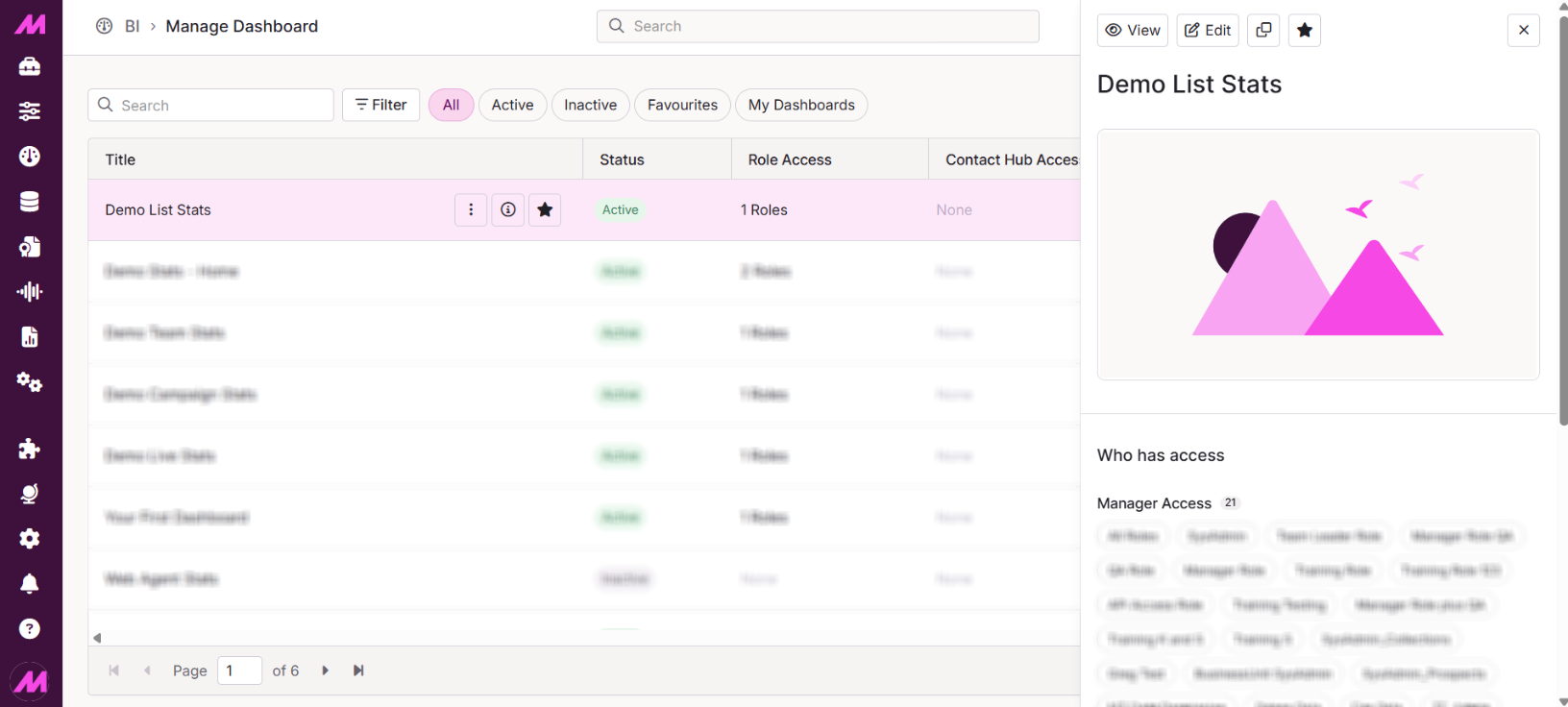
Select the Dashboard you wish to generate a Wallboard link for.
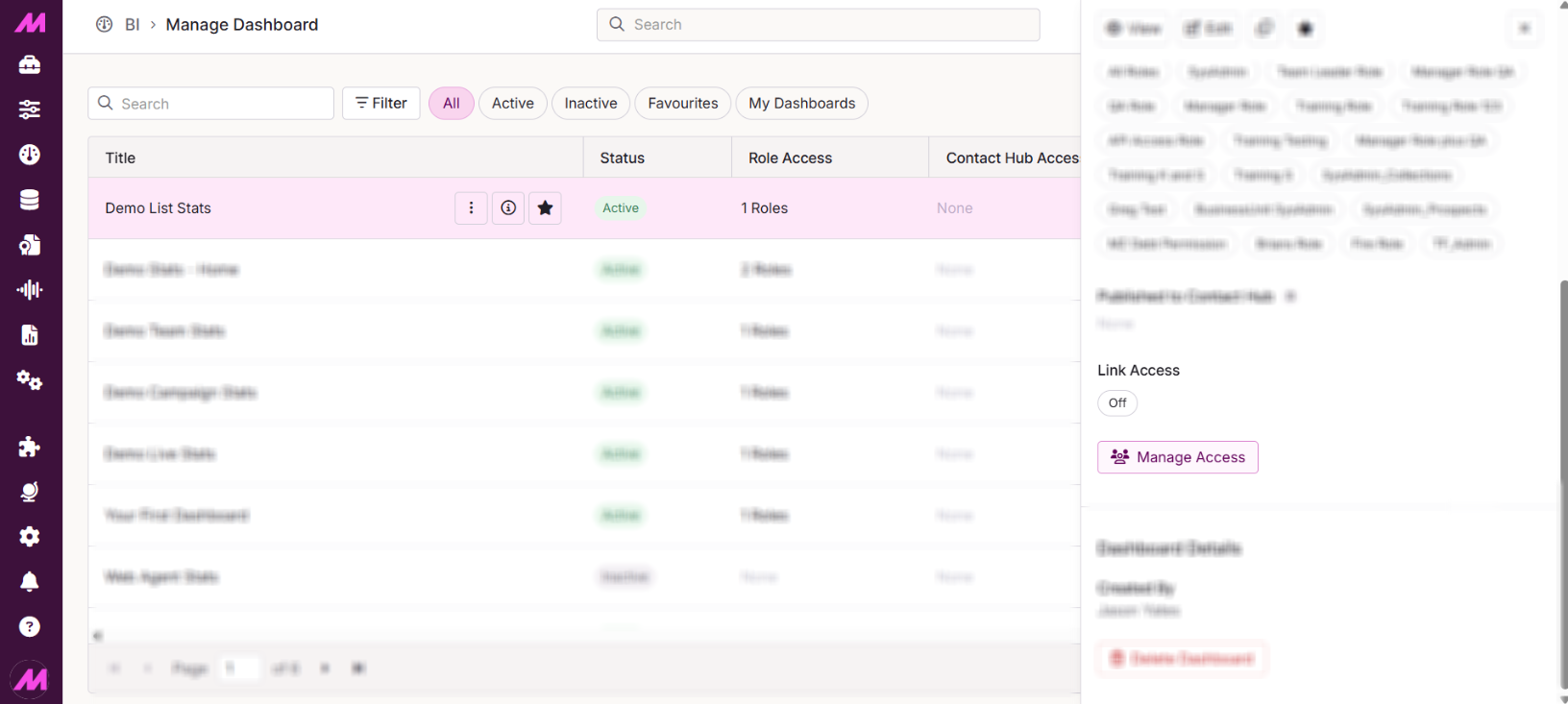
In the right-hand panel, scroll down and select the Manage Access option.
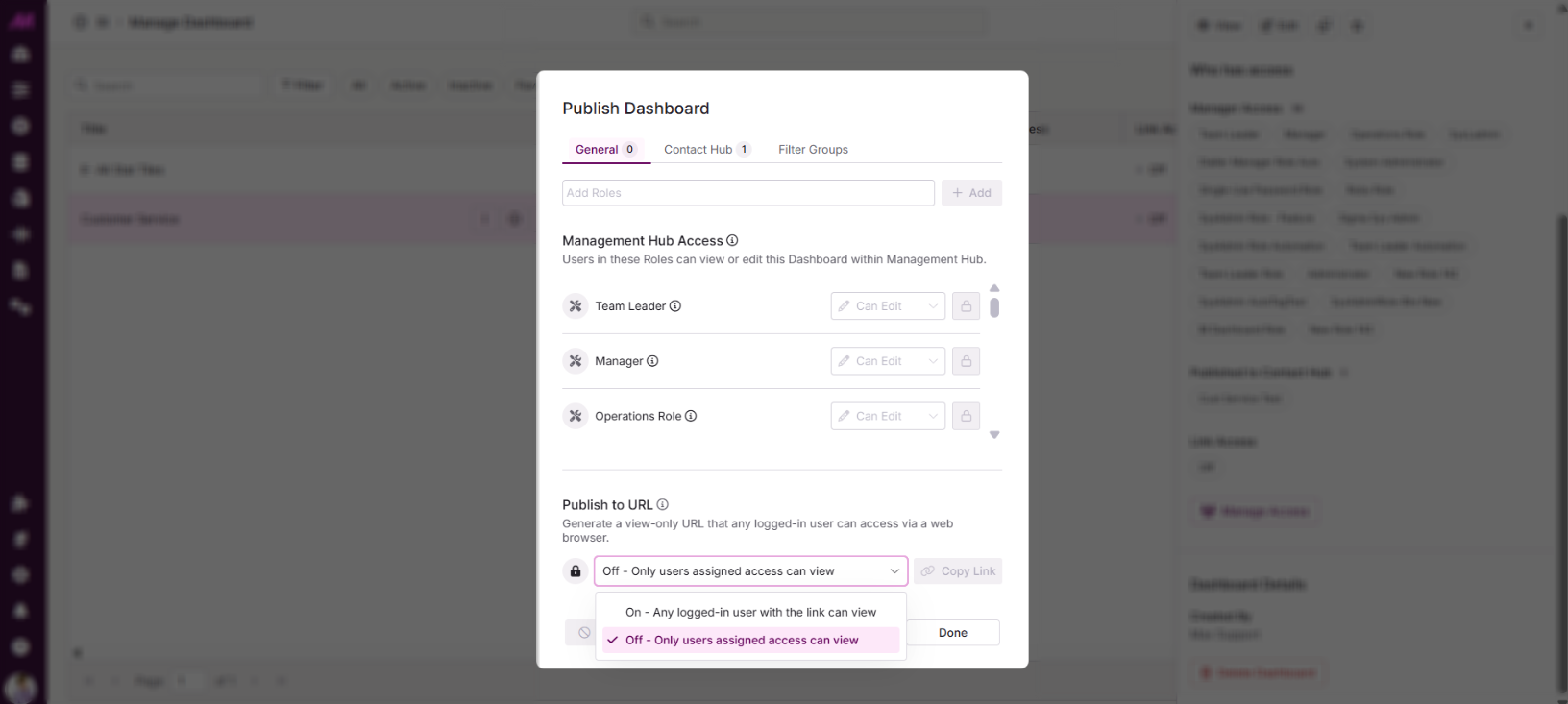
Under the General tab, set the access option to On - Any logged-in user with the link can view.
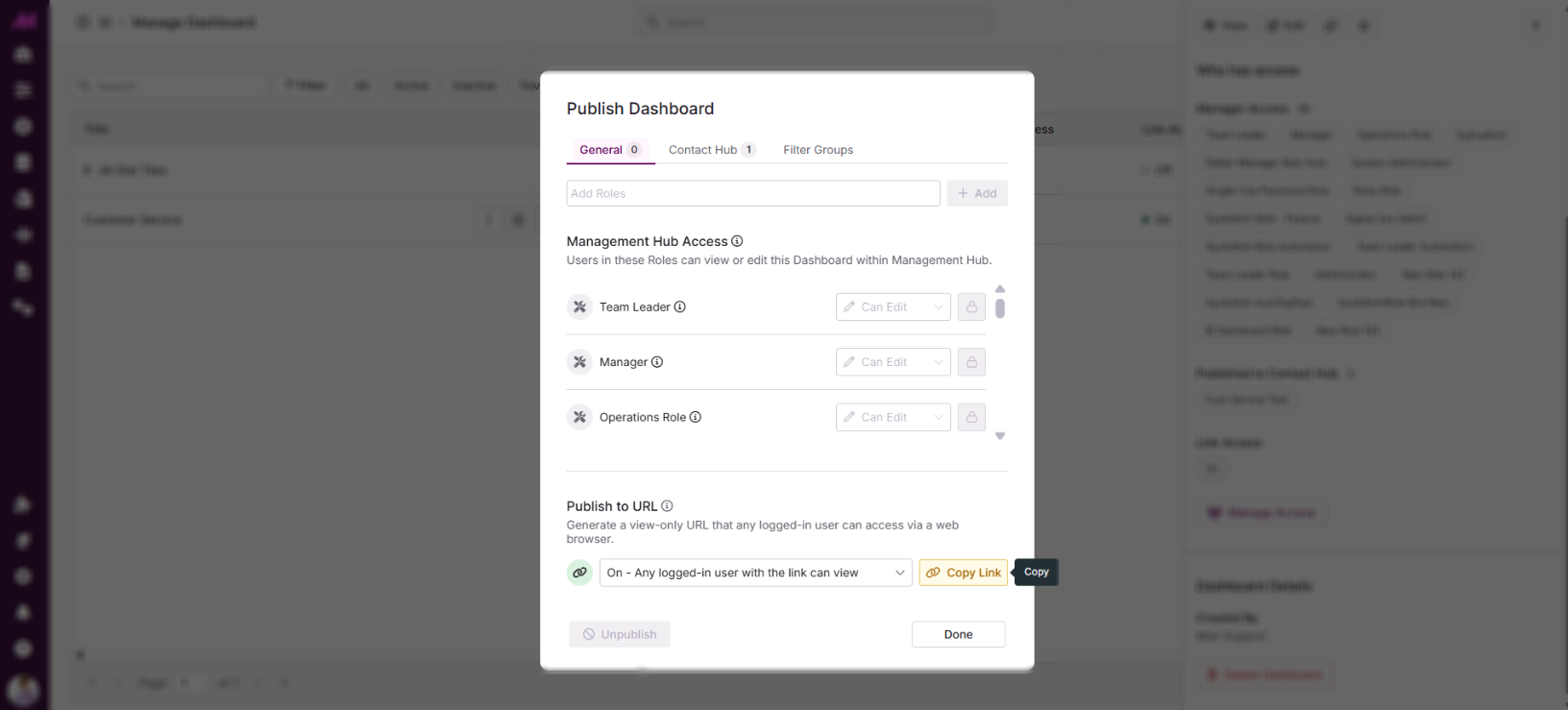 Once enabled, select Copy Link to copy the Wallboard URL to your clipboard. Select Done to save your changes.