
Evaluations
The Evaluations page shows aggregated QA scores and notes across your agents and recordings. Where the QA Screen focuses on individual reviewed calls, Evaluations gives you the broader picture — letting you compare scores across agents, reviewers, and time periods to identify trends and coaching priorities.
To access it, go to Quality > Quality Assurance > Evaluations.
Notes and ratings are added to calls via Recordings Playback, Coaching, or the QA Screen. Only calls that have been rated or had a note added will appear here.
Searching for evaluations
The default search fields are a date range (created from and to) and phone number. Phone number supports partial matches — you do not need to enter the full number.
Click the Advanced button next to the search bar to expand three additional filter options.
| Filter | Description |
|---|---|
| Type | Filters by the type of rating applied to the call. Three options are available: All returns both agent and recording evaluations. Agent returns only calls rated against the agent, which form part of their QA history and appear in the QA and Ratings section. Recording returns only calls flagged at the recording level — typically used to highlight strong or weak calls for training purposes, separate from an agent's QA history. |
| Reviewer | Filter results to evaluations applied by a specific reviewer. Useful when multiple QA staff are assessing calls and you want to see the work of one individual. |
| Category | Filter by note category. Categories are configured separately and allow notes to be grouped by type — for example, compliance, training, or positive feedback. |
Evaluation results
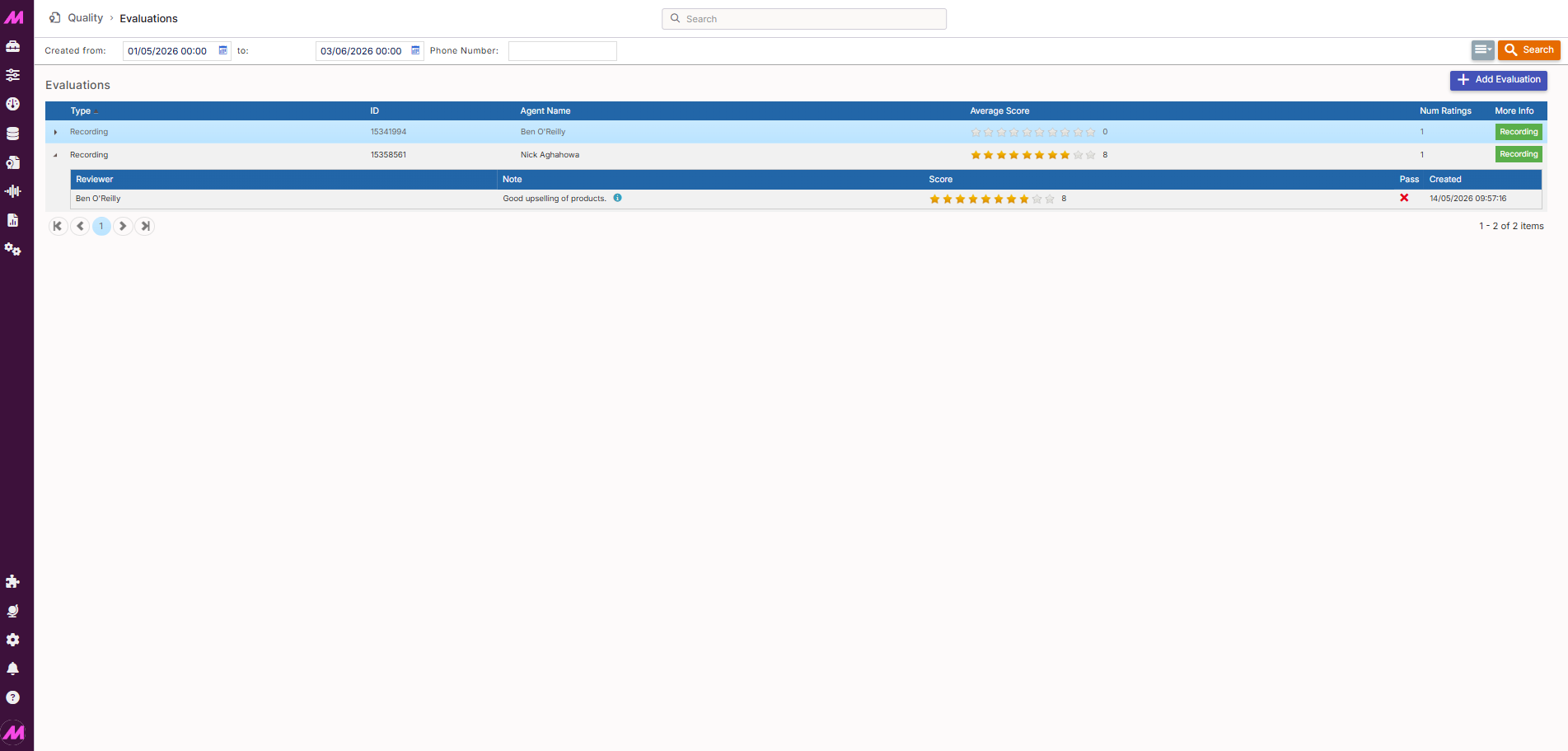
Search results are displayed in a table below the search bar. Each row represents one evaluation — a call that has been rated or had a note added. The most recent evaluations appear at the top.
| Column | Description |
|---|---|
| Type | Whether the evaluation is an Agent rating or a Recording rating. |
| ID | The recording id for the call that has been evaluated. |
| Agent | The agent who handled the call. |
| Average score | The average score across all notes added to this call, calculated out of 10. |
| Num ratings | The total number of ratings. |
| More info | Opens the evaluated call for playback. |
Viewing evaluation detail
Clicking on a row in the results table expands it to show the individual notes added to that call. Each note displays the note text, the rating given out of 10, and who added it and when.
Adding an evaluation
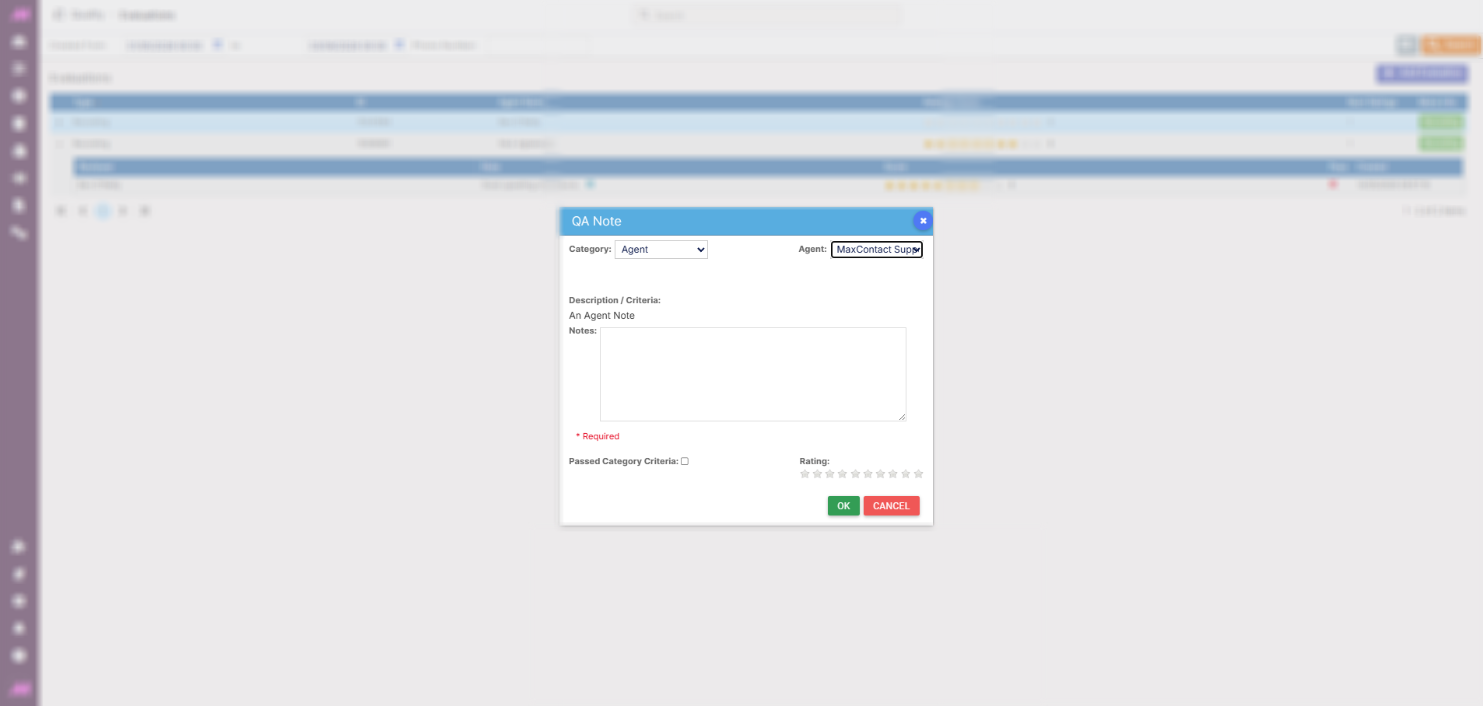
To add an evaluation, click Add Evaluation in the top right of the page. A dialogue box will open where you can select a note category, choose the agent the evaluation is being set against, add your notes, and apply a rating.