

Customer Satisfaction Surveys
The Customer Satisfaction page allows you to manage the surveys offered to customers following an interaction. Surveys can be configured to measure Customer Satisfaction (CSAT), Net Promoter Score (NPS), or gather free-text feedback.
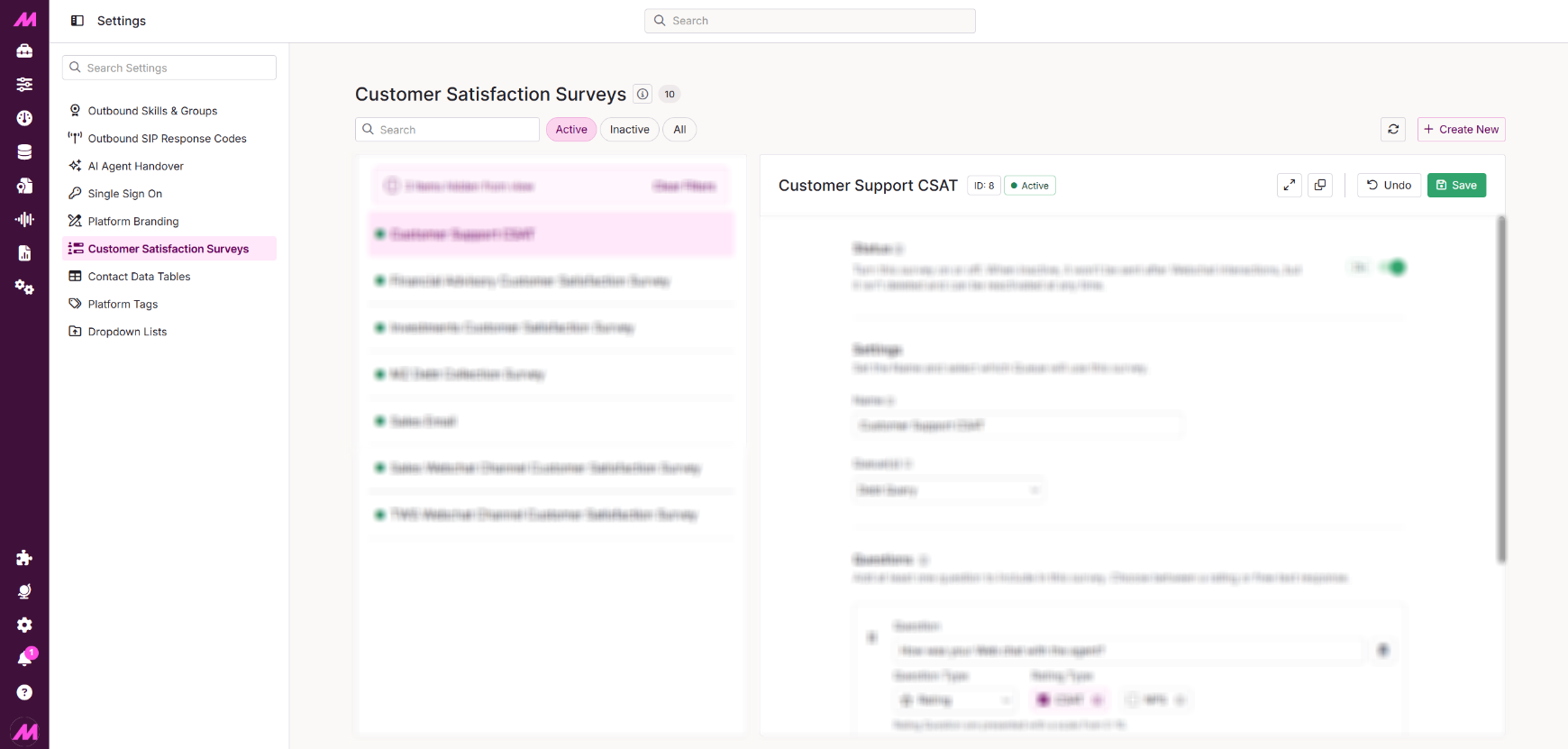 Page options
Across the top of the page, you can access options to view, create and configure surveys.
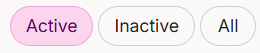 | Switch between views to display active, inactive, or all surveys. |
 | Refresh the page to load any changes made by another user. |
 | Create a new survey. You must save before navigating away from the page. |
 | Expand the view of a selected survey. |
 | Clone an existing survey, including all its settings and questions, to use as a starting point. |
 | Undo any unsaved changes. Changes made before the last save cannot be undone. |
 | Save changes to existing surveys or save a newly created survey. |
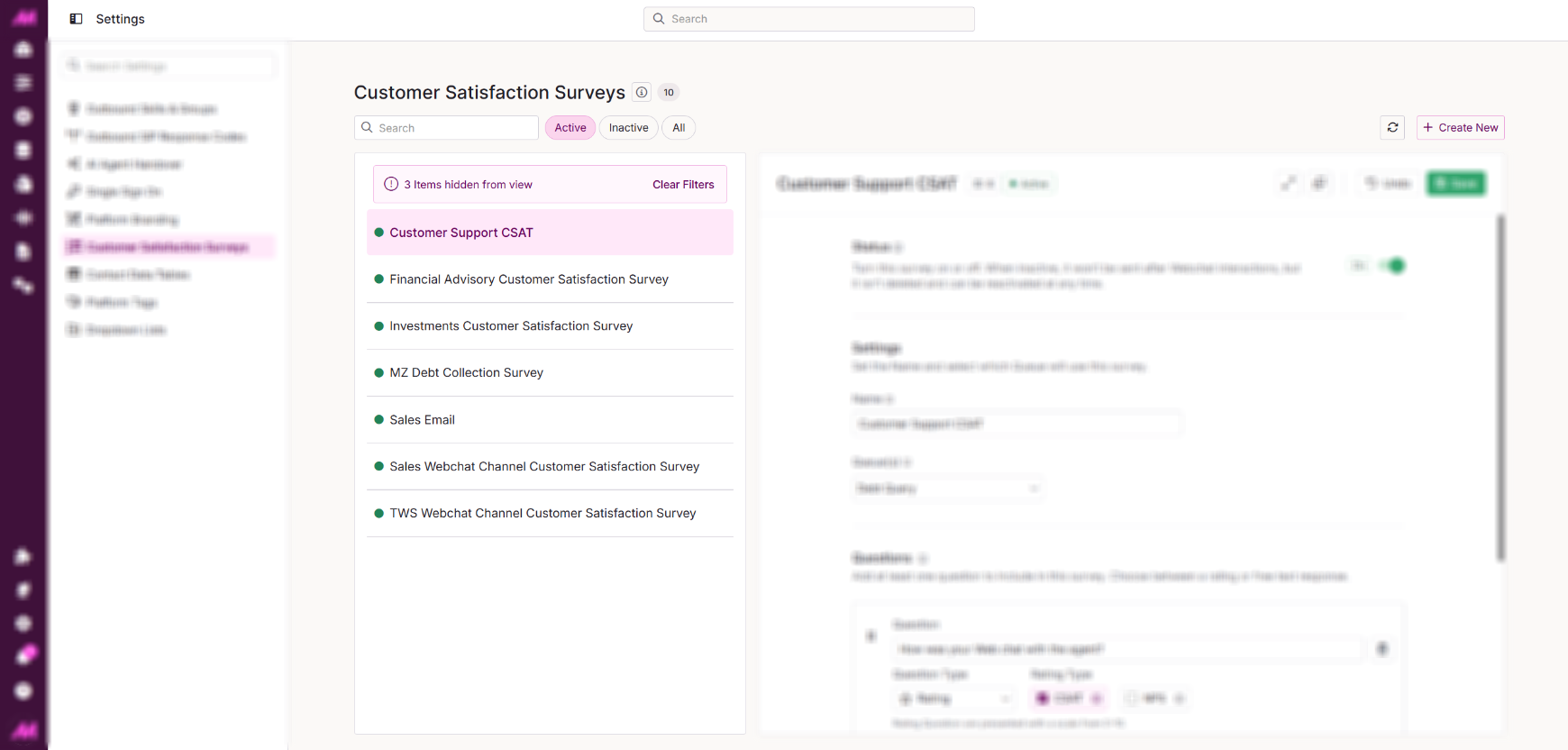 The left-hand panel displays all surveys matching the current filter. |
Selecting a survey opens its configuration in the right-hand panel. |
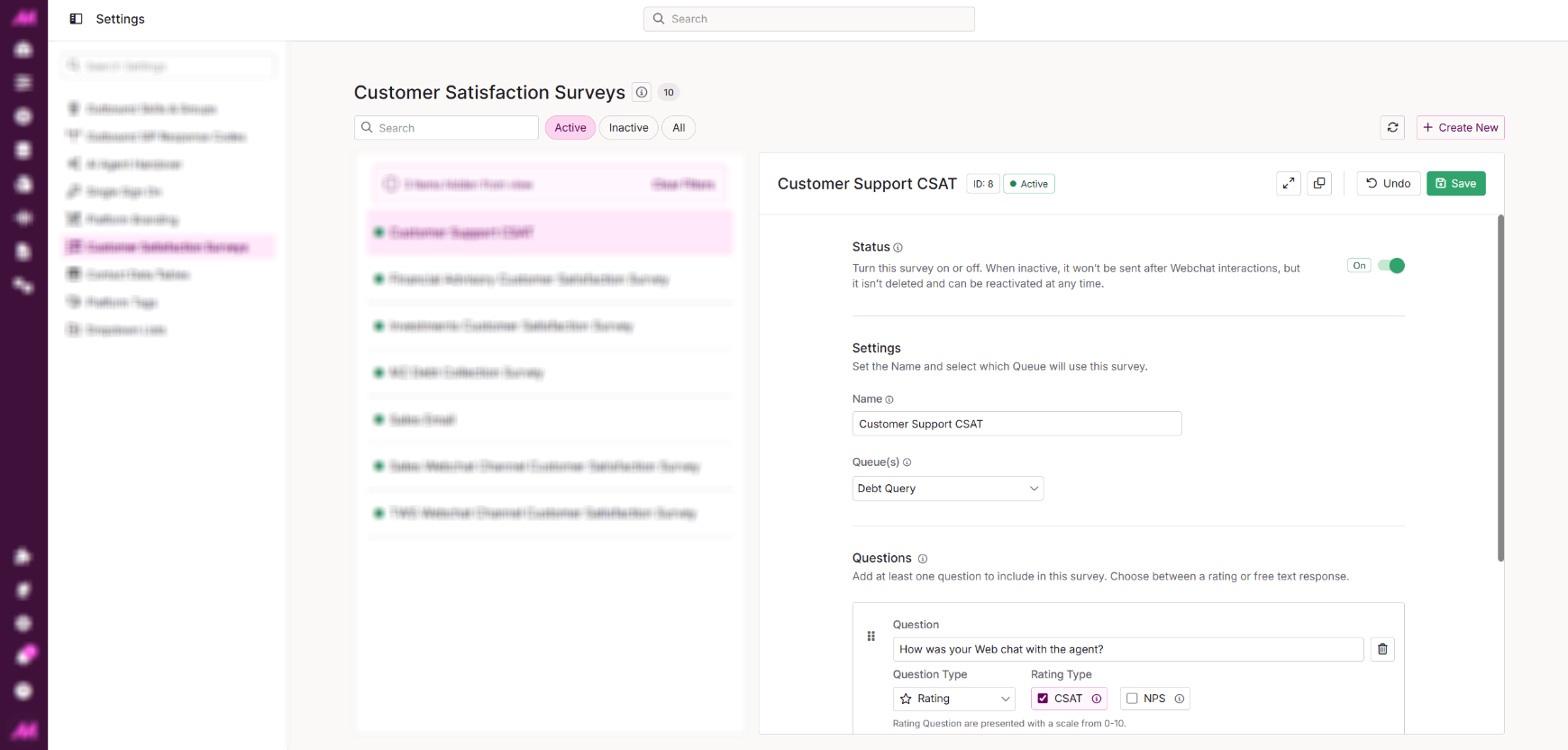
Creating and Editing Surveys
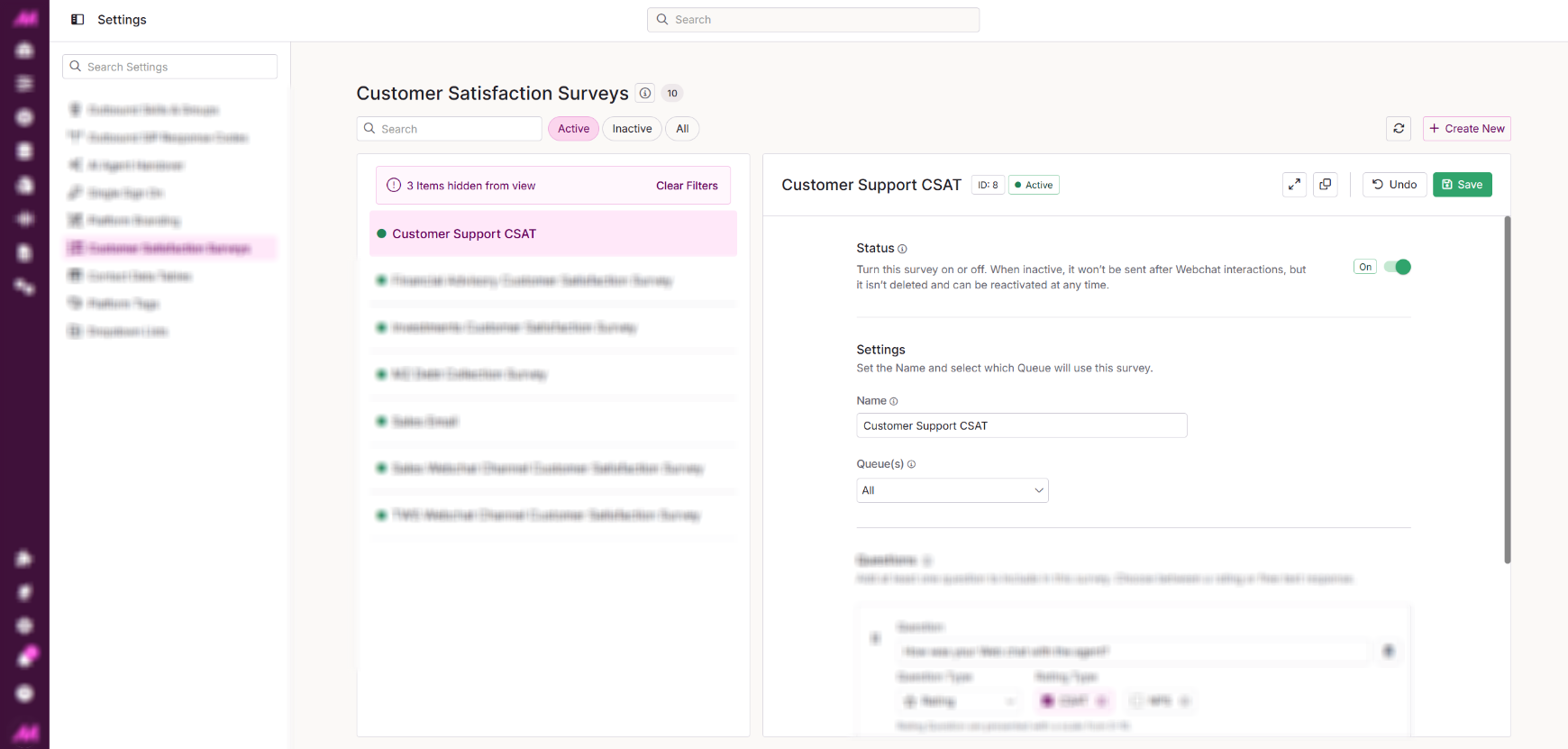
Settings
Enter or update the survey name, then assign it to one or more queues using the dropdown. Selected queues will be highlighted. A survey can be assigned to multiple queues, but assigning it to a queue that already has a survey assigned will disassociate the previous survey (you'll receive a warning if this is the case).
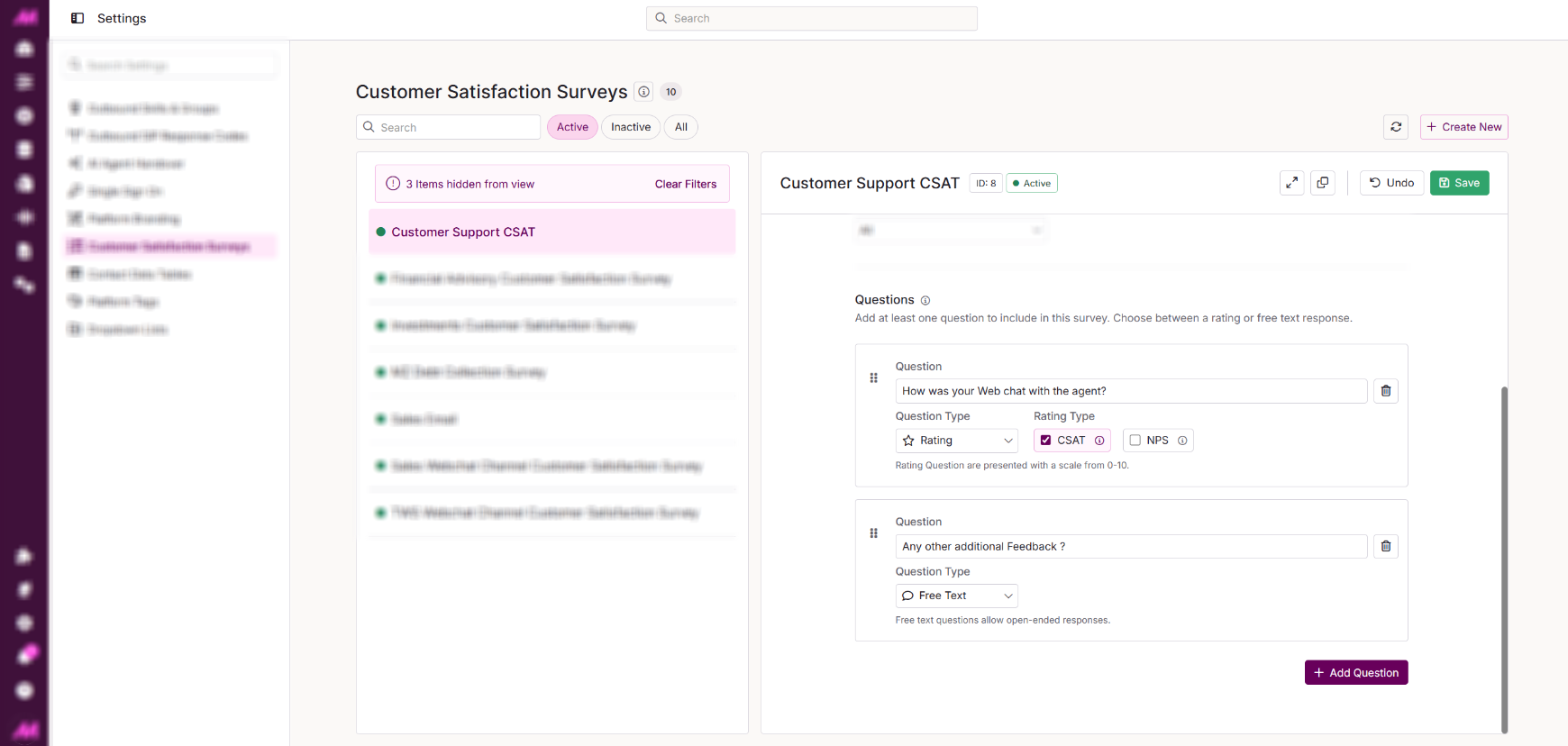
Questions
Add and configure the questions that will be presented to the customer at the end of their interaction. At least one question is required for the survey to be visible.
Question Type
Rating presents customers with an 11-point scale (0–10). Example: On a scale of 0–10, how happy were you with the service you received today?
When using a Rating question, you can select one of two Rating Types:
- CSAT: Designates the question as a CSAT question. Responses are scored 0-10 and used in CSAT reporting.
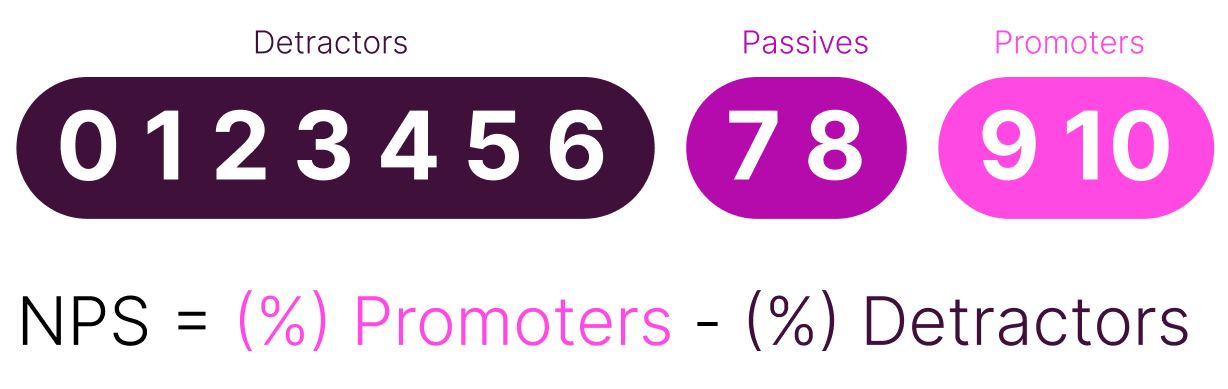
- NPS: Designates the question as an NPS question. Responses are scored 0-10 and used in NPS reporting. Only one NPS question is permitted per survey, and the industry-standard NPS calculation is applied to responses.
Free Text allows customers to respond with open-ended text, useful for gathering qualitative feedback. Example: If we could do one thing differently to improve your experience today, what would it be?
Please note that Free Text questions cannot be designated as CSAT or NPS
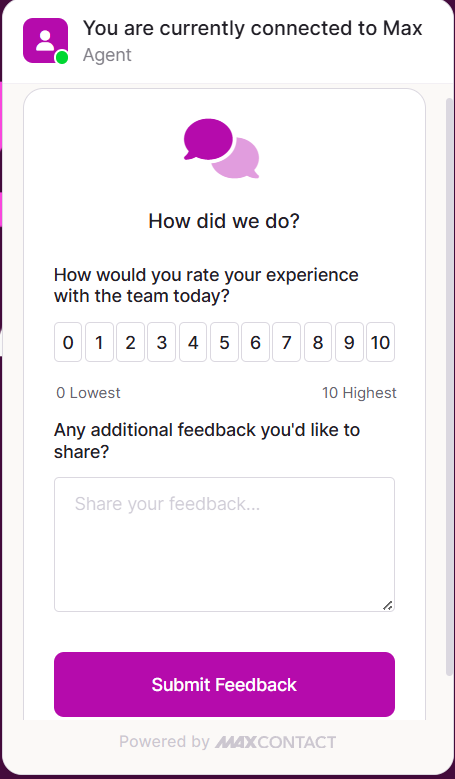 | An example of how the question form is presented to the customer at the end of a webchat. |
Reporting
Two reports are available to view survey results, both accessible via the Report Viewer:
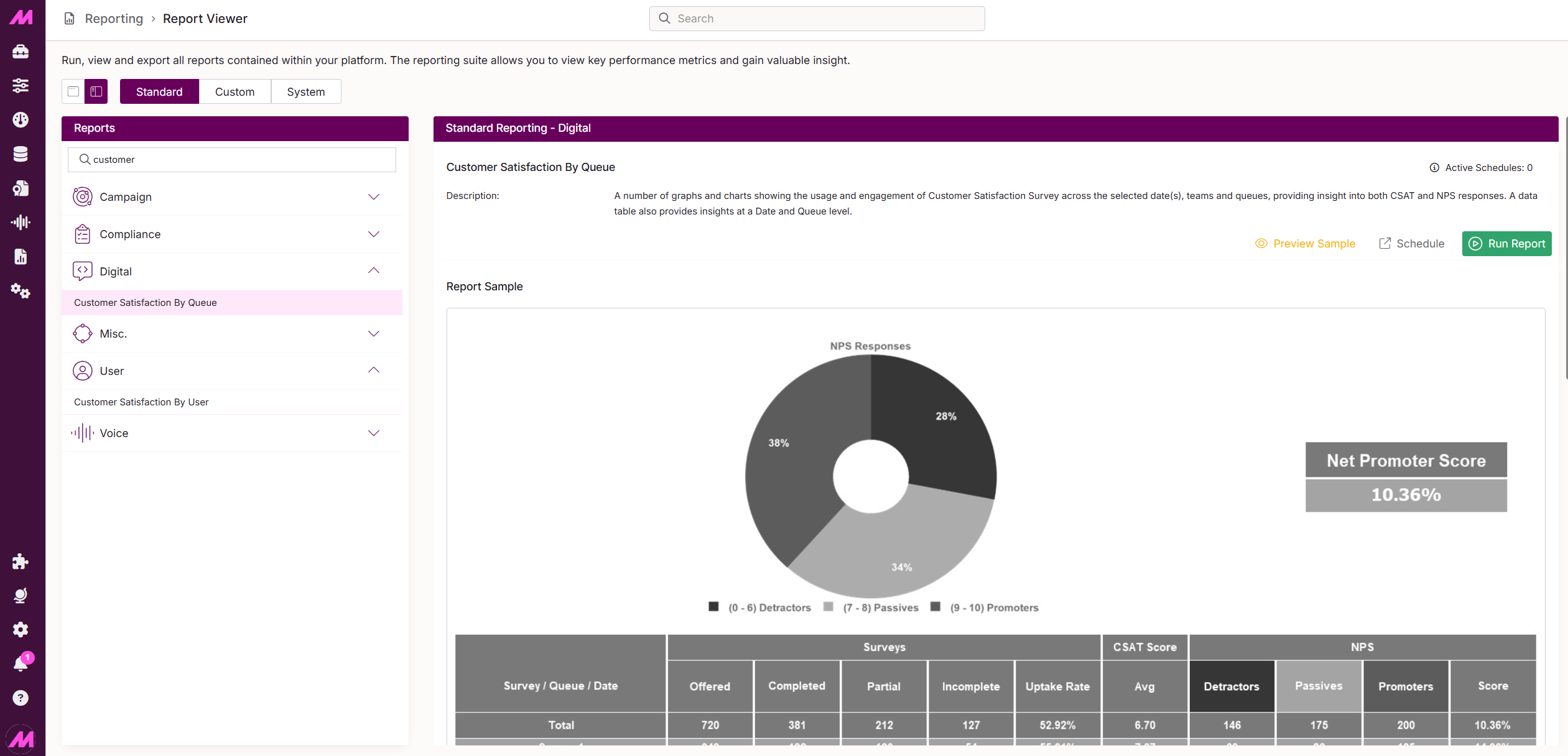 | 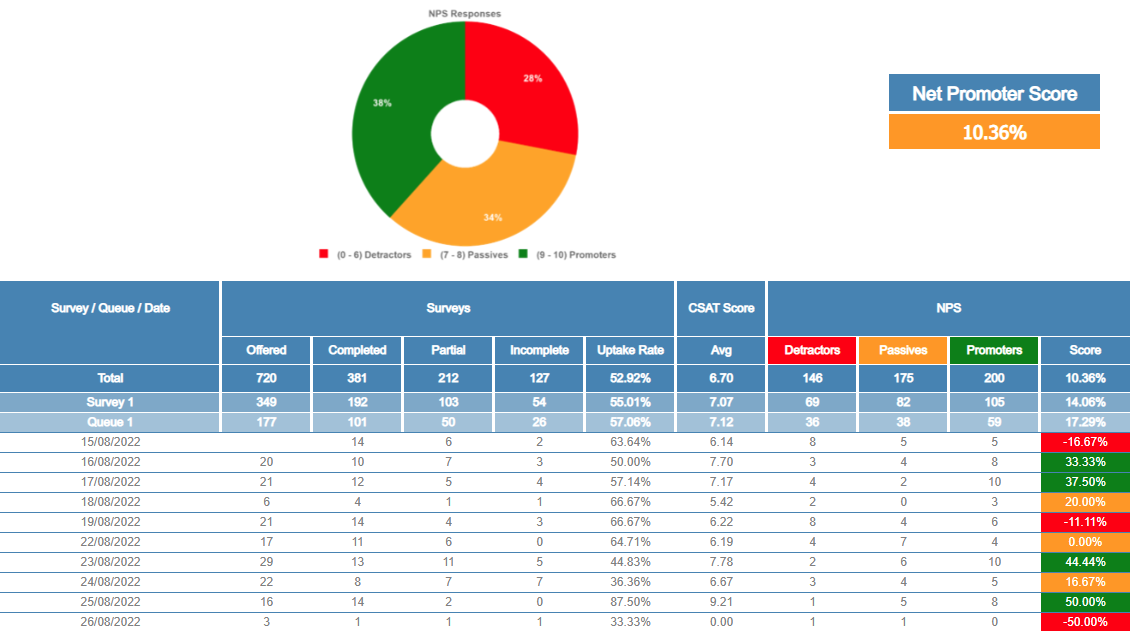 |
Customer Satisfaction by Queue Report
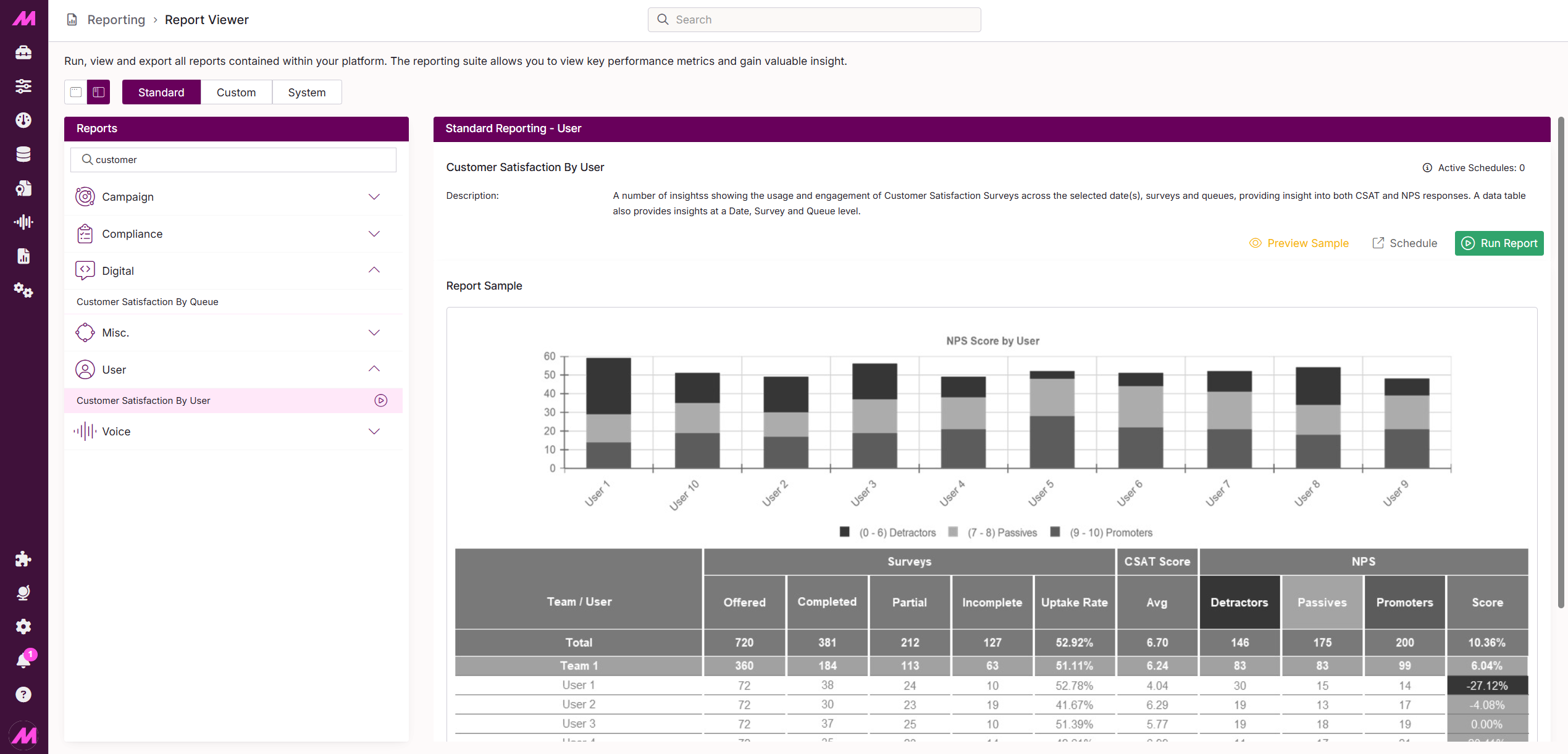 | 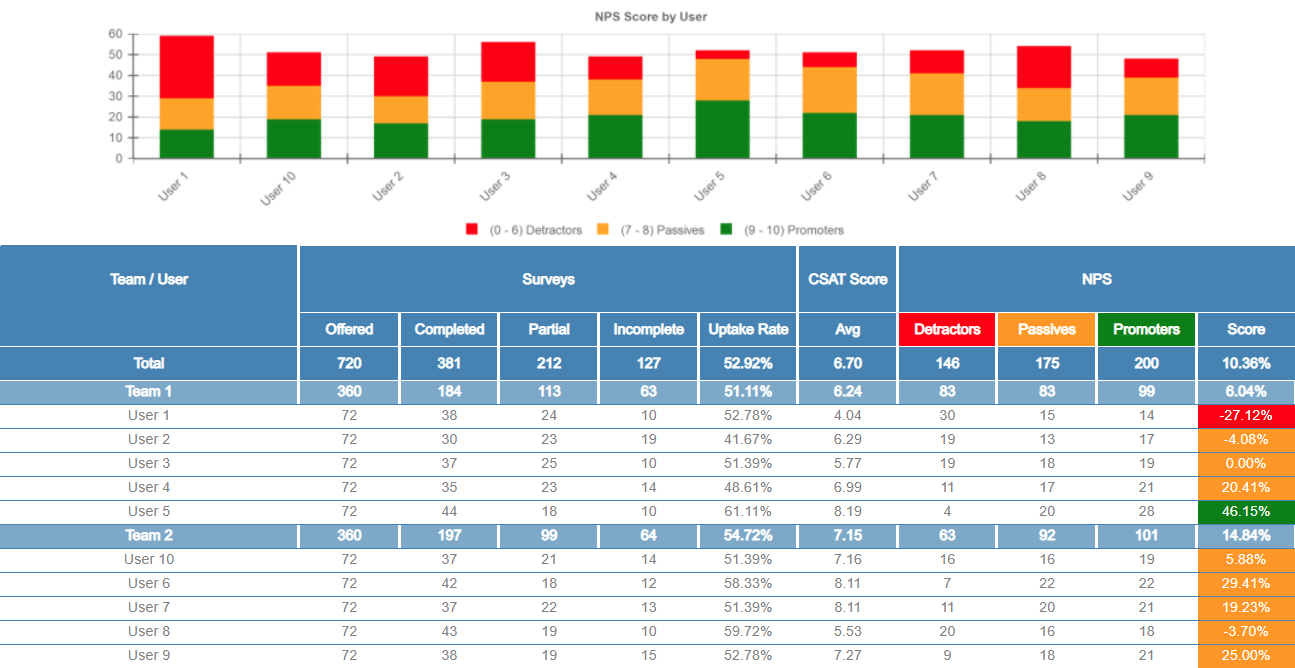 |
Customer Satisfaction by User Report
Note
If the customer doesn't hit the Submit Feedback button to complete the questions, no results will be recorded in the reports.