
Viewing Skills Eligibility Information via Campaign Manager
To see how Outbound Skill-Based Routing is affecting a campaign, use the Campaign Manager page.
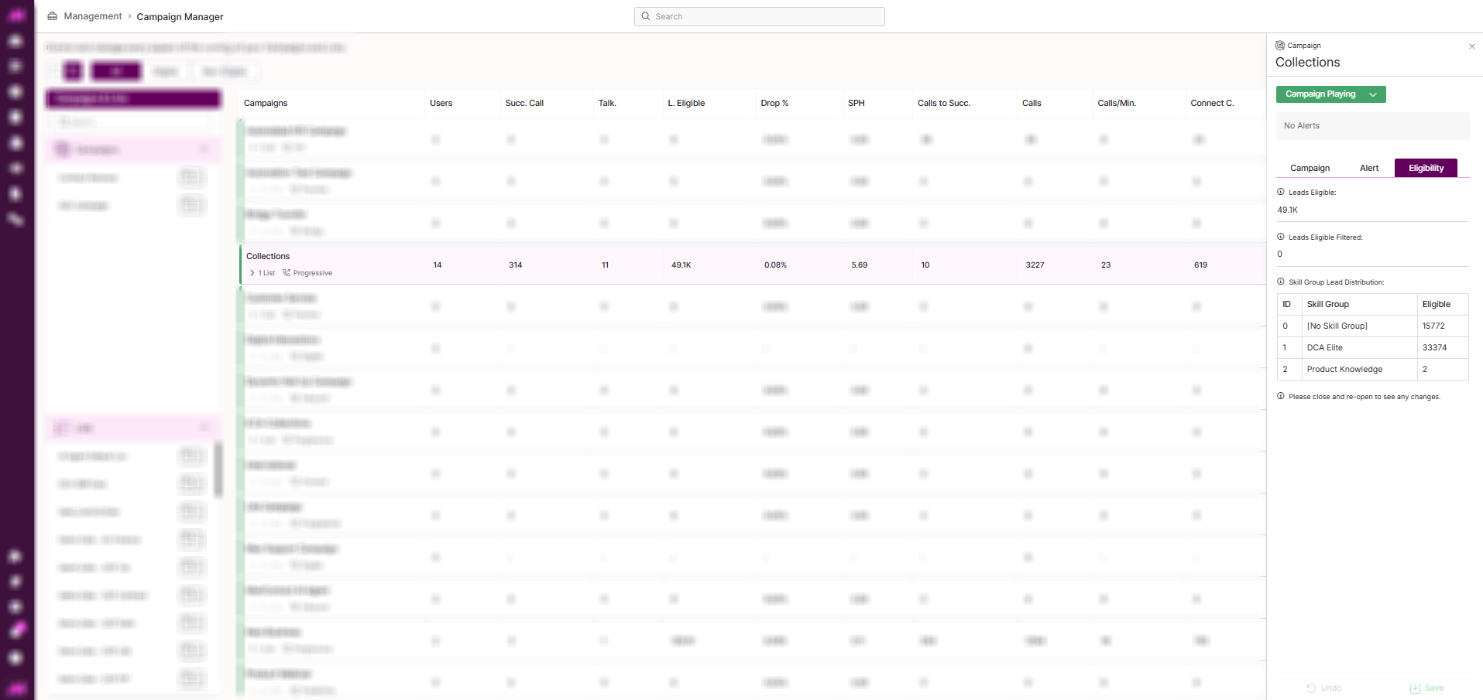
Eligibility tab
- Select a campaign to open its side panel.
- Open the Eligibility tab.
The Eligibility tab shows two pieces of information:
| Information | Description |
|---|---|
| Leads Eligible Skilled | The total amount of data that qualifies for dialling, based on both the skills of the users currently logged in and the data available to dial. |
| Skill Group Lead Distribution | A breakdown of data eligible for dialling, grouped by Skill Group, alongside the users currently logged in who hold each one. |
Note. If you disable Skill-Based Routing, Skill Group Lead Distribution continues to show data volumes for each Skill Group. You'll just no longer see which users are logged in against them.
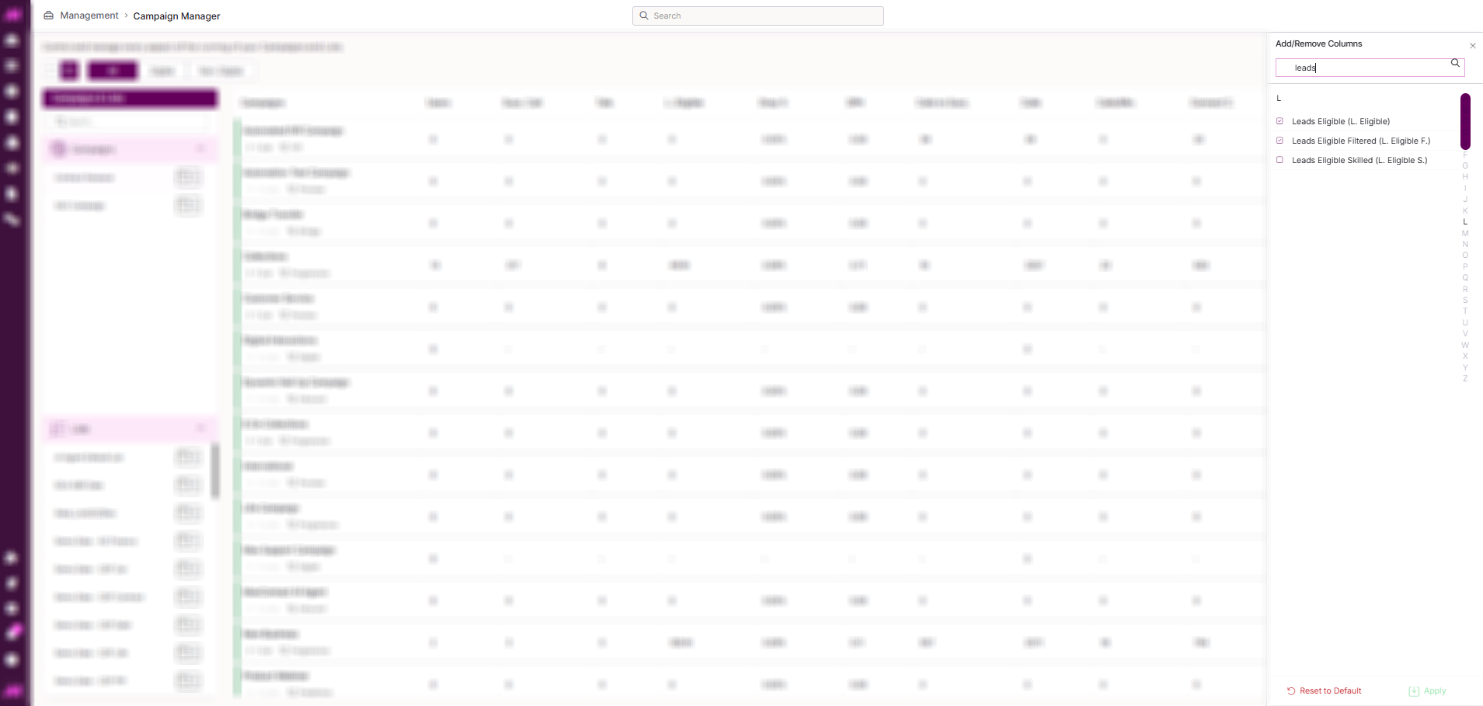
Adding Leads Eligible Skilled as a column
You can also add the number of contacts eligible based on skills directly as a column in the Campaign Manager table.
- Select Edit Columns from any header on the table.
- In the right-hand pane, select Leads Eligible Skilled (L Eligible S), then select Save.
- Move the new column to the position you want in the table.