
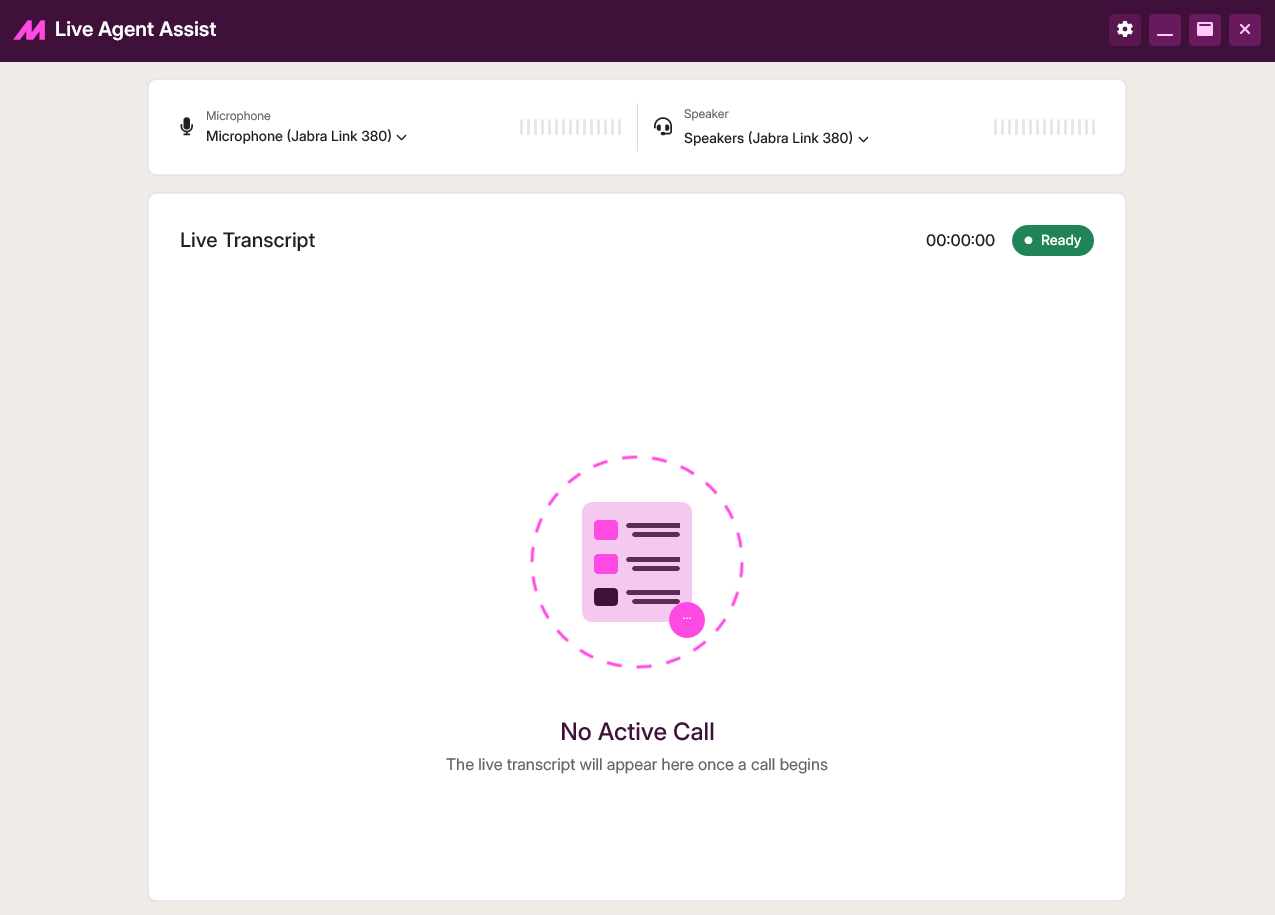
Live Agent Assist
Live Agent Assist is a desktop application that runs alongside Contact Hub on an agent's machine. It captures agent and customer audio separately during a call, enabling real-time transcription and AI-generated call summaries. For installation and deployment steps, see How to Install Live Agent Assist.
How it works
MaxContact records calls in mono audio, a single channel that merges both speakers into one waveform. This makes it difficult to attribute speech accurately to either the agent or the customer. Live Agent Assist solves this by listening to two audio streams at once, giving the system clean speaker separation that powers accurate transcription and analysis.
| Stream | Captures |
|---|---|
| Input Device | What the agent says. |
| Output Device | What the agent hears. |
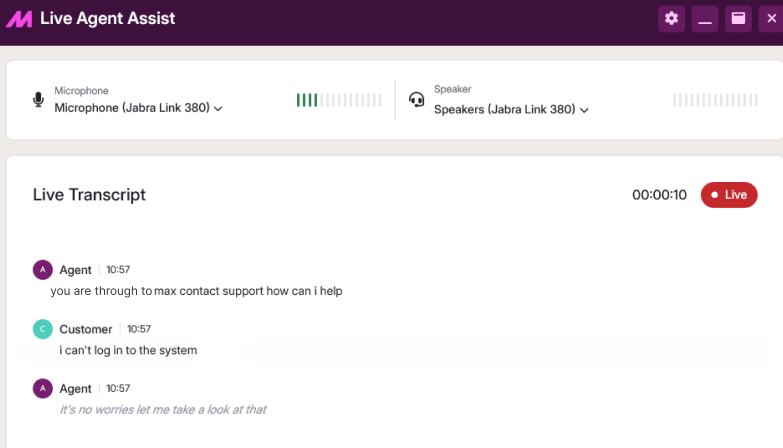
What agents see during a call
Once signed in and active, Live Agent Assist runs automatically when a call goes live.
| Feature | Description |
|---|---|
| Live Transcript | Updates in real time as the conversation progresses. |
| Recording Status Indicator | Shows Recording Paused if call recording is paused, and returns to Live once it resumes. |
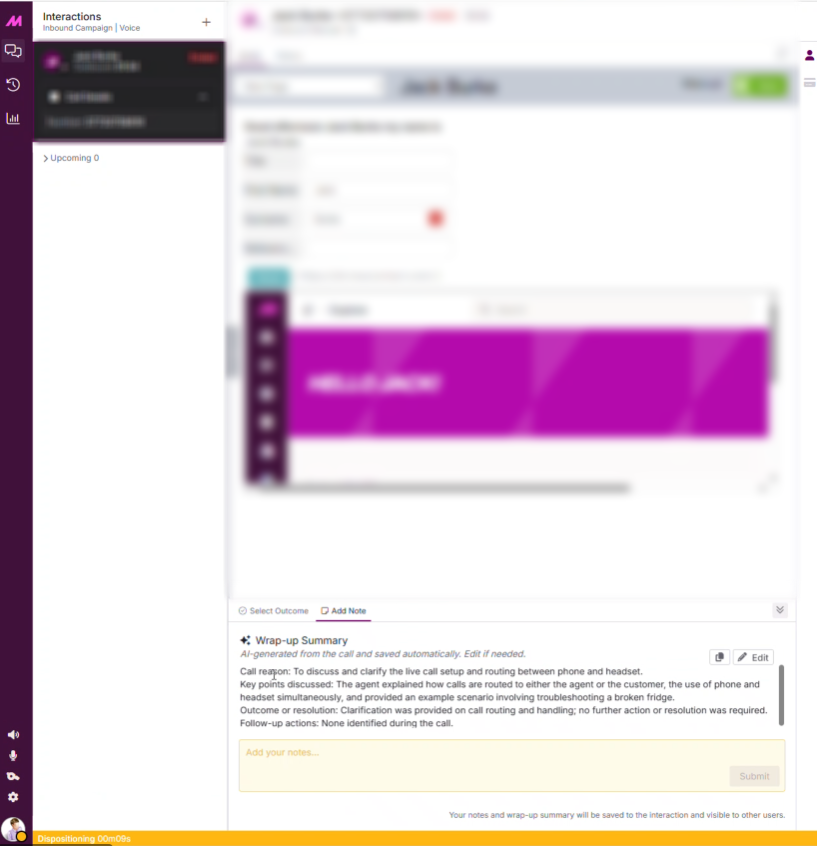 Example of an AI-generated post-call note Example of an AI-generated post-call note |
After a call
Shortly after the call ends, an interaction record appears in Conversation Analytics, and an AI-generated wrap-up summary is shown to the agent in Contact Hub. The summary is based on the prompt configured within Prompt Studio. A default prompt applies unless a custom one has been set.
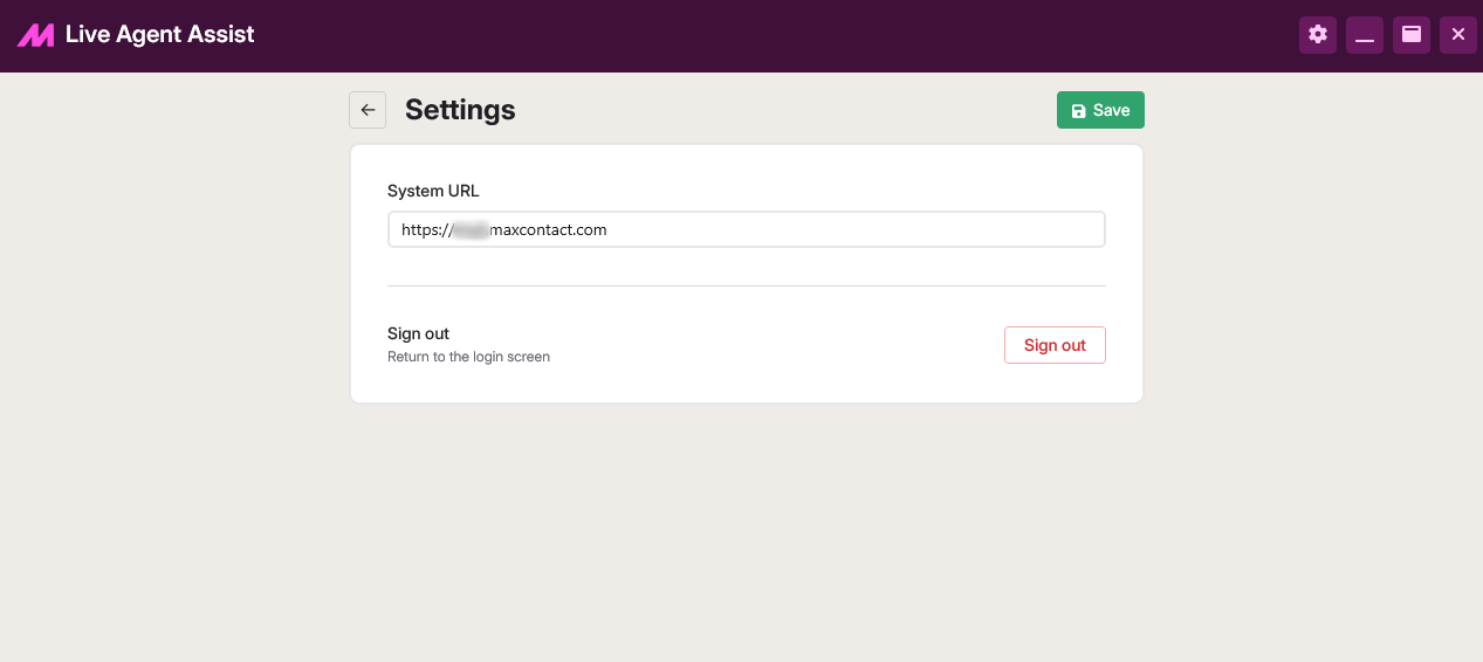
Signing in and device setup
Live Agent Assist loads the standard MaxContact login page within the app, and supports MFA and SSO, since authentication is handled through its built-in browser.
On first use, select the settings icon in the top-right corner and enter your System URL, the address of the MaxContact platform you log into, in the format https://DOMAIN.maxcontact.com.
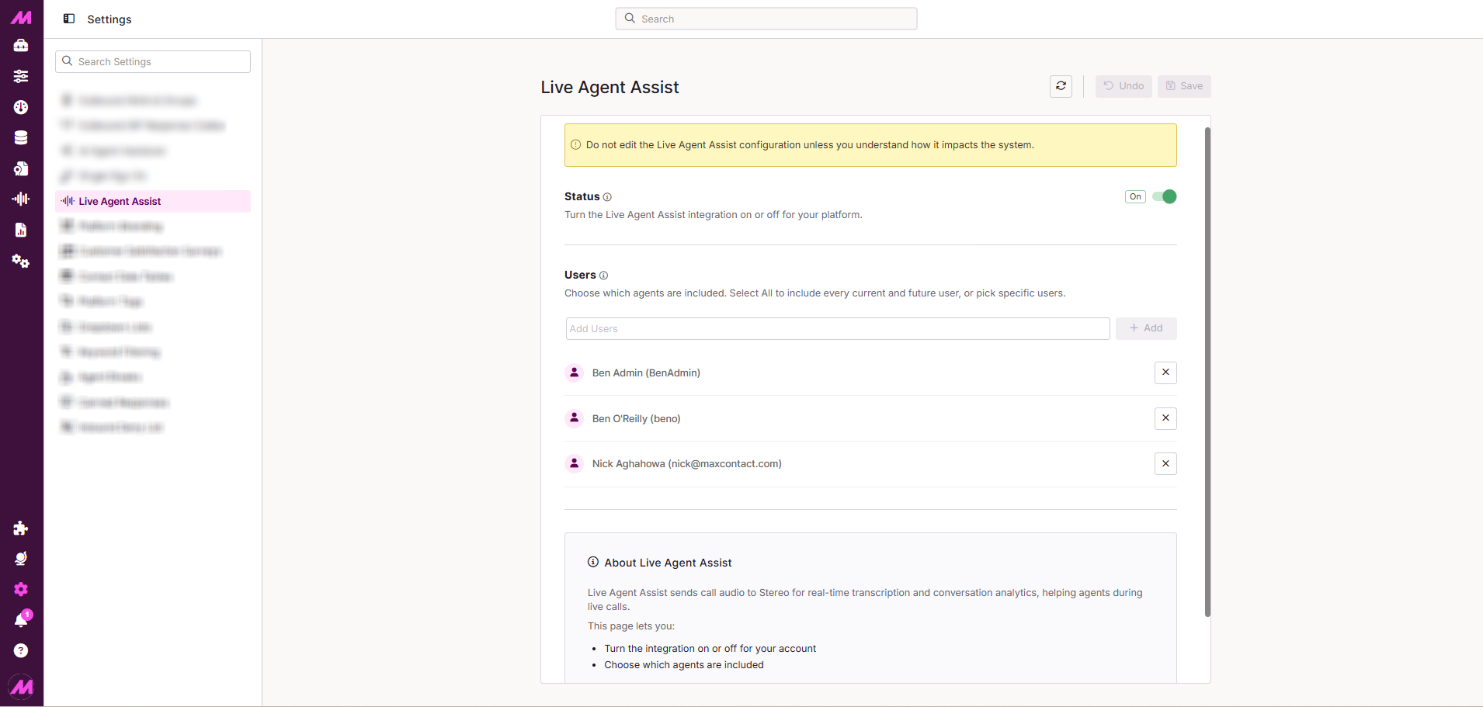
Enabling Live Agent Assist per user
Before agents can use Live Agent Assist, it must be enabled for their account. This is done from the Live Agent Assist tab within the Centralised Settings page.