
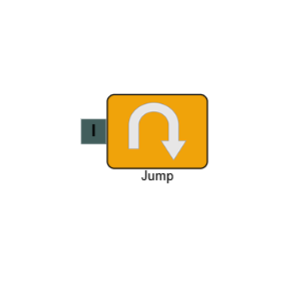
Jump
The Jump element transfers the call from one IVR page to another. This lets you reuse existing IVR pages rather than rebuilding the same logic, and helps keep complex builds manageable by breaking them into smaller, linked flows.
Connections
| Connection | Description |
|---|---|
| I – Input | The entry point for this element. Connect from the preceding element in your IVR flow. |
Settings
| Field | Description |
|---|---|
| Name | Give the element a clear name so it is easy to identify within your IVR flow. |
| Description | Optional. Add a note to explain the element's purpose — useful in more complex flows. |
| Agent Can See This | When enabled, agents can transfer a live caller directly to this element via the IVR Transfer option. |
| Supervisor Can See This | When enabled, the element is visible in the IVR Transfer list for users with a Supervisor role. It remains hidden from all other users. |
| Jump To Page | Select the IVR page you want to transfer the call to. The call will enter via the selected Start element. |