
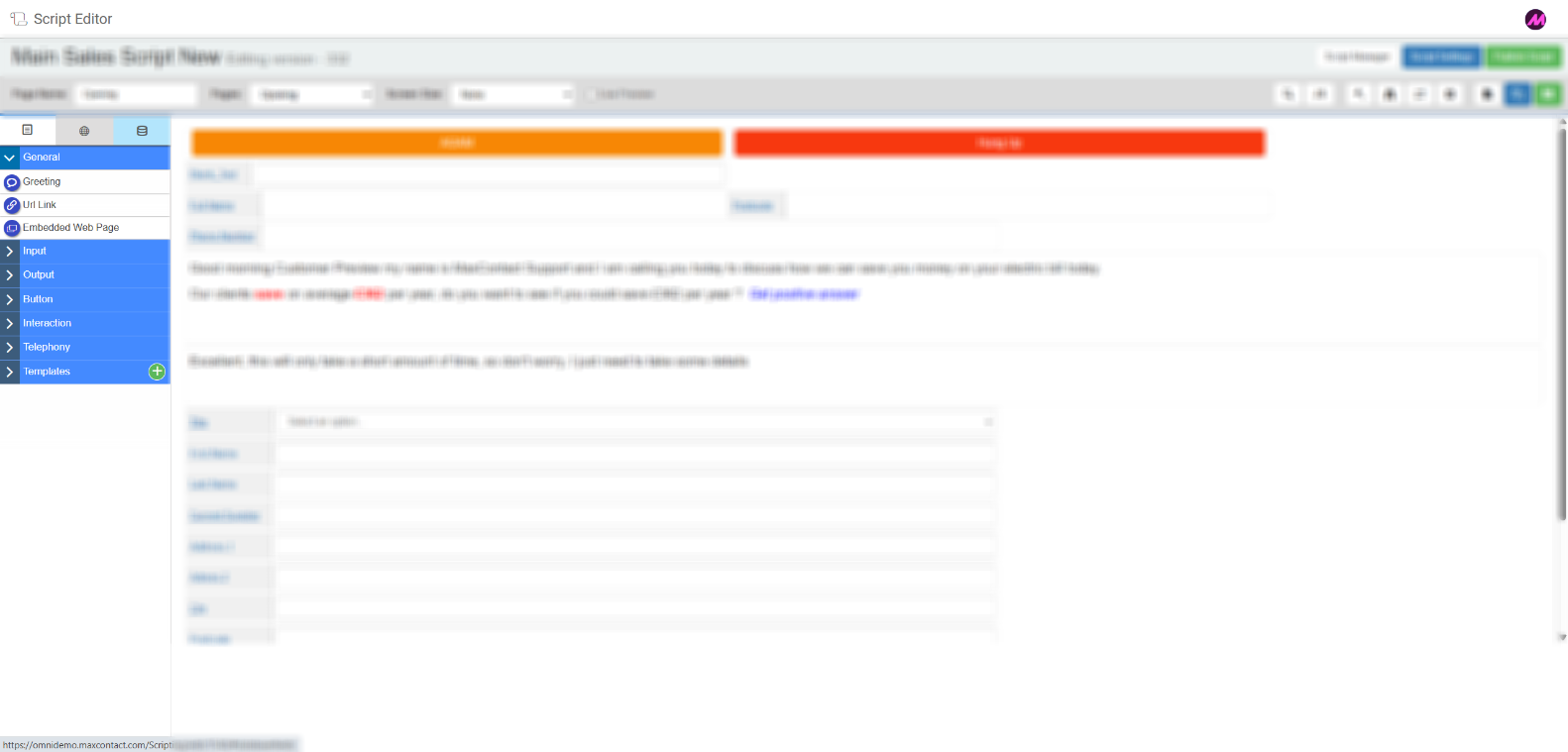
Field Options
The Field Options panel sits on the left-hand side of the Script Editor. It contains three tabs, each offering a different type of field. To add a field to a script page, drag it from the panel and drop it onto the canvas.
Field option tabs
| Tab | Description |
|---|---|
| Drag and drop fields | Standard fields used to collect or display data within a script page. These cover a range of types including text, inputs, buttons, and telephony fields. See the Drag and Drop Fields articles for a full breakdown of each type. |
| Global fields | Fields that can be created once and reused across any page within a script. Useful for information that needs to appear consistently throughout the script, such as a customer reference or account number. |
| Database fields | Fields that bind directly to a column in your data table. Use the dropdown to select the relevant data field. This allows lead data to be displayed and edited in the script without needing to configure a manual field mapping. |