

Interactions
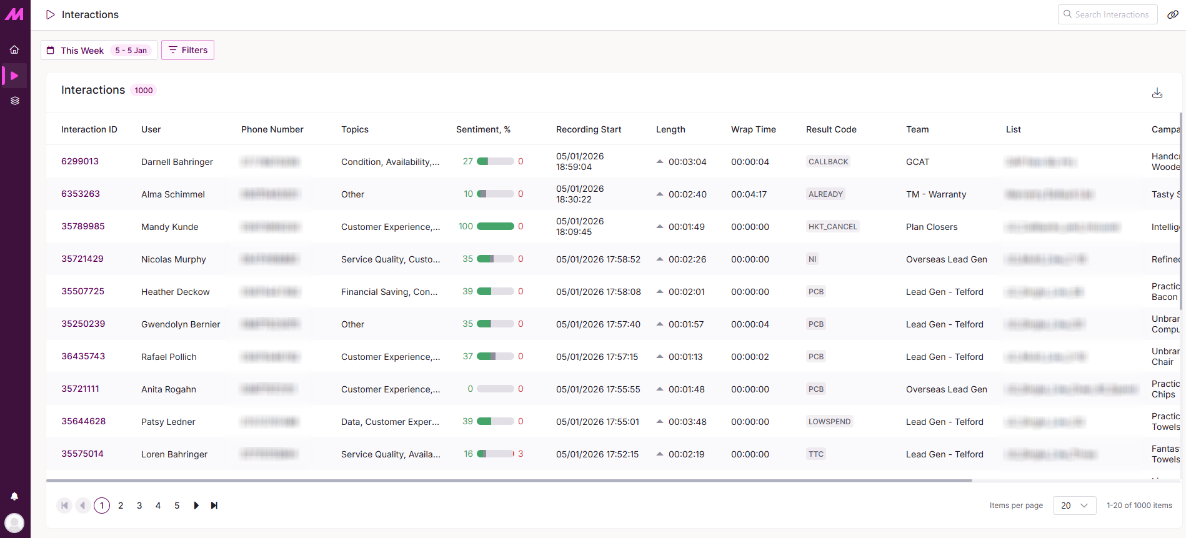
The Interactions page lists every call that's been transcribed and analysed by AI, letting you filter, review, and dig into the detail behind each one.
Page filters
By default, you'll see all interactions within the selected date range. Change this using the date range dropdown at the top of the page.
The filter menu lets you narrow your view further. You can filter interactions by campaign, the user who handled the interaction, or the result code applied. You can also search transcripts that contain, or do not contain, specific words or phrases.
For more on available filtering options, see the Views article.
Interactions table
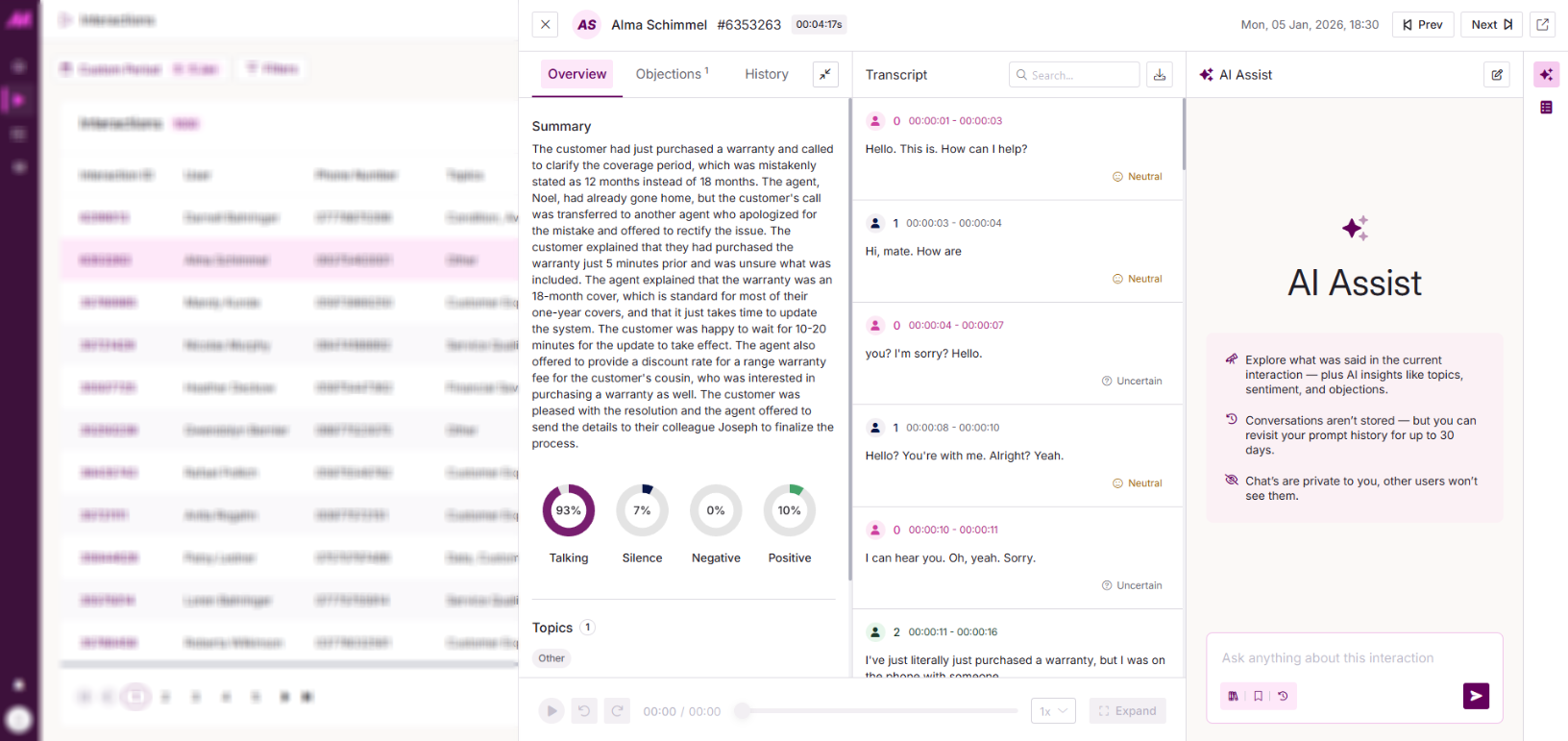
The main table shows every interaction that matches your selected filters and has been transcribed and analysed by AI. It gives an at-a-glance view of key call details, including identified topics, sentiment breakdown, and total interaction length.
Download the table as a CSV using the button in the top-right corner.
Selecting an interaction opens the expanded view, where you can see more detail, including a summary, the full transcript, and the call recording for playback.
Overview tab
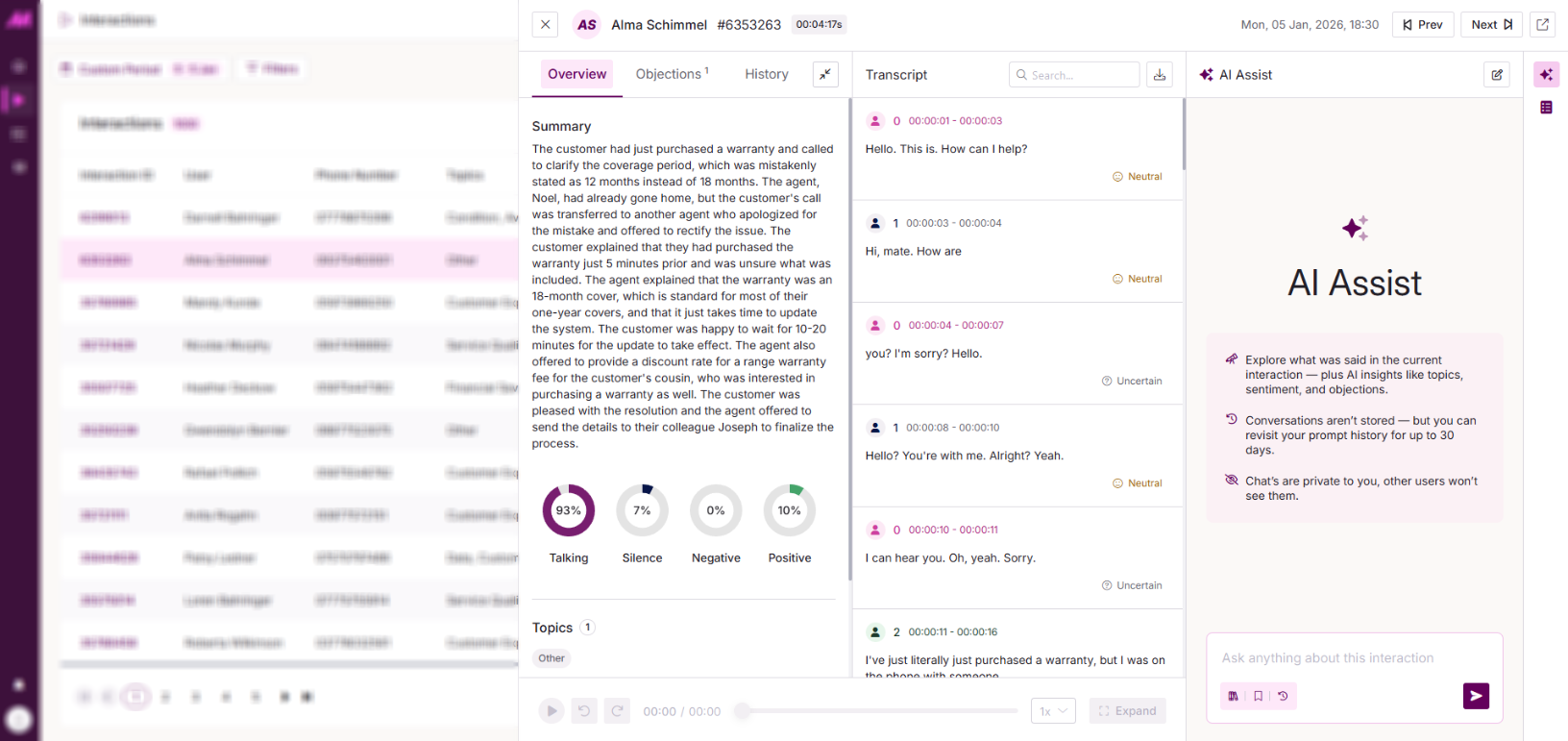
The Overview tab shows a clear summary of the selected interaction, along with a breakdown of its overall sentiment and the topics identified.
Objections tab
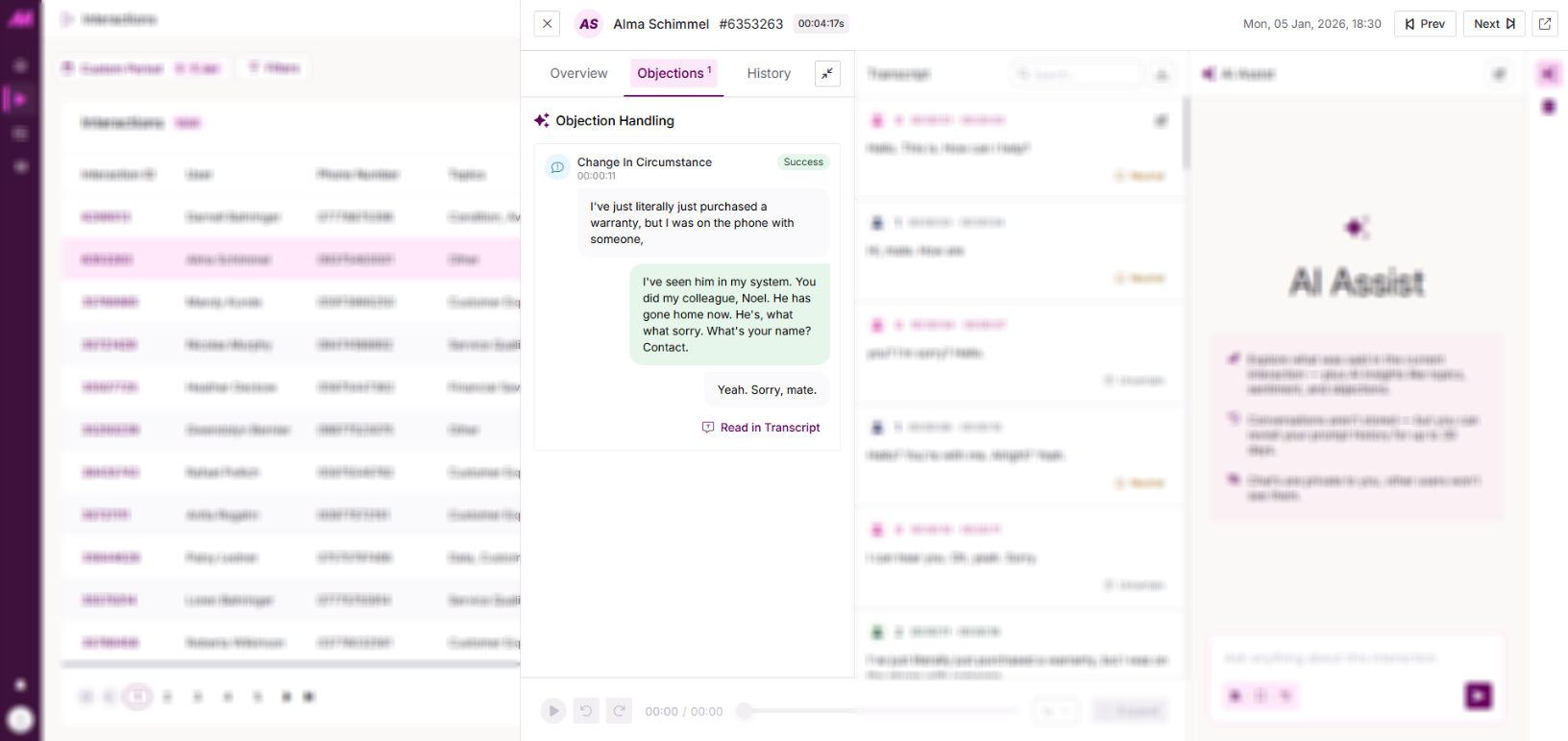
The Objections tab lets you review objections identified within the interaction and see how they were handled. See Objections for more on objections and objection handling.
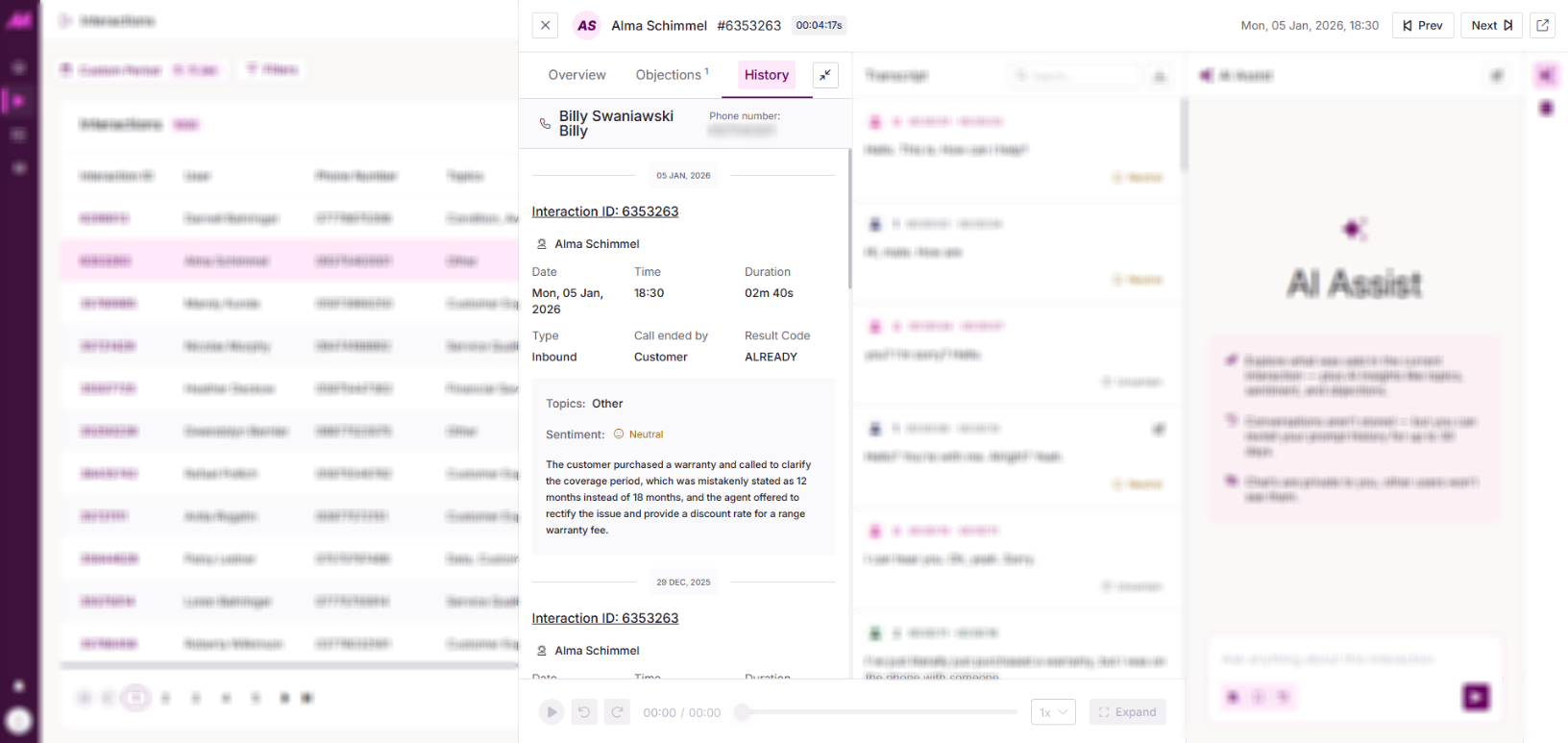
History tab
The History tab shows the interaction history between the caller and the user who handled the selected interaction, giving an at-a-glance view of previous interactions. Select any interaction in this view to see more detail.
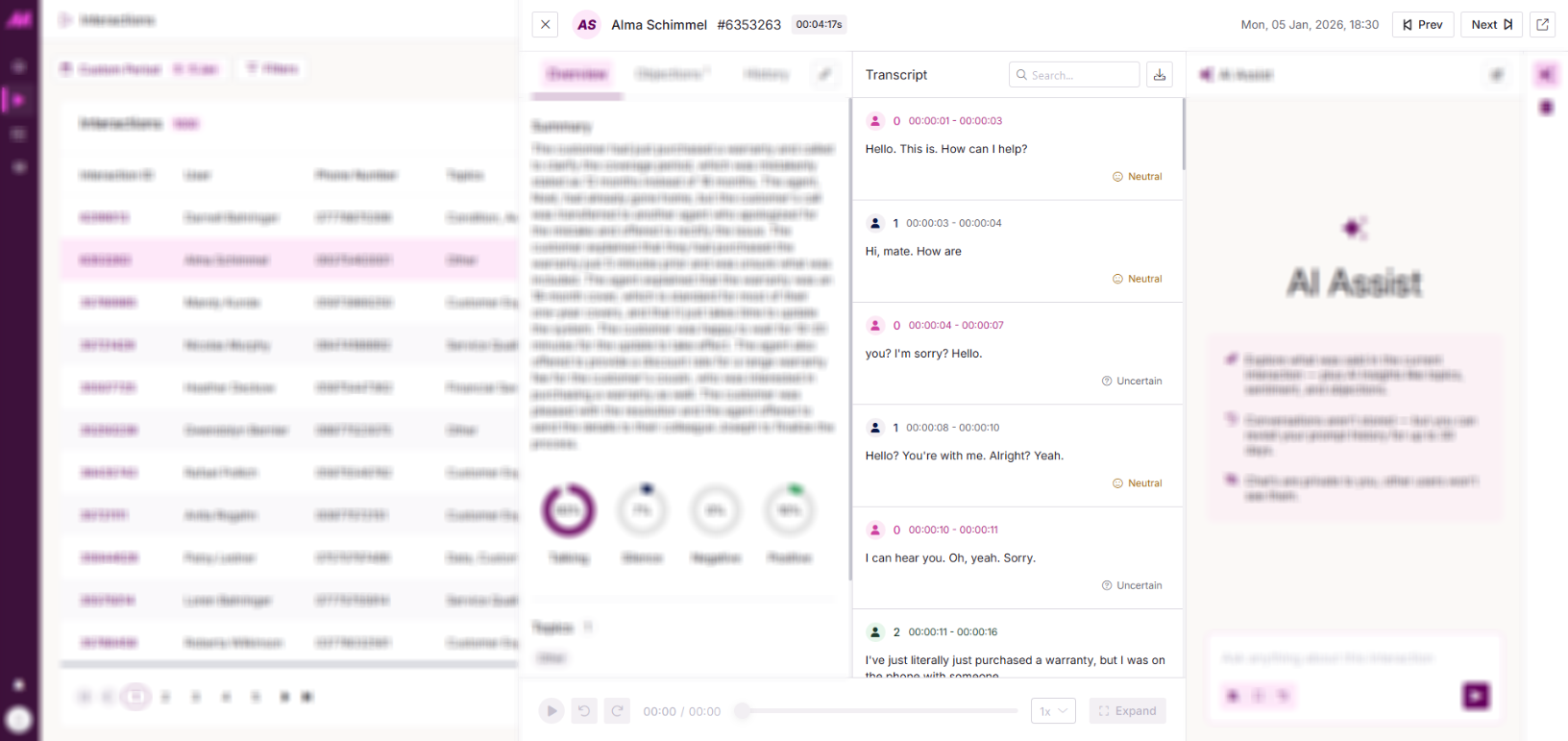
Transcript tab
The Transcript tab shows the full interaction transcript, split between Speaker 0 and Speaker 1. You can search for specific words or phrases, download a copy of the transcript, and edit individual entries by hovering over them and selecting the edit icon.
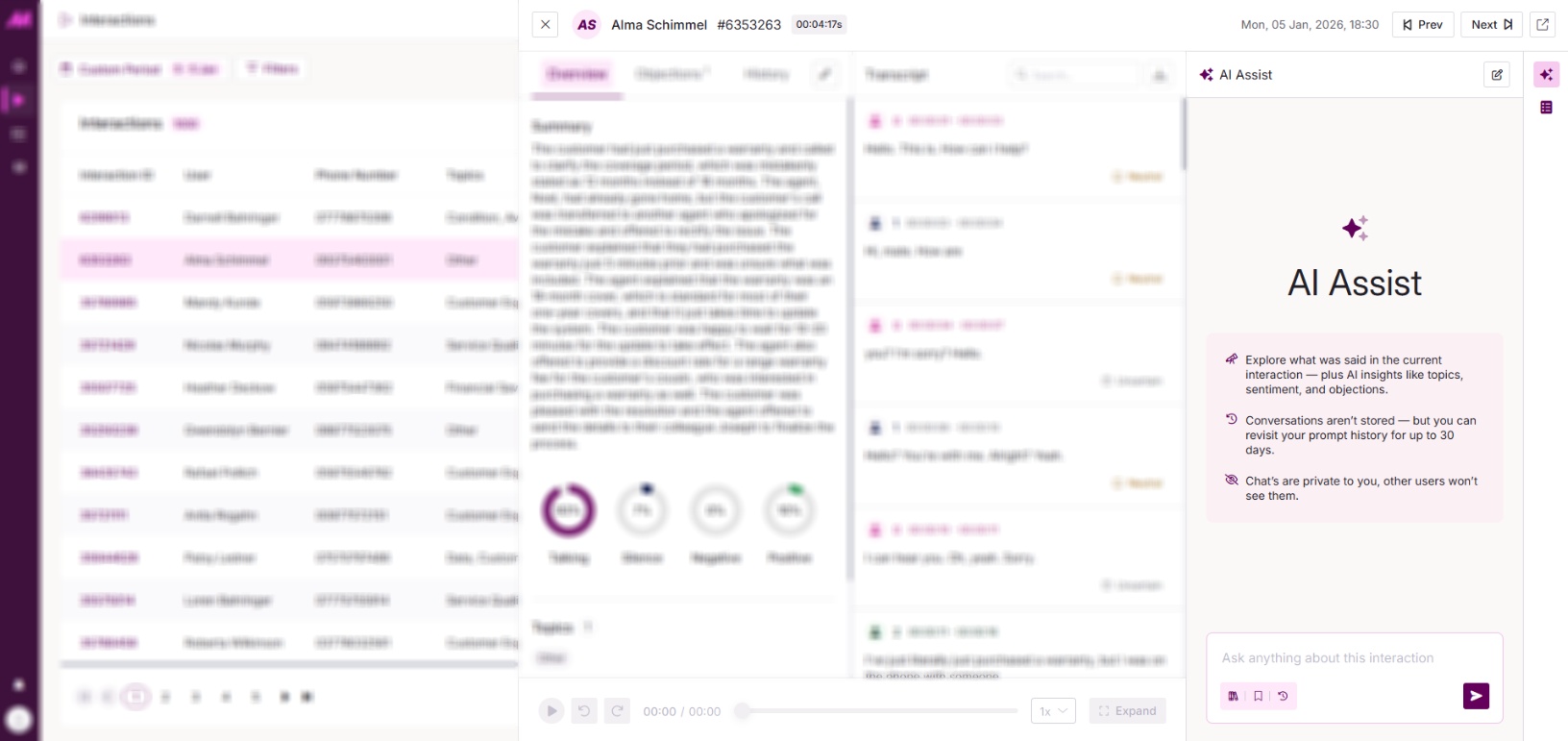
AI Assist tab
The AI Assist tab lets you ask questions and gain deeper insight into the interaction using the AI Assistant. Your conversations are private to you and aren't stored, though you can revisit your prompt history for up to 30 days. You can also use Prompt Studio to set up prompts you can reuse within AI Assist.
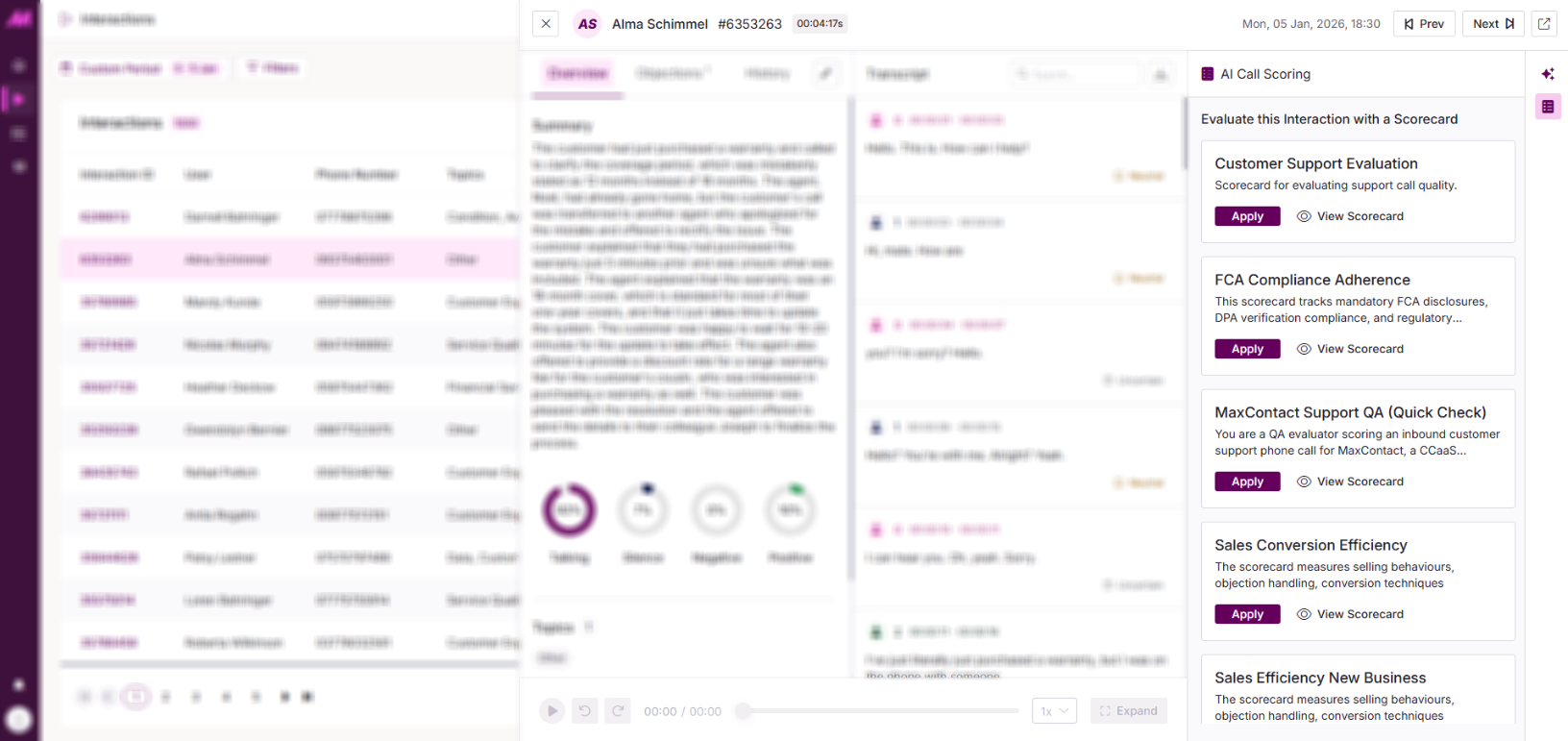
Scorecards tab
The Scorecards tab lets QA reviewers score interactions against a structured scorecard, with each question answered by AI based on the call transcript. Every score is linked directly to what was said, giving reviewers clear, evidence-backed results to work from.