What's new for Contact Hub for 7.9.0 Release?
- Email Replies. Blank lines in agent email replies now show in the Contact Hub conversation view, so what you see matches the email your customer receives. Both Enter and Shift+Enter blank lines display correctly, and replies you've already sent are fixed too. Some inbound customer emails with empty paragraphs may also show an extra blank line. The email itself, the reply editor and other channels are unchanged. Older browsers keep the previous display. No action is needed.
- Callbacks. Scrolling the mouse wheel on a time picker no longer overshoots. Before, a single notch could jump the hour by 10 or run on through the whole list. Now each notch moves the hour by 1 and the minutes by one step, or 5 on the Contact Hub callback picker.
- Script-Only Calls. Agents on dynamic nail-up campaigns were getting a live voice connection when they handled script-only calls, even though those calls never use voice. That left them open to being monitored or coached when they weren't on a call. Script-only calls no longer open that connection, so agents stay private until they're actually on a voice call. Agents who are permanently connected, and manual, preview and callback calls, work exactly as before. No action needed.
- Call Info. Call Info now shows the imported value when a column name contains brackets or other special characters. Leads imported before this release keep their old Call Info, so re-import or update any affected lists.
What's new for Manager Portal for 7.9.0 Release?
| Management Hub Login | |
 | The new Management Hub Login page is now live. It works exactly as before, with an updated image and a few styling tweaks. This is one more step towards the full Management Hub redesign. You don't need to do anything. |
| List Data Manager | |
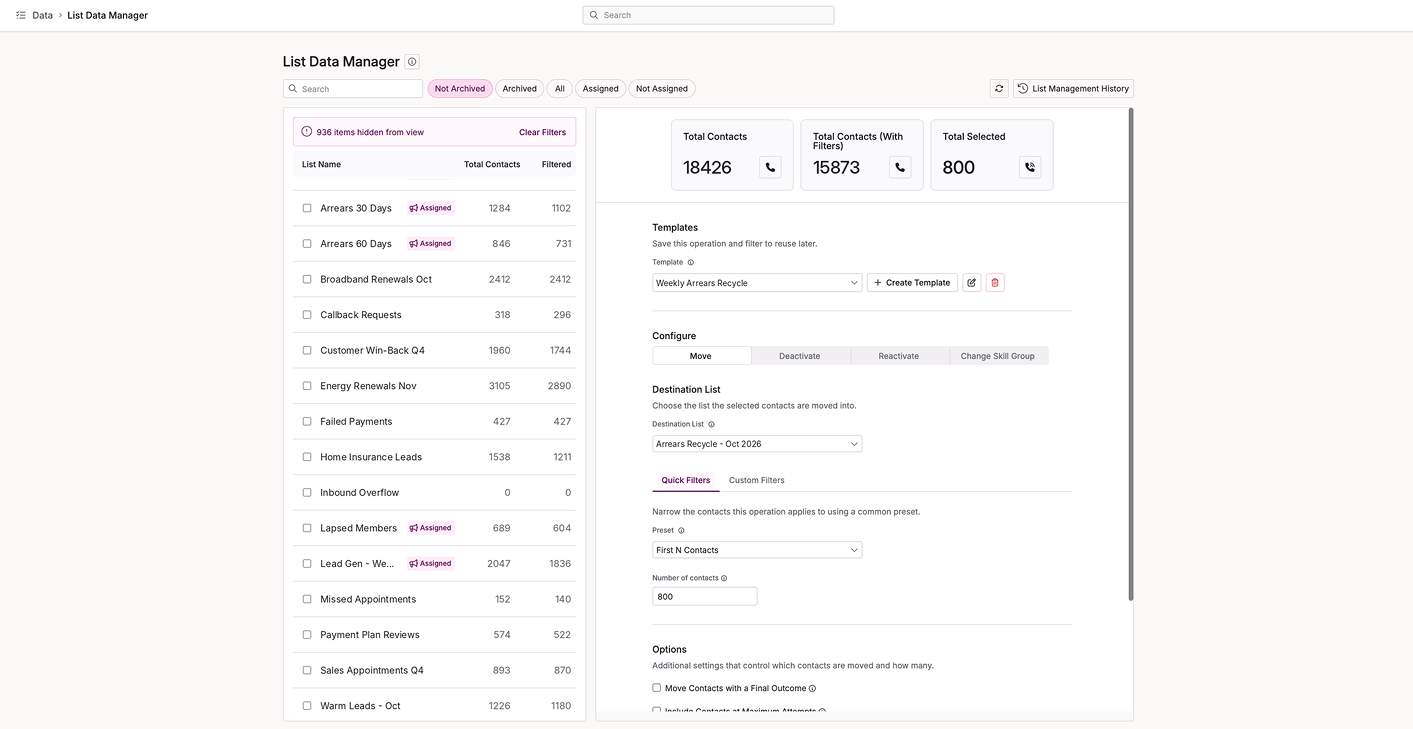 | List Data Manager now opens in the new Management Hub. It looks fresh and includes usability improvements based on your feedback. There are two bigger changes too. You can now build filters for when a field is empty or not empty. And more than one person can use List Data Manager at the same time, which wasn't possible before. You just can't both adjust the same list at once. |
| Campaign Manager | |
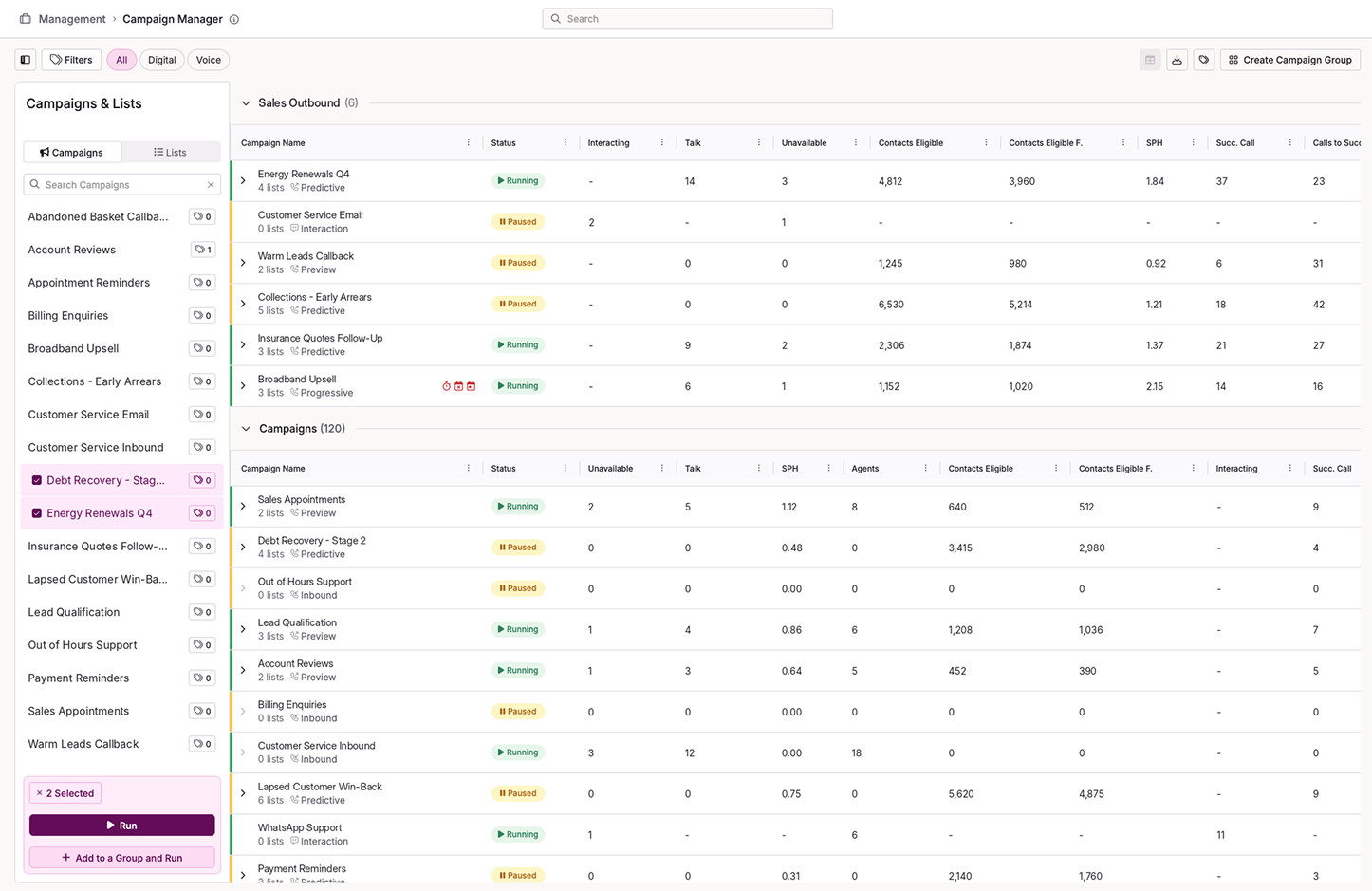 | The Campaign Manager page is now live in Management Hub. It has a fresh look, a few improvements and faster performance, and it's easier on the eye too. Everything you had before is still there, so you can carry on exactly as you were. |
| Call Reviews | |
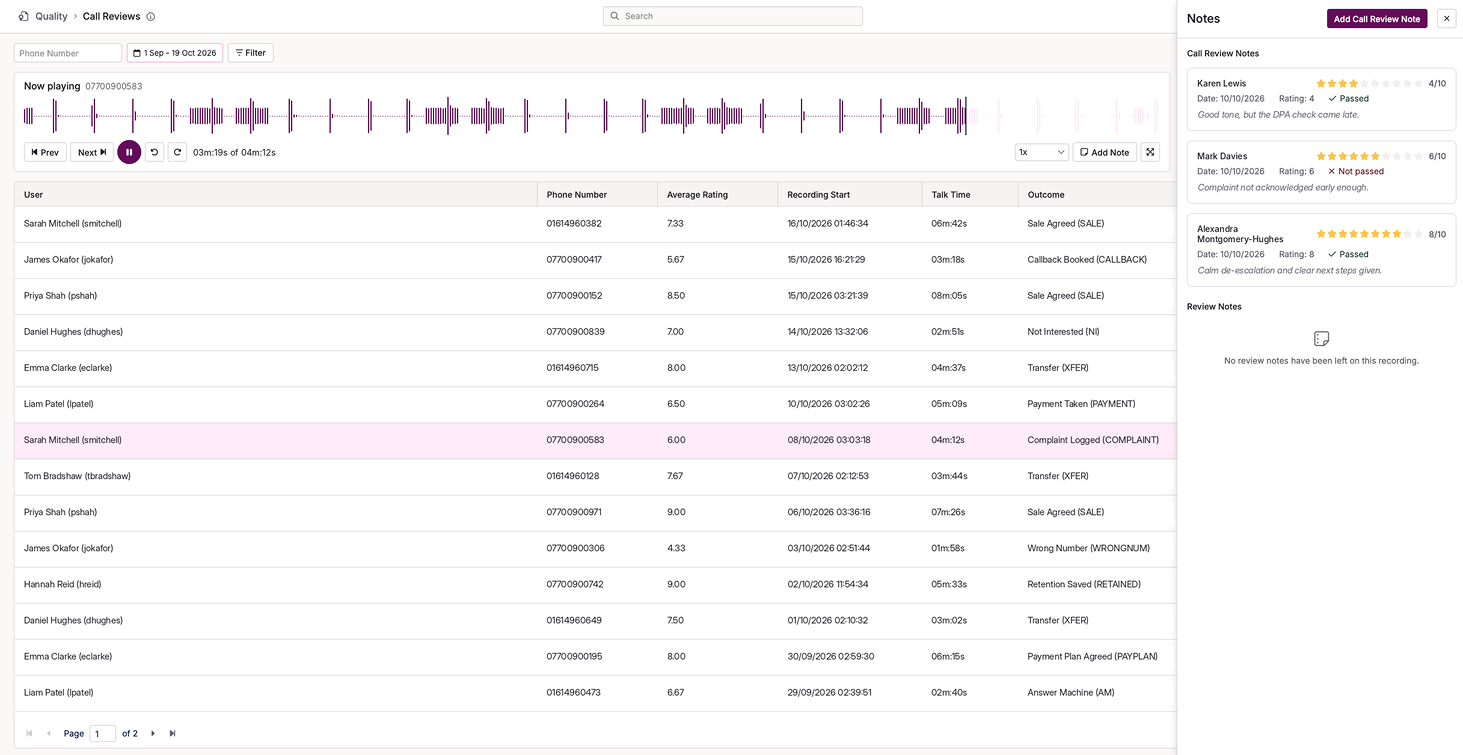 | Call Reviews now lives in Management Hub. Open it from within the product and manage your reviews alongside everything else in your contact centre. We've also made general usability improvements to the page. It replaces the old QA Page, so you'll find it under the new name in its new home. You don't need to set up or change anything. |
| Outcome Codes | |
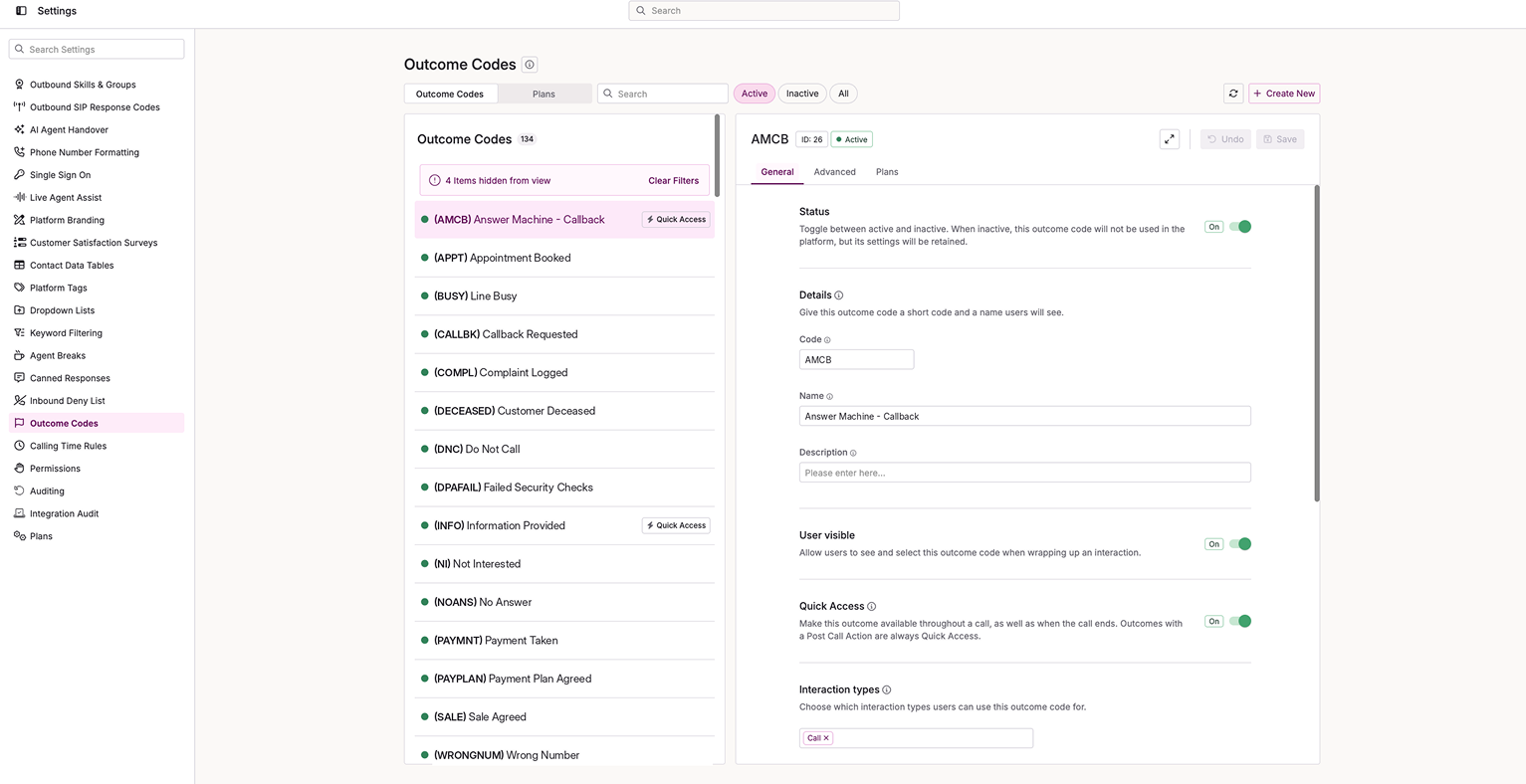 | You can now manage outcome codes in Management Hub, right alongside the rest of your settings. There's no need to switch to another area. The page was previously called Result Codes in its old location, and we've made general usability improvements as part of the move. Nothing needs setting up, so you can start using it straight away. |
| Calling Time Rules | |
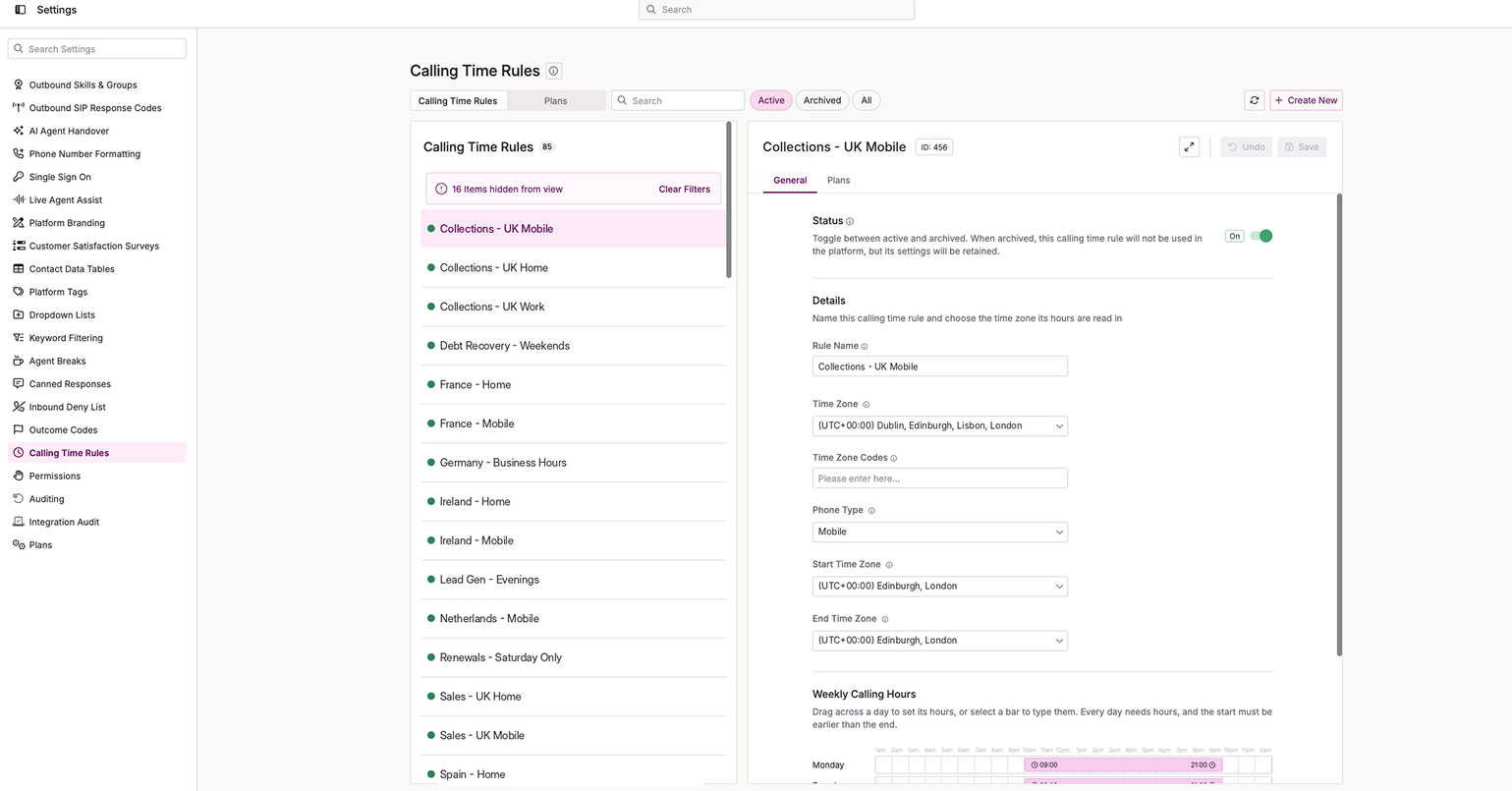 | You can now manage your calling time rules in Management Hub, right alongside your other settings. This page replaces the old Calling Time Plans page, and it brings a set of general usability improvements that make the rules easier to find and work with. There's nothing you need to do to start using it. |
- Login Performance. We've fixed a slowdown that could affect campaign switching when lots of agents logged in or out at the same time, particularly at the start of a shift. Login and logout requests are now handled concurrently instead of queuing one behind the other, so campaign changes stay responsive during busy periods. No action is needed.
- Call Status Webhooks. Webhooks can now tell you about calls that never reach an agent. Until now, Call Status Change webhooks only fired once a call connected to an agent, so calls waiting in a queue or an IVR were invisible to your systems. You can now switch this on for each integration. You get one update per genuine change in a call's status, with no repeats while a call waits. It's off by default, so existing integrations behave exactly as before. To turn it on, reach out to Customer Success.
- Lead Reset. We've fixed a problem in the Lead Management reset wizard that could start a lead reset without your confirmation. A reset now only starts when you confirm it in the dialog on the summary page. Moving through the wizard works as before.
- Callback Audit Trail. When an admin made a callback public or deleted it in the Callback Manager, the audit trail named the callback's original owner instead of the admin who acted. That made it hard to trace who had changed or removed a callback. The audit trail now records the admin who made the change.
- Report Schedules. Some minutely report schedules were running less often than configured. A 15-minute schedule starting at 07:58, for example, ran only at :58 instead of four times an hour. Schedules now run at every interval through the hour, whatever minute they start on. Existing schedules correct themselves when Schedule Server next restarts, so there's no need to re-save them.
- Platform Stability. The connection between the Call Server and the dialler now recovers on its own, improving overall platform stability. No action is needed on your side.
- Telephony API. The Telephony API now rejects any outcome code that is inactive or doesn't exist. Now the API returns a clear error naming the code, and nothing reaches the agent. If your integration relies on deactivated or deleted codes, switch to active ones. Changes to result codes can take up to two minutes to reach the API.
 | As well as the highlighted areas above, infrastructure improvements to enhance the overall product architecture have been included, ensuring better performance, reliability, and scalability, as well as a number of performance enhancements to boost stability and resilience. |
 | New additions are currently in the beta phase of production. You may see this icon for areas containing these features and changes within the product. |