
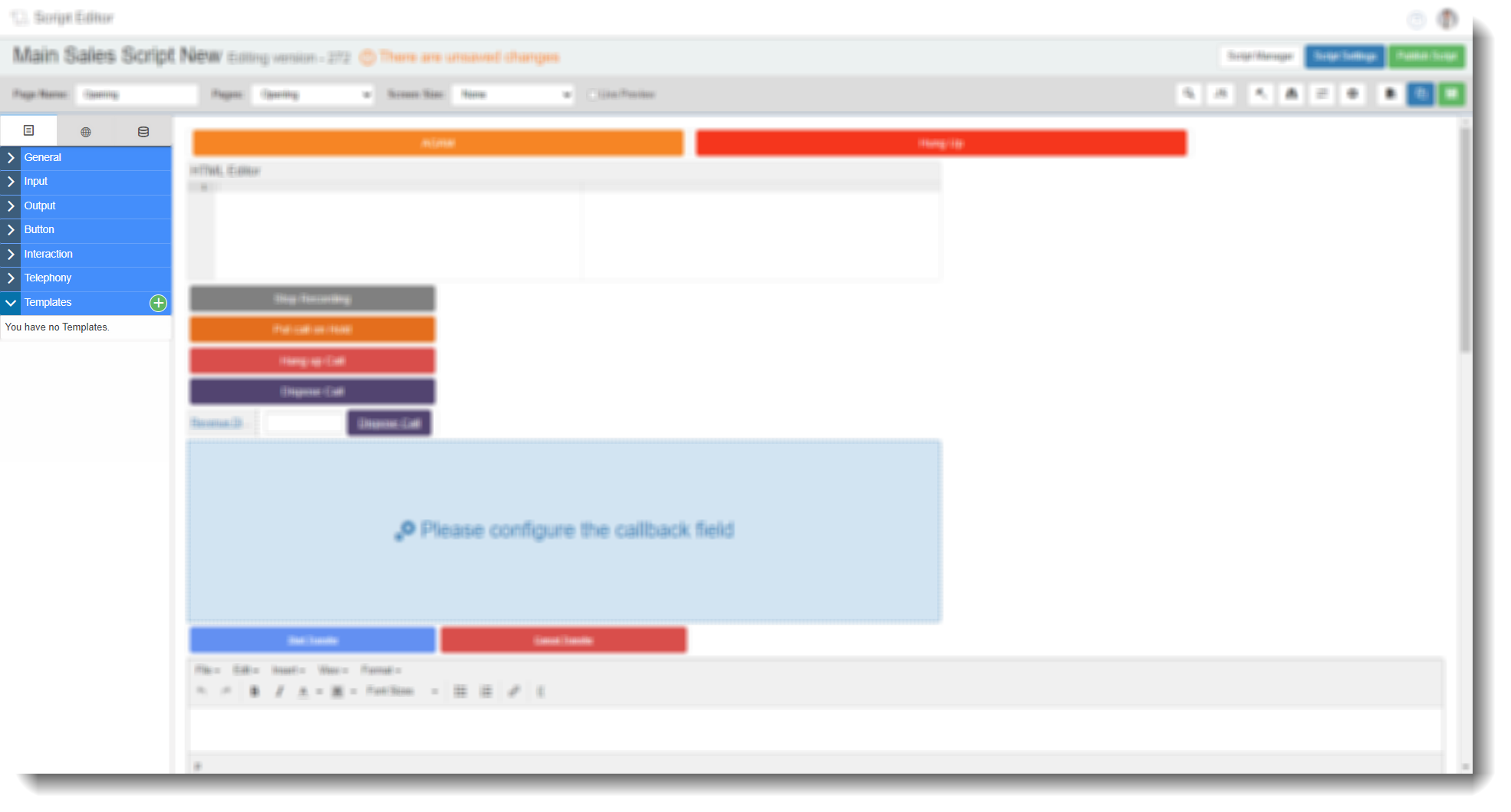
Drag and Drop Fields — Templates
The Templates tab in the Field Options panel lets you save reusable blocks of fields and buttons to use across multiple script pages. Rather than rebuilding the same layout repeatedly, you can create a template once and drag it onto any page in any script.
By default, no templates exist. Templates are created and managed from within the Script Editor.
Creating a template
- In the Script Editor, open the Templates tab in the Field Options panel.
- Select the green + icon to open the template builder.
- Use the drag and drop options to build the layout you want to save as a template.
- Give the template a clear, descriptive name so it is easy to identify later.
- Select Save, then select Finished with template to return to the script editor.
The template will now appear in the Templates tab and can be dragged onto any script page.
Using a template
To add a template to a script page, locate it in the Templates tab and drag it onto the canvas. The full block of fields and buttons is placed on the page, ready to configure or adjust as needed.
Note. Placing a template on a page creates an independent copy of the fields. Changes made to the placed fields do not affect the original template, and changes to the template do not update previously placed copies.