
Dashboard Studio
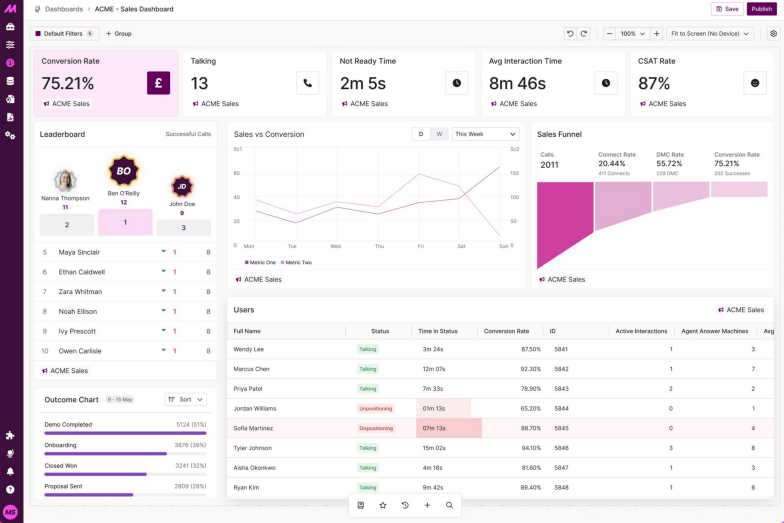
Your dashboards, even better
Dashboard Studio is the new way to build dashboards in MaxContact. It keeps the live data you already rely on and makes it easier to find, quicker to shape and clearer to act on, wherever your team sees it.
Get startedMoving from Dashboard DesignerFind it. Shape it. Act on it.
The live data you already rely on, with less effort and a cleaner finish.
Find it Search the widget library, save your favourites and pick metrics from a searchable list. When a widget has nothing to show, it tells you what's missing, whether that's a filter, a metric or a data type. | Shape it Set your colours and title size once for the whole dashboard, then fine-tune individual widgets. Place widgets wherever you want them, and choose a responsive layout that fits any screen. | Act on it Reorder grid columns in a couple of clicks, compare campaigns side by side with filter groups, and read your outcomes at a glance with the new Outcome Chart. |
What's new
A few of the improvements you'll notice straight away.
A searchable widget library Browse by category or type, search for what you need, and add a widget to the canvas in one step. | Responsive dashboards One dashboard that resizes to fit a laptop, a monitor or a wall screen, with no sideways scrolling. | Dashboard-wide styling Choose a light or dark theme, a default colour and a title size for every widget at once. |
Clearer filter groups Colour-coded groups and an ! prompt show you exactly which filters still need setting. | Settings beside your dashboard The settings pane sits on the right, so you can see every change as you make it. | Preview before you publish Check your dashboard at any screen size, or see exactly how agents will see it in Contact Hub. |
Start here
Step-by-step guides to help you build with confidence.
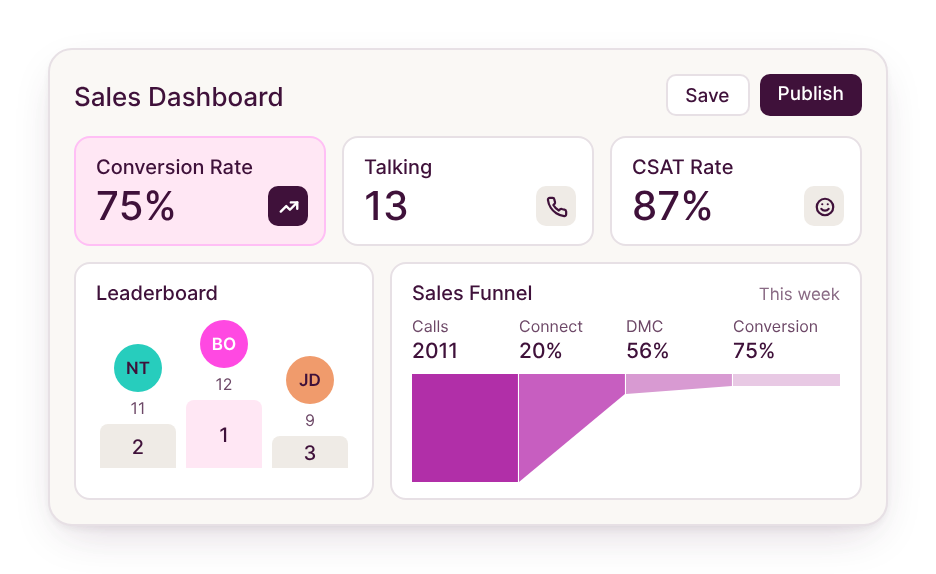 Dashboard Studio: Getting Started A tour of the page, from the canvas and settings pane to the widget library and preview tools. | 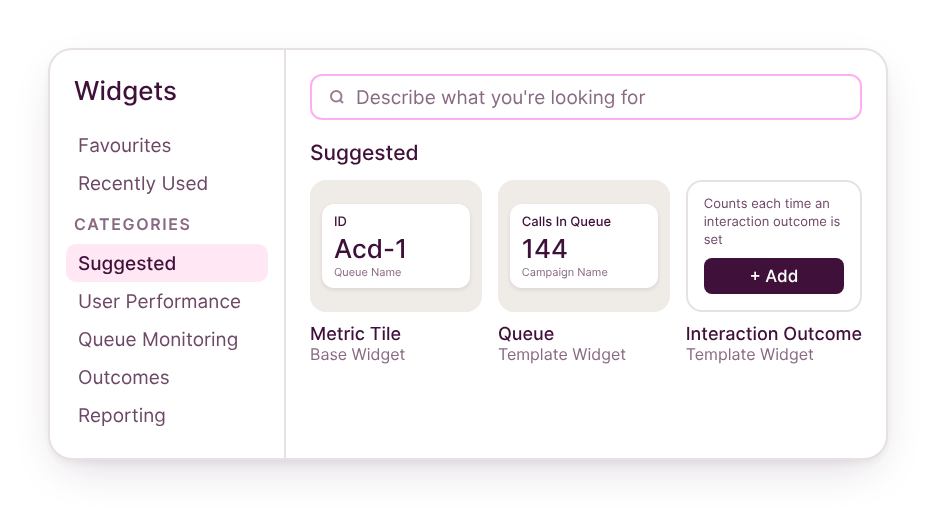 Dashboard Studio: Widgets Every widget explained, with the settings on its Data and Appearance tabs. |
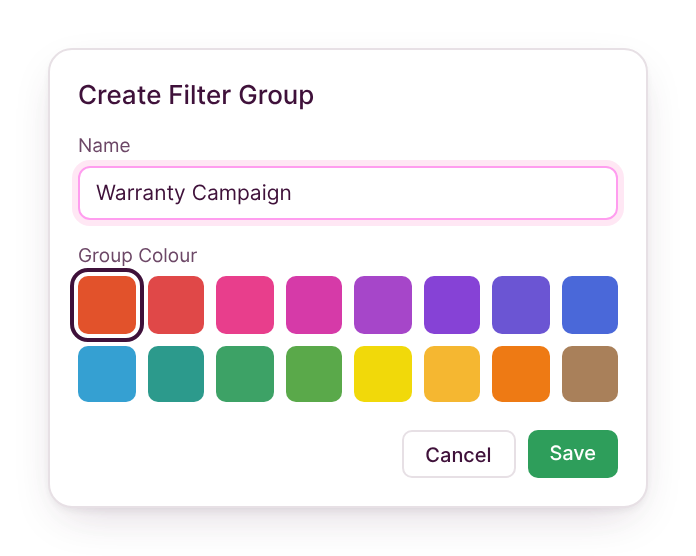 Dashboard Studio: Filters and Filter Groups Control the data each widget shows, and compare campaigns or teams side by side. | 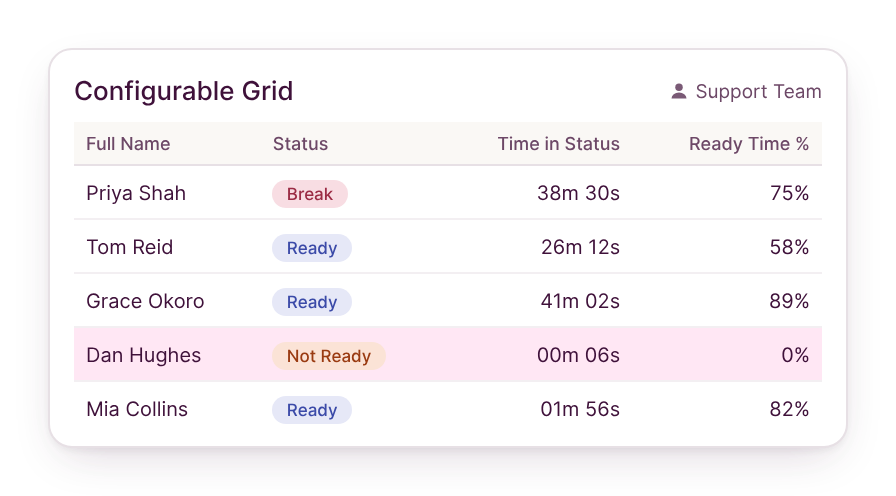 Dashboard Studio: Configurable Grid Stats by Data Type Every stat you can add to a Configurable Grid, for campaigns, teams, users and lists. |
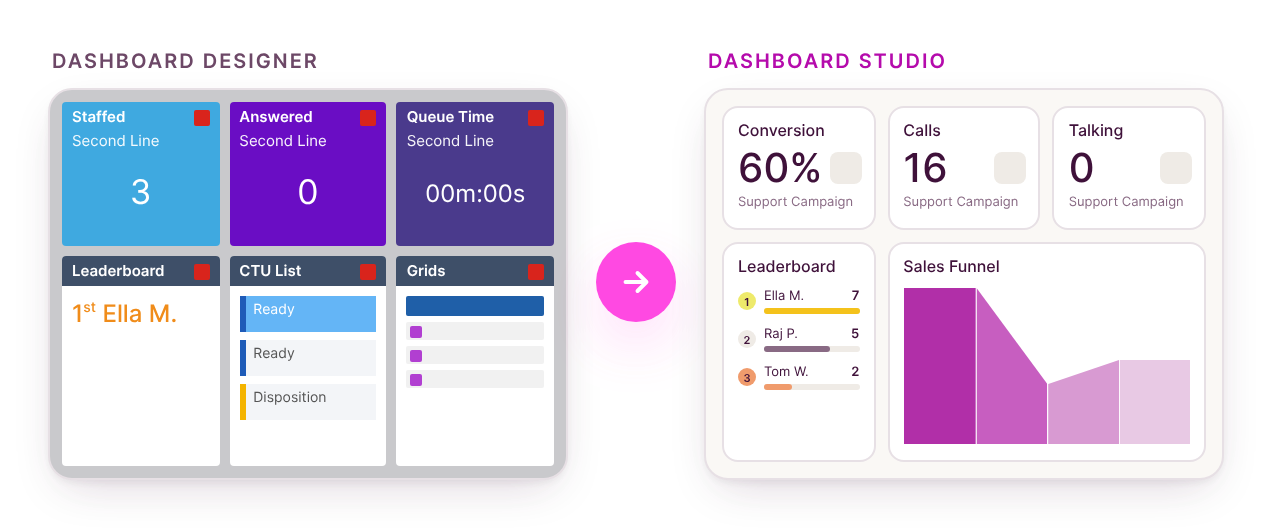 Migrating from Dashboard Designer to Dashboard Studio What stays the same, what's changed, and how to rebuild your existing dashboards. | 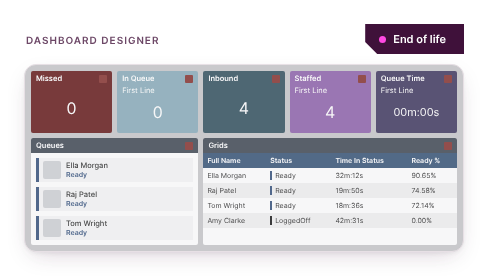 Dashboard Designer end of life: FAQs Key dates for retiring Dashboard Designer, and answers to the questions we hear most. |
Using Dashboard Designer today?
Dashboard Studio replaces Dashboard Designer. Your existing dashboards don't move across automatically, so you'll rebuild the ones you need. Most widgets carry over, some with new names, and our guide walks you through it.
See what's changed