How to configure
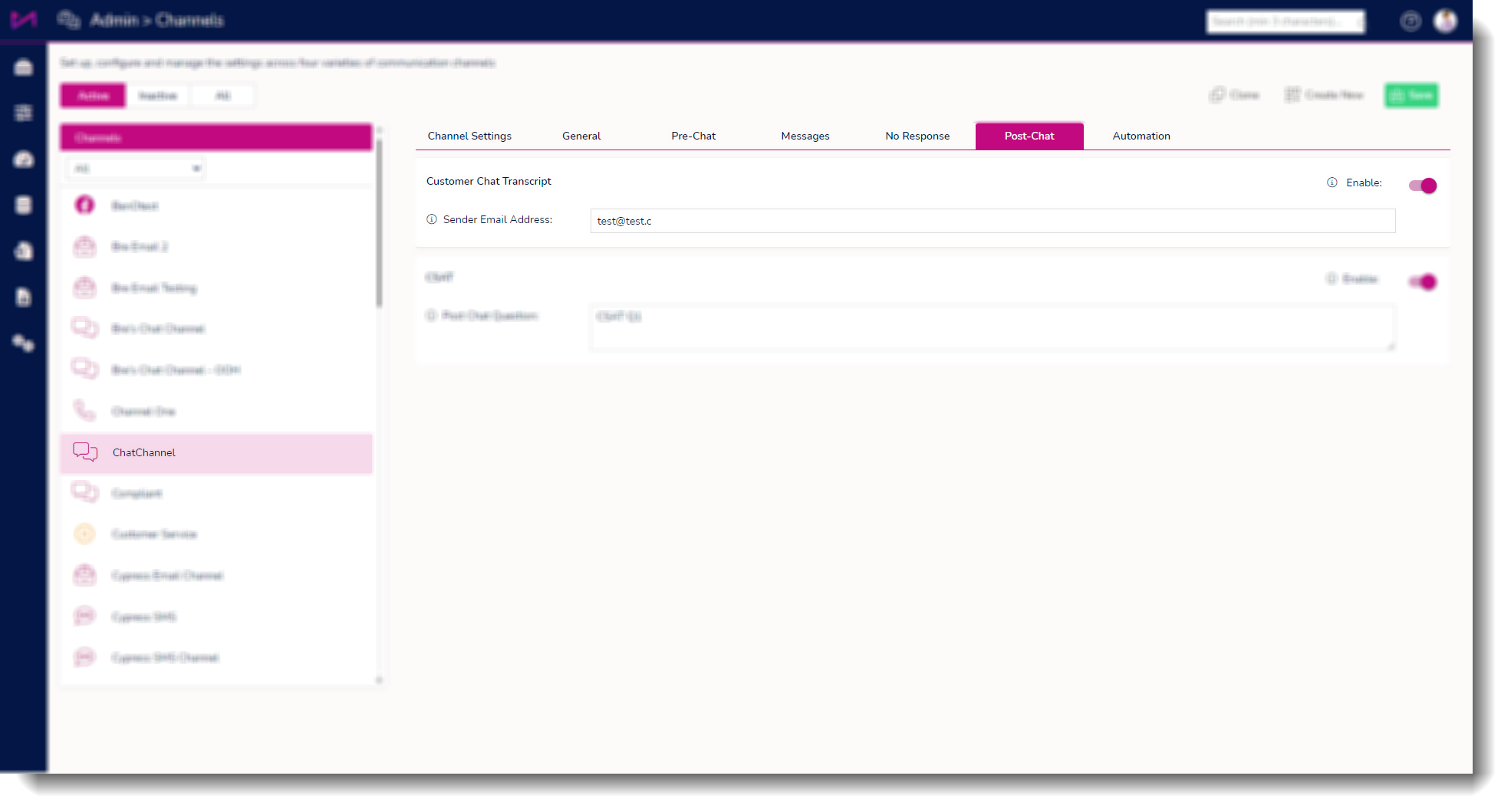
Create a Chat Channel in ManagerPortal/ChannelAdmin.
Navigate to the “Post chat” in the editor and enable Chat Transcripts.
How it should work
Once the channel is set up to allow transcripts, the customer should be allowed to request a transcript from the chat application.
Once the chat has ended, the user is presented with the following screen:

Selecting 'No' will close the chat window.
Entering an email address and clicking submit will send the transcript to the customer and display a confirmation.

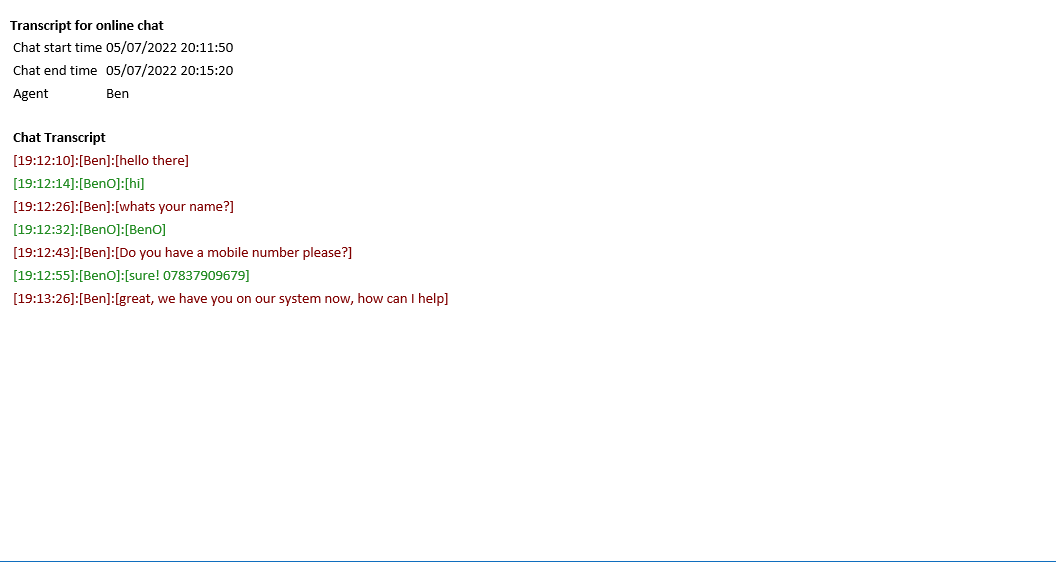
The received transcript (via email) will look similar to this example: