
Zip tones are either a series of one or more DTMF tones or short WAV files that are played in the agent’s headset whenever they receive a call. The early versions of MaxContact just had one universal zip tone that was played for every type of call. That evolved to unique zip tones for inbound and outbound calls, then it evolved further to include unique zip tones for preview and agent-to-agent transferred calls. This new feature now allows unique zip tones to be specified at the individual campaign and ACD queue level.
Setting a custom zip tone for a campaign
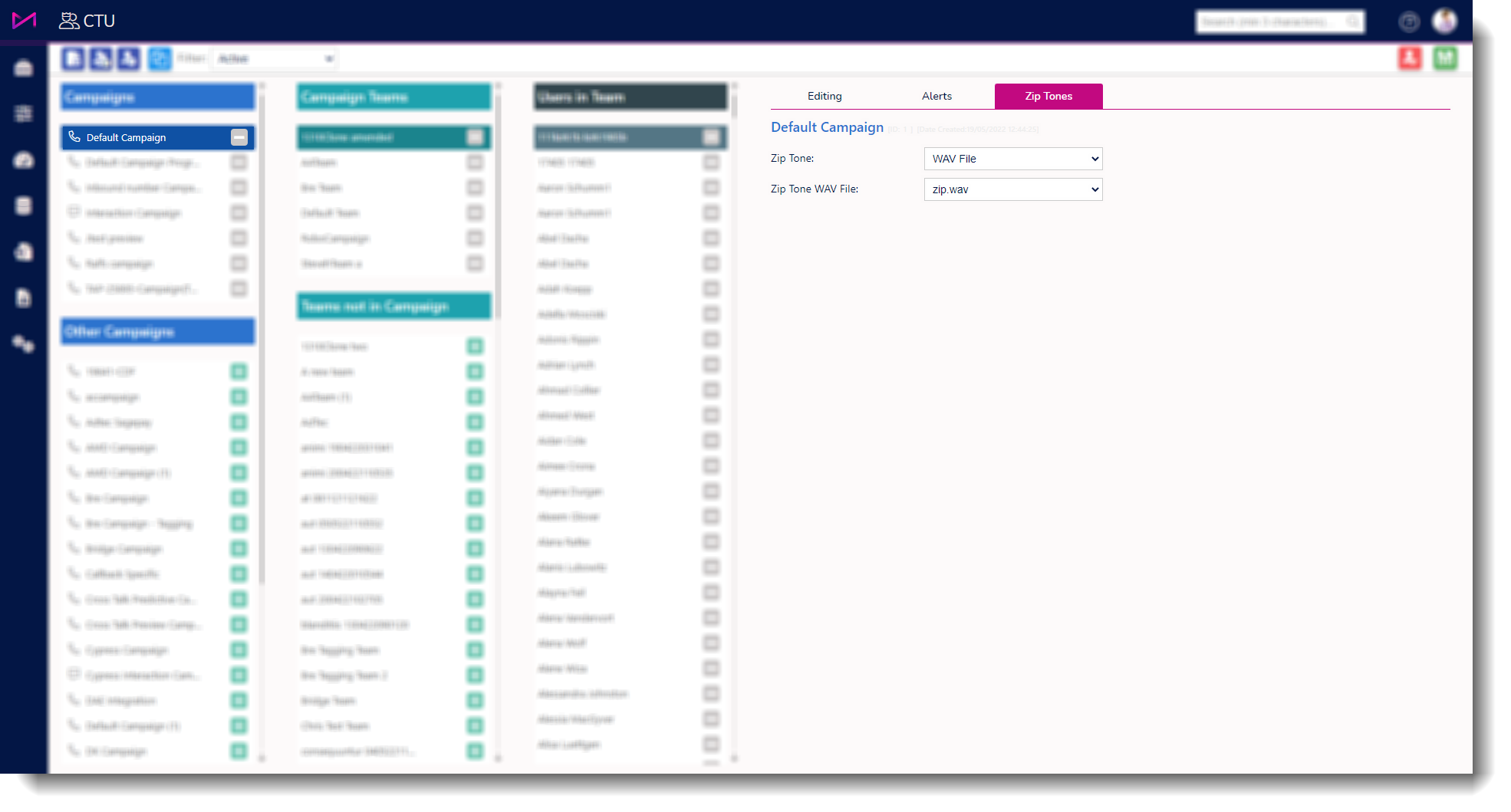
1 - In Manager Portal, the user should navigate to the CTU Admin screen.
2 - The user should select the campaign they wish to set the custom zip tone for.
3 - Once selected on the campaign you can then select the Zip tones tab on the right hand side.
'System Default' will use whatever the default zip tone is for all outbound calls.
'Beep' will play DTMF tones.
'WAV File' will play a pre-recorded WAV file.
If 'Beep' is the selected Zip Tone option, users can change the 'Zip Tone Beep' to their preference.
If 'WAV File' is the selected Zip Tone option, users can select the desired WAV file they want played.
Note - only WAV files that are two seconds or less will be available for selection.
Setting a custom zip tone for queues
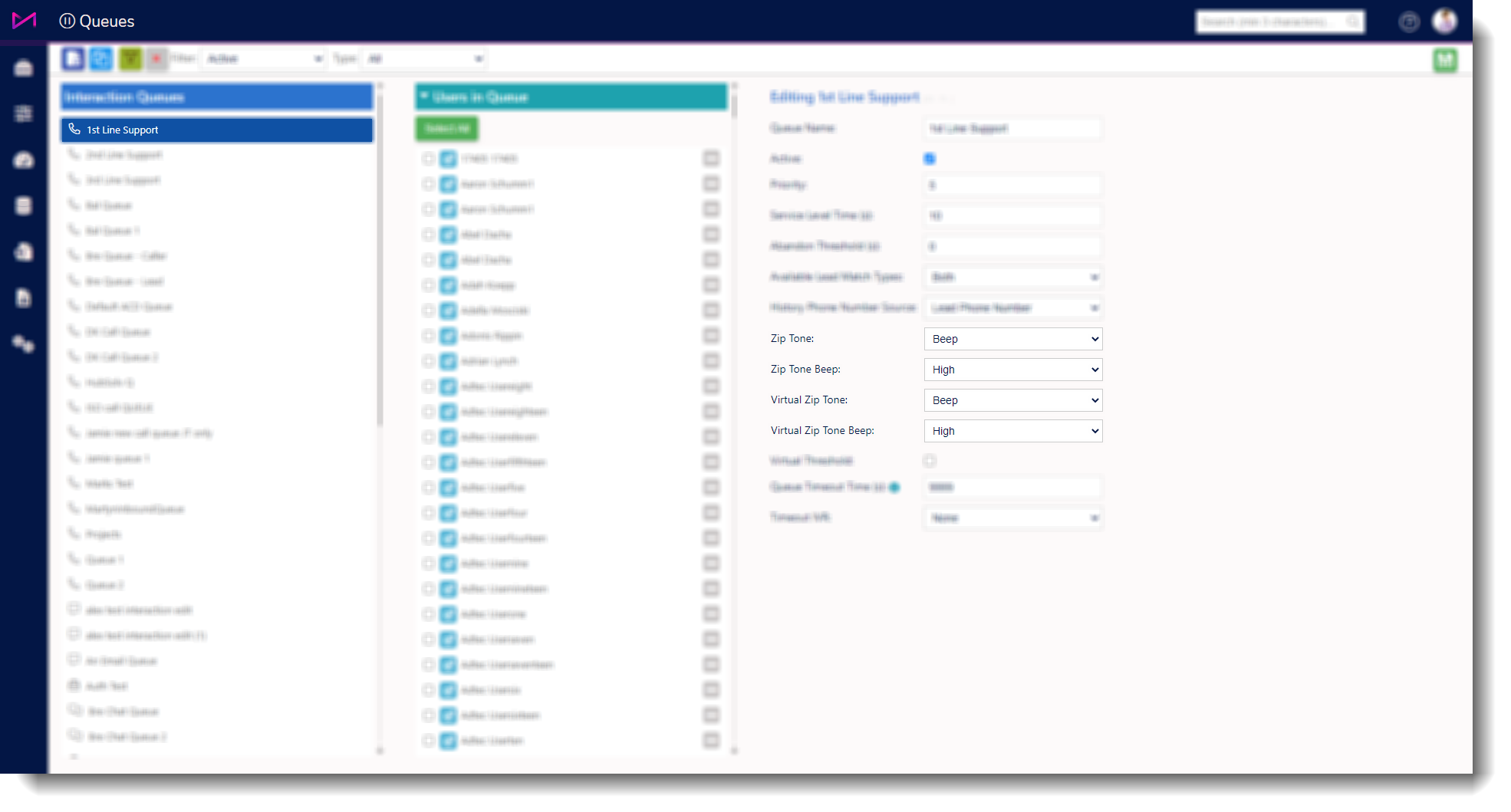
1 - In Manager Portal, navigate to the queues page.
2 - Select the Skill you wish to set the custom zip tone for.
3 - Change the “Zip Tone” option.
'System Default' will use whatever the default zip tone is for the call.
'Beep' will play DTMF tones.
'WAV' File will play a pre-recorded WAV file.
If 'Beep' is the selected Zip Tone option, change the Zip Tone Beep to your preference.
If 'WAV File' is the selected Zip Tone option, select the desired WAV file you want played.
Virtual Zip Tone - You can select the type of Zip Tone to use when a call is put through to an agent which was added to the virtual queue so they are able to differ the type of call being passed to them.
Note - only WAV files that are two seconds or less will be available for selection.
System zip tones vs. custom zip tones
The general rule of thumb is that custom zip tones are only played for predictive, progressive, and skill-transferred calls. Preview and agent-transfer calls have their own system zip tones. In the case where a preview call from a campaign with a custom zip tone is sent to the agent, the system zip tone for preview calls will be used.
Adding WAV files
If users want to use a WAV file that isn’t listed in the choice of available WAV files, they can add it through the IVR Designer screen. Pick any IVR element that uses phrases like 'Play File' and click the 'Edit Files' button. This will allow the user to upload their own WAV or MP3 files. Users need to make sure the file is short (2 seconds or less).