
This feature allows you to restrict dialling to progressive when LESS than the configured number of agents are logged into a predictive campaign. Instead of dialling predictively, the campaign will automatically change to dial in progressive mode.
We have added this in response to clients struggling with drop calls at break times as agents log off or with reduced shifts.
How Do I Configure It?
When you set up a campaign in the CTU page and select the type to predictive, you will then be presented with an option for 'Degrade To Progressive' and a 'Progressive Threshold' once you tick the option.
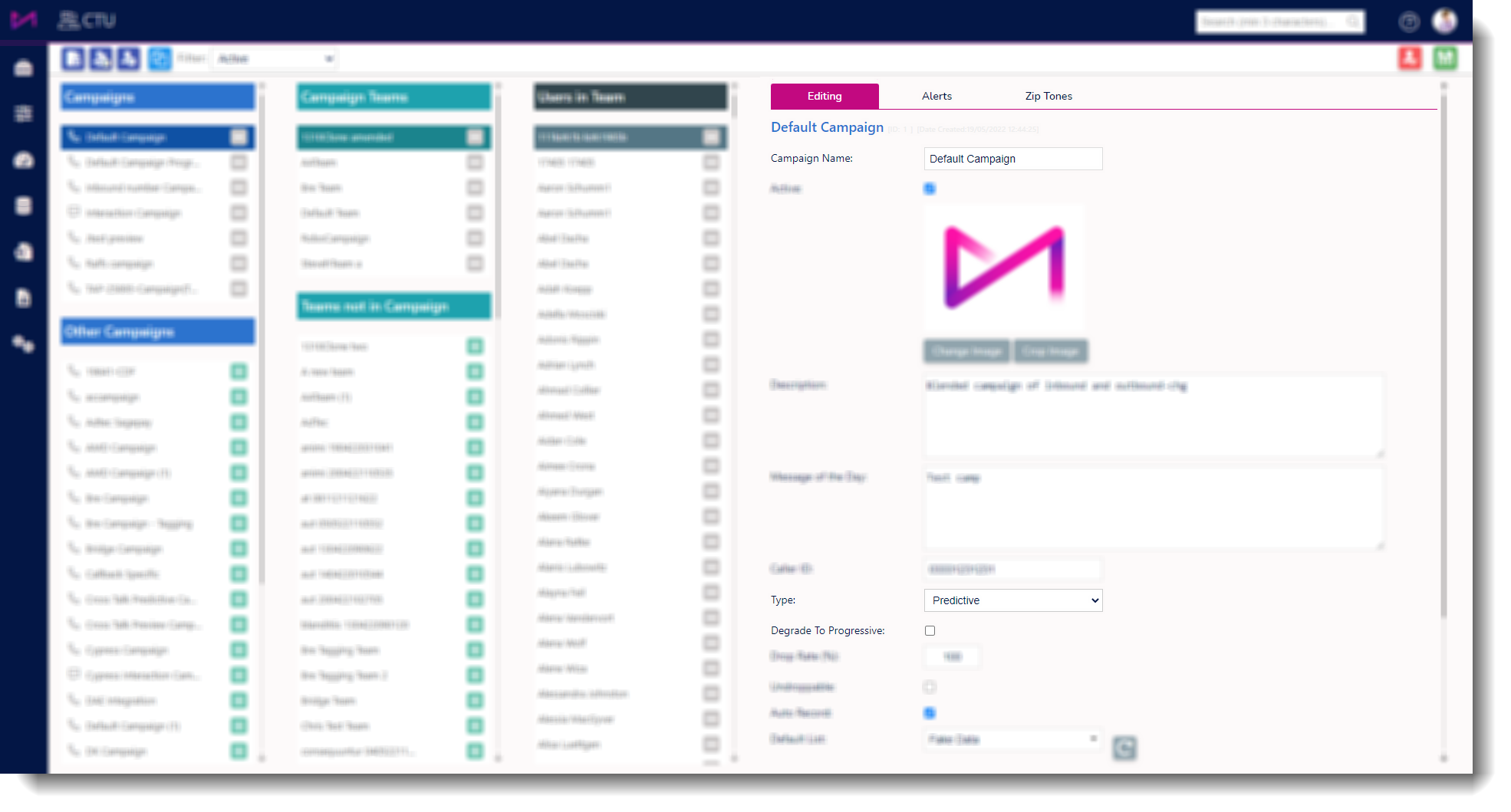
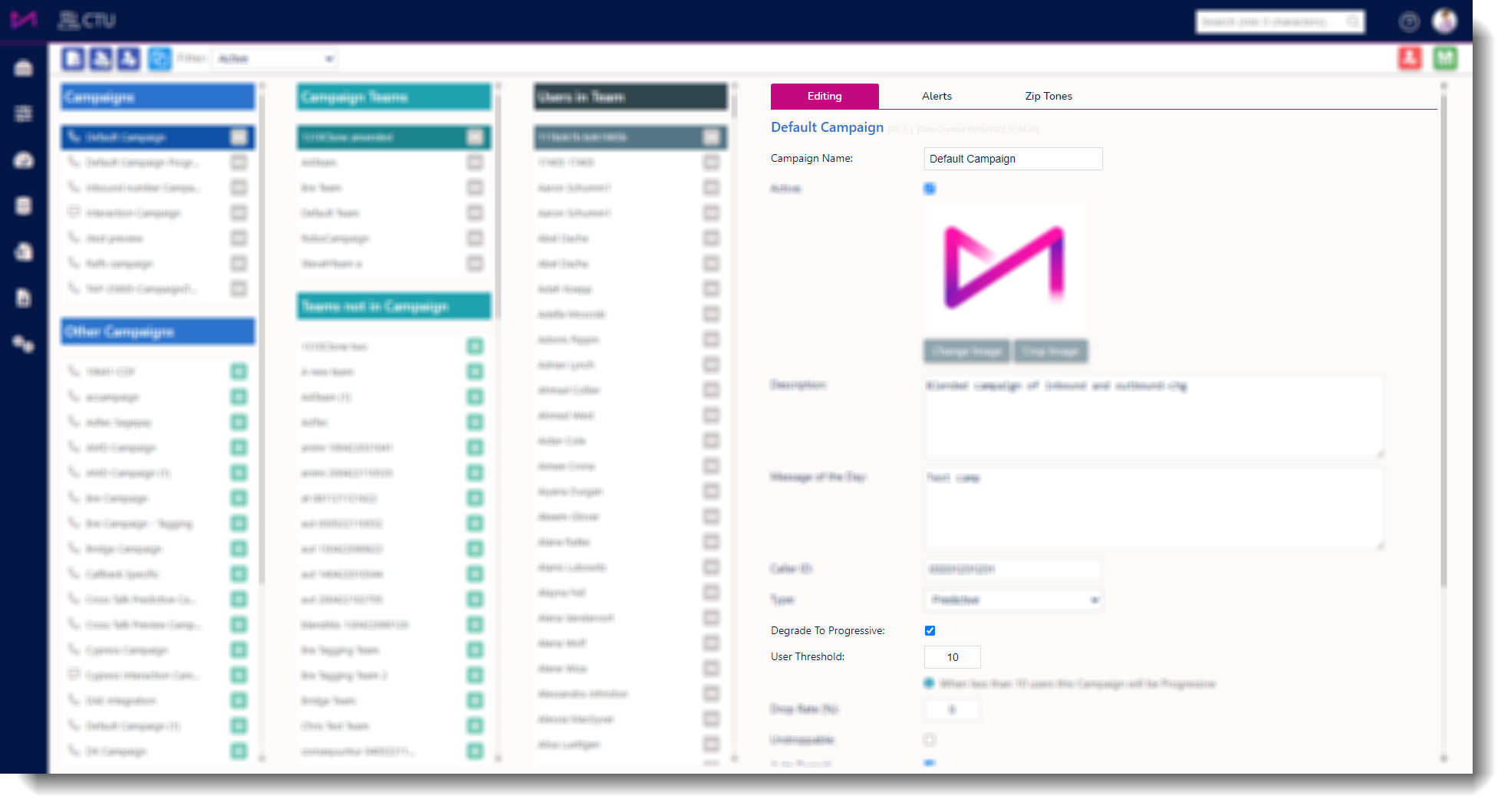
When no agents are logged into the campaign it will be visible as predictive in campaign manager however, as agents log in, when less than the threshold value of agents are logged into the campaign it will appear as progressive until the threshold is reached. Once the number of agents logged in is higher than the threshold, the campaign will be predictive.
When agents start logging out for break, as an example, and the number falls below the threshold, the campaign will change to progressive preventing a spike in drop calls from occurring.
General Notes
- Campaign Manager will have a real time view of the dialling mode
- Agents will receive progressive calls
- Setting can be turned on or off on predictive campaigns only
- Database is not updated, and campaign will be visible as predictive in admin pages