
When users of the system use a tab key on the keyboard for quick data entry, you can choose which order the tab button cycles through fields
Click on the Tab Ordering button in the top right of the menu bar
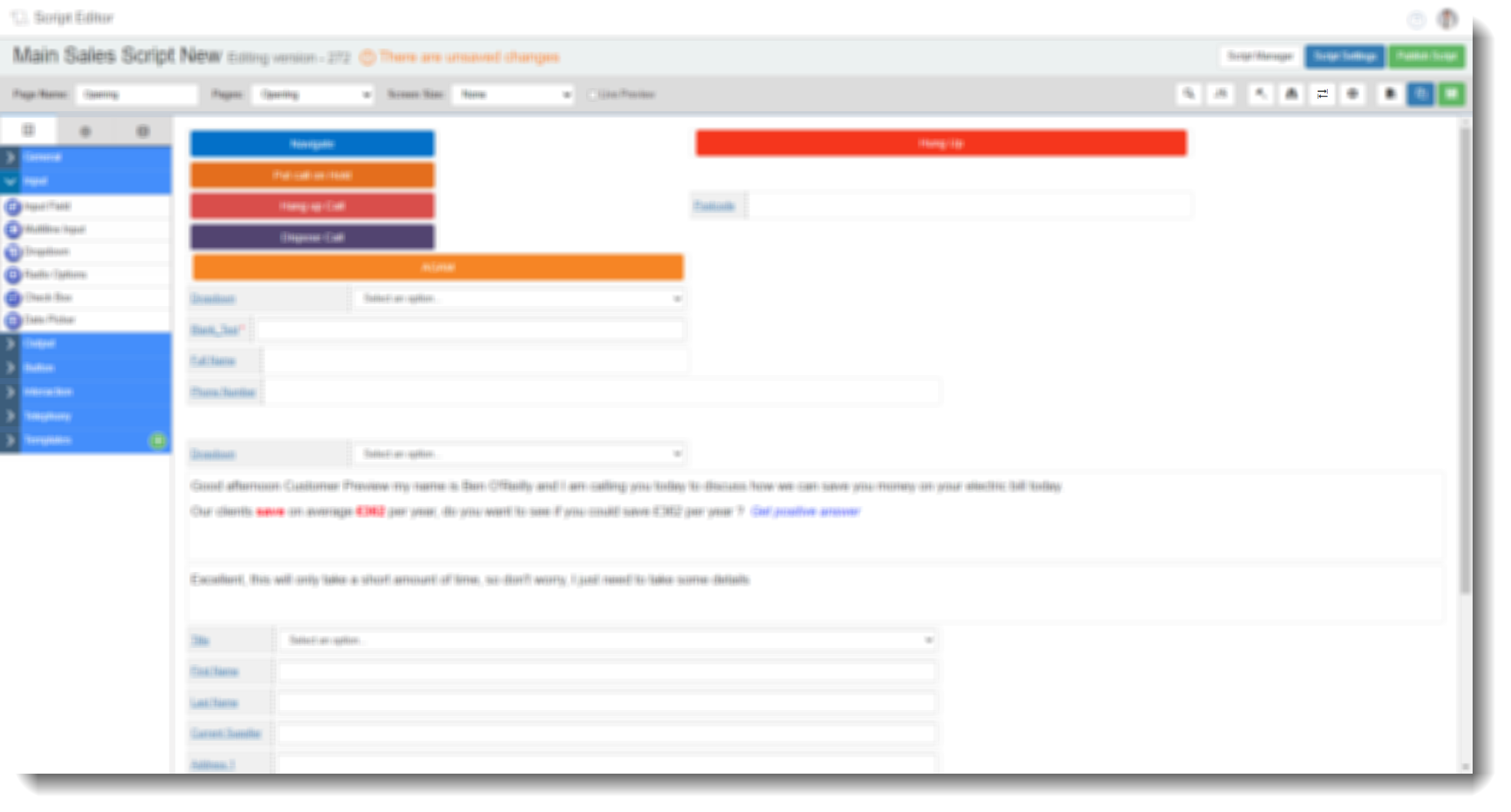
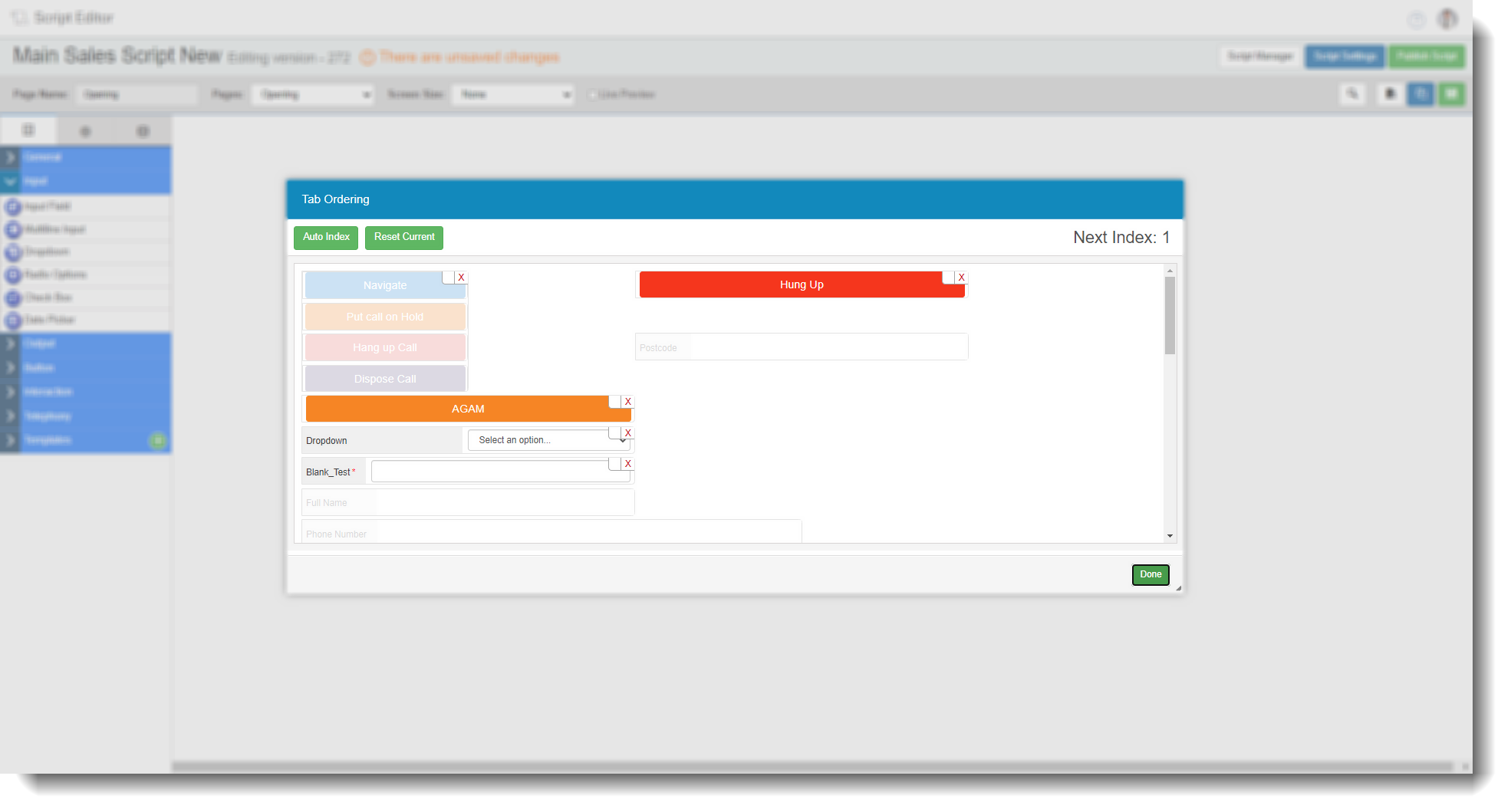
This will open the tab ordering screen
if you see blank squares next to the fields, there is currently no tab order
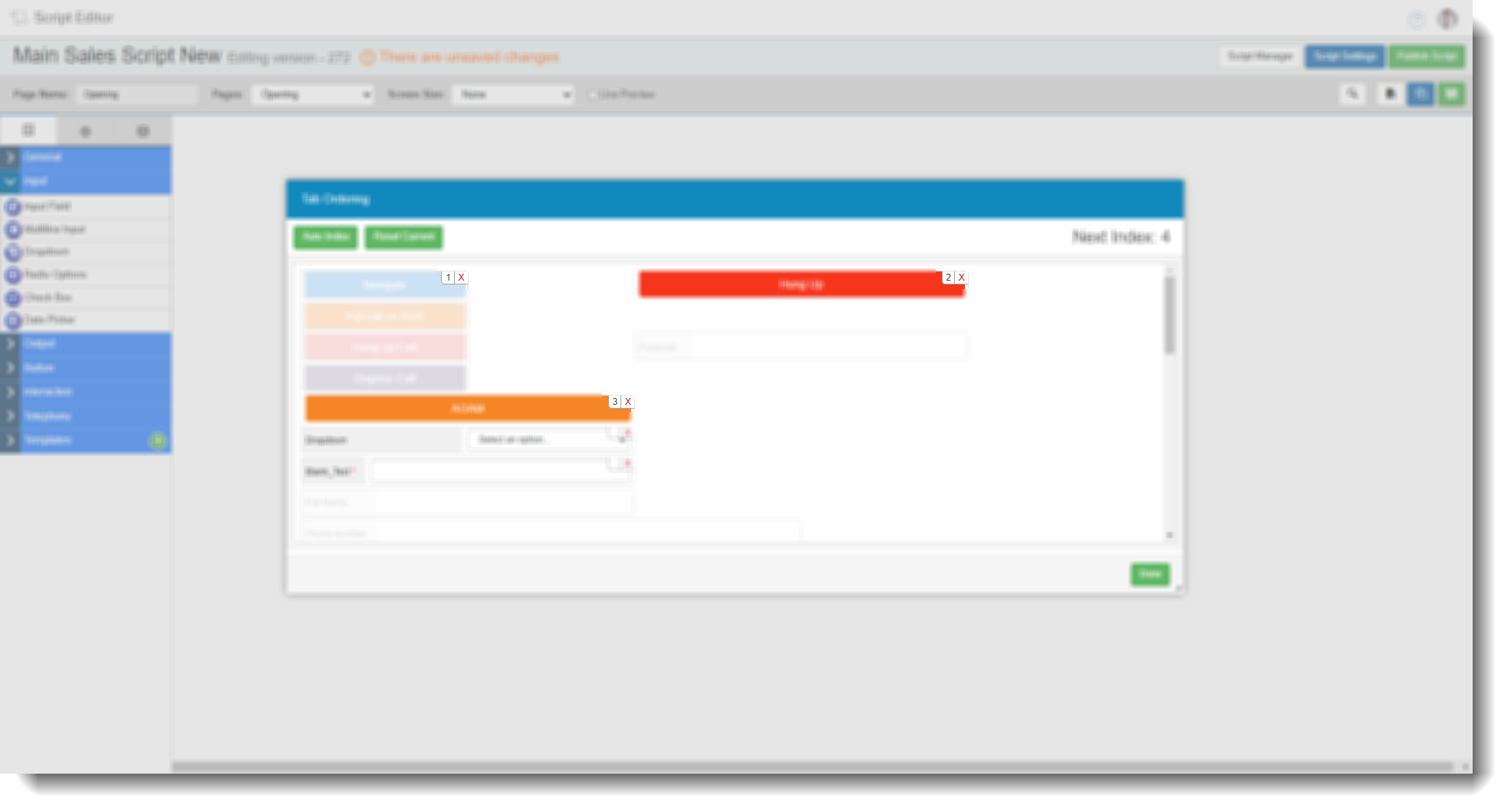
You can manual order by clicking the fields the order you want them to tab in, notice the numbering as you click
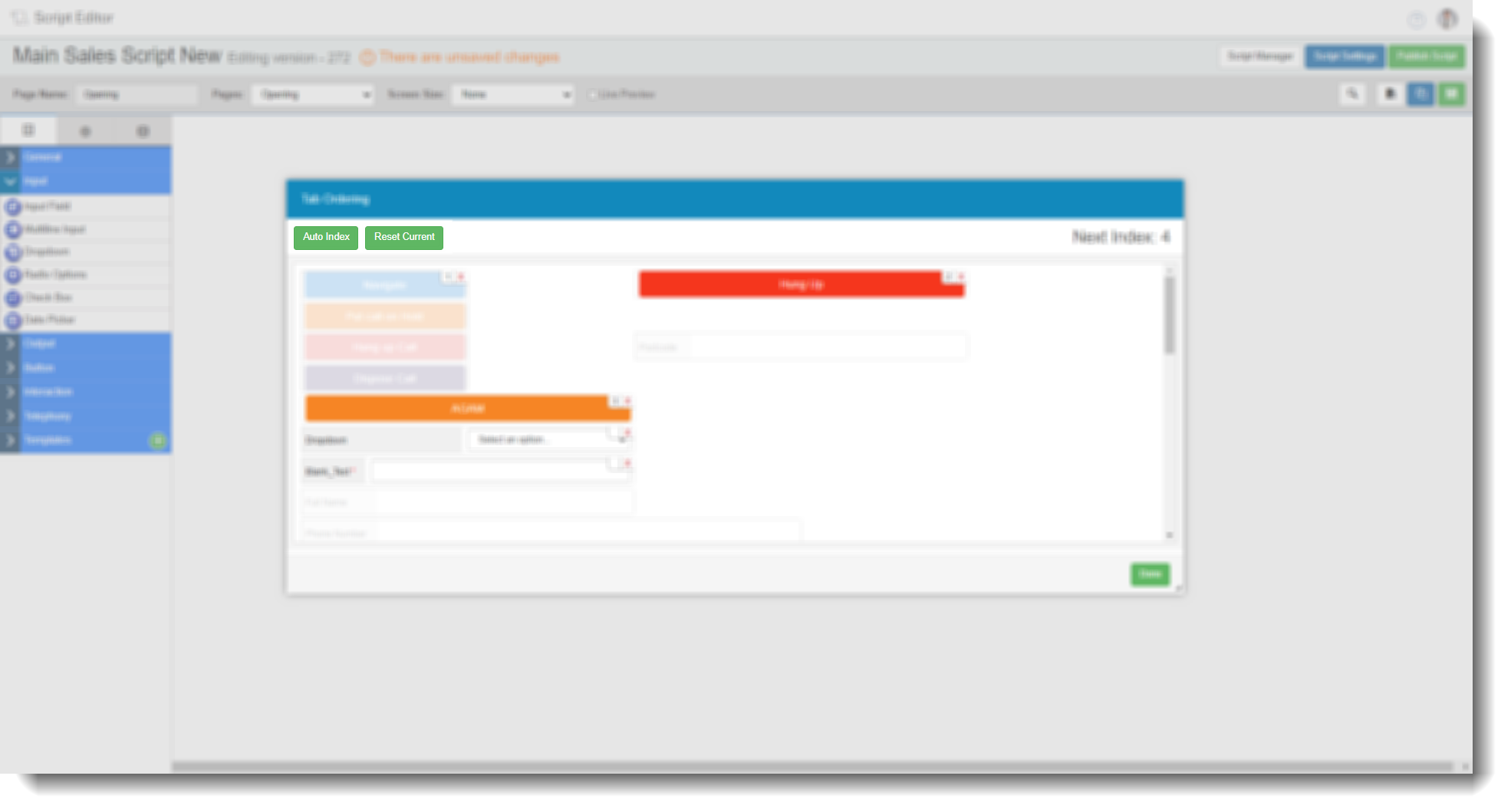
If you want to re-do the current order , click reset current, this will allow you to override the current numbering. You can also press auto index to get the system to choose the most logical order.
Press done once you are happy with the order