
Generally, an overlooked feature is the ability to auto-map.
This is done simply from the left-hand panel, the third tab has all available database fields
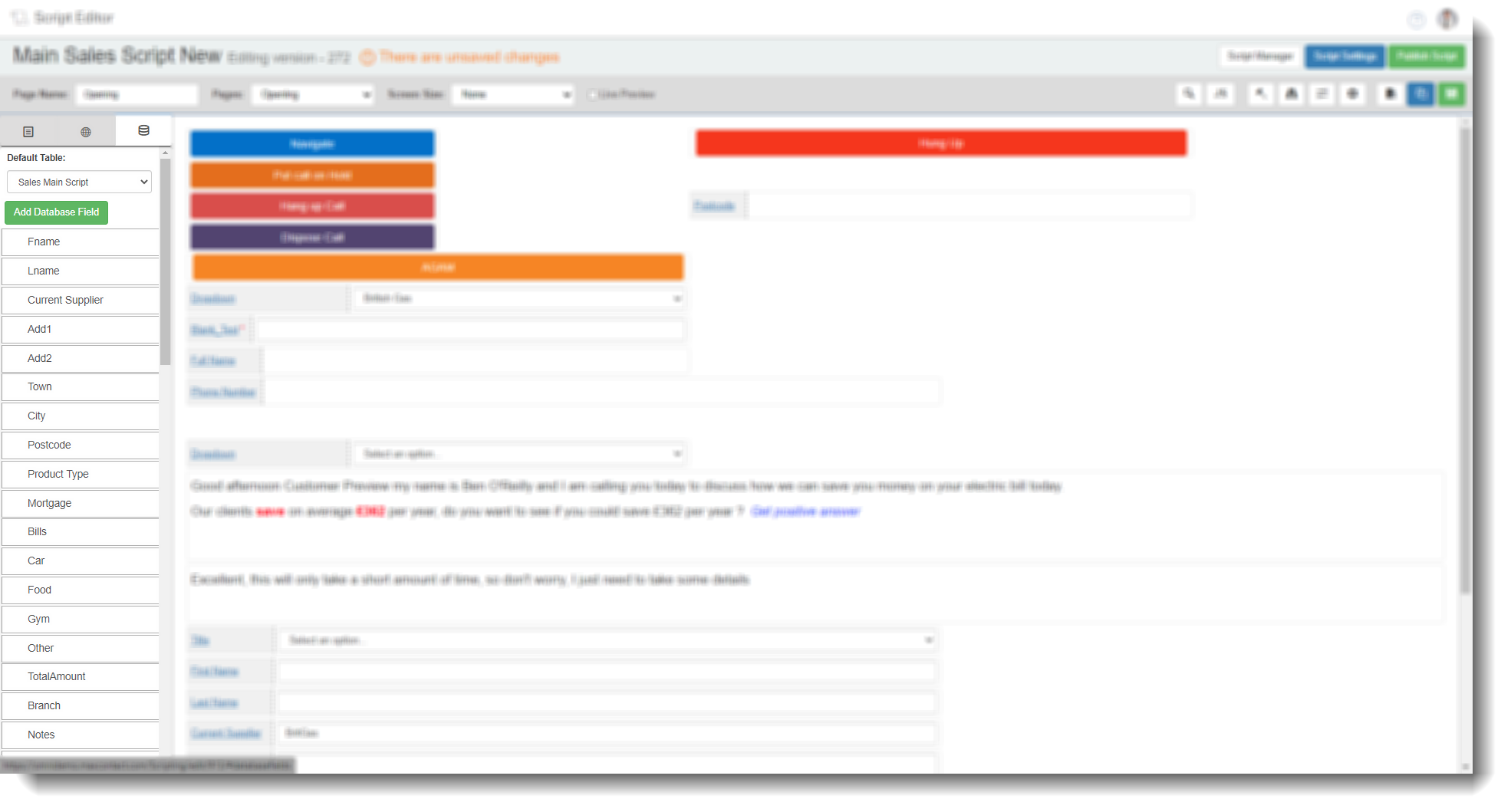
You will see a drop down to pick the relevant table you want, this will then show all fields within that database table.
if you then click and hold the field you want, you can drag and drop this over any field you have made in the script
If you then click edit for the field you have mapped, and click on the database tab, you will see this is mapped to database field you dragged over
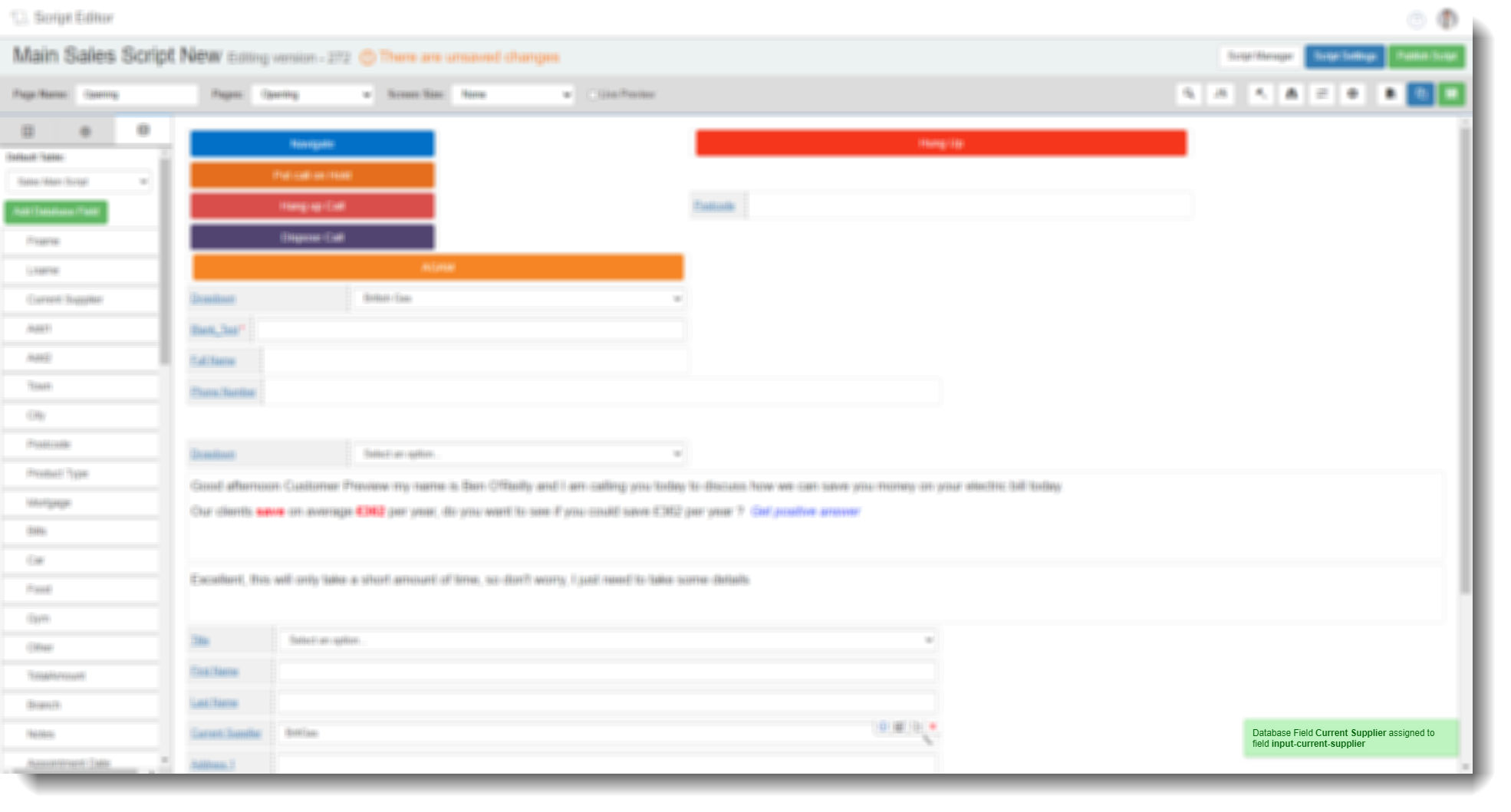
This is useful when mapping a lot of fields within a script rather than having to go into the settings for each field and do it manually.