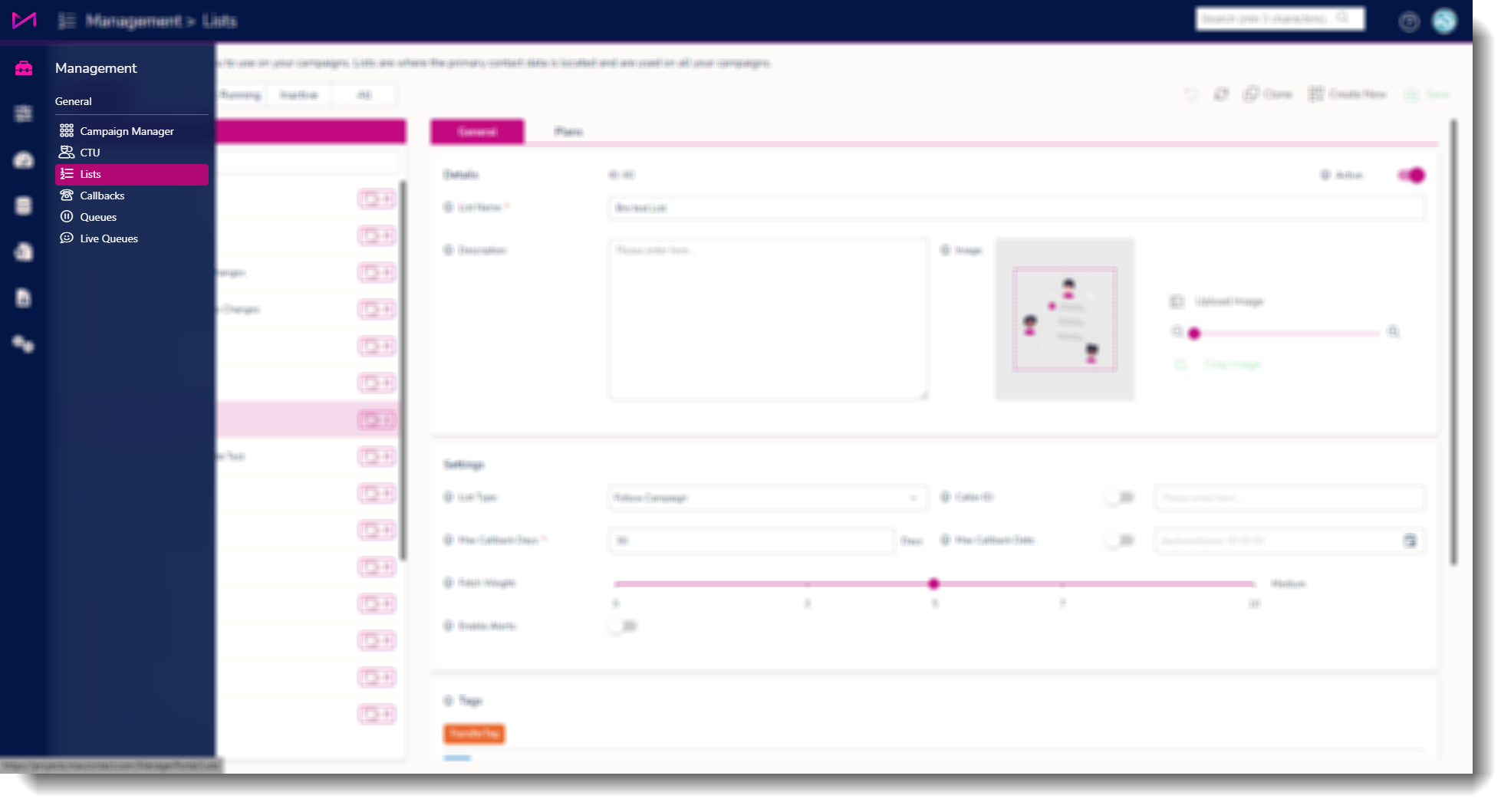
1 - Head to the Lists page.
2 - Select a list from the left of the List Admin screen. In the Tags Groups area of the page users can see available/previously created tags to select.
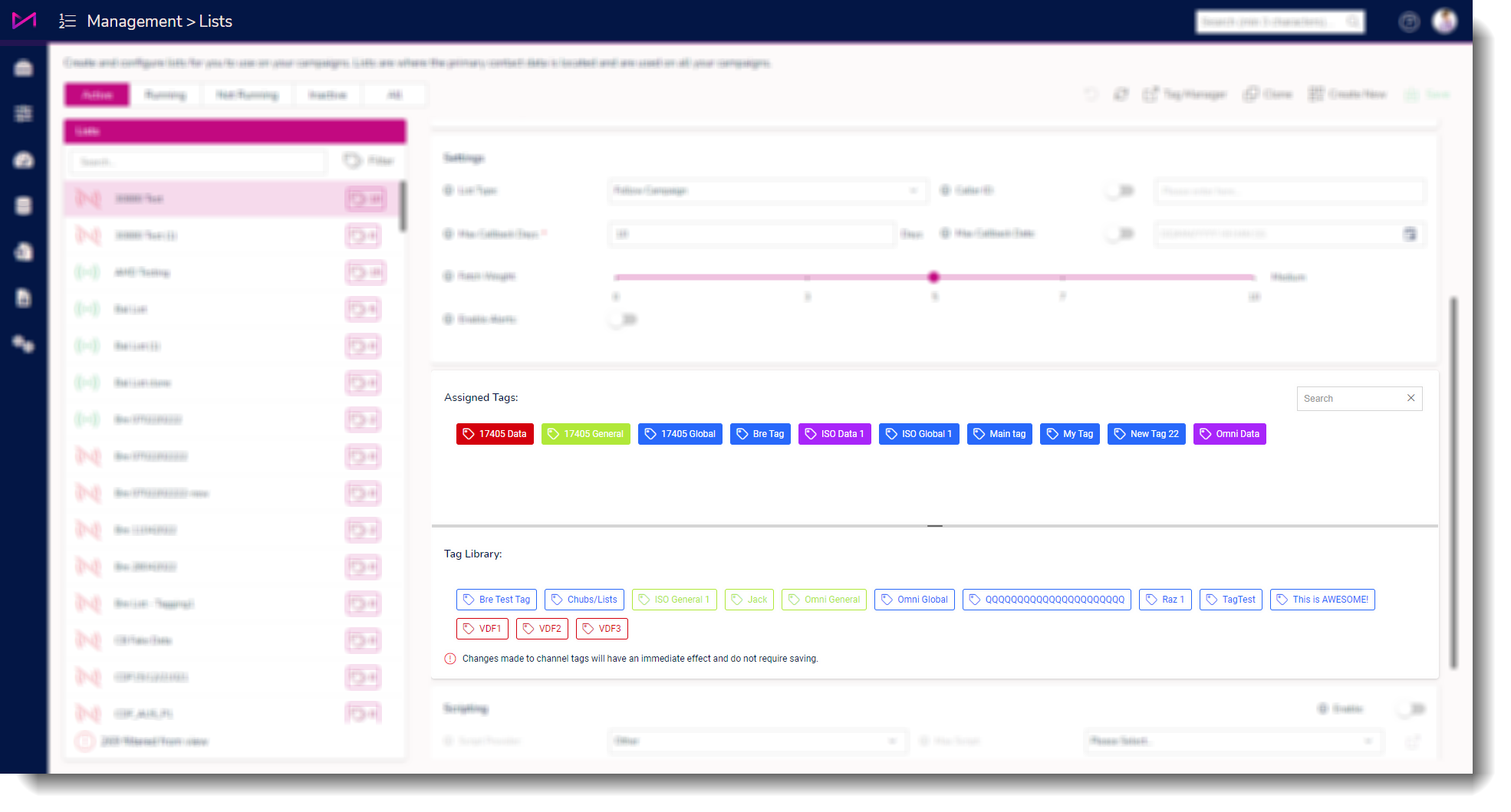
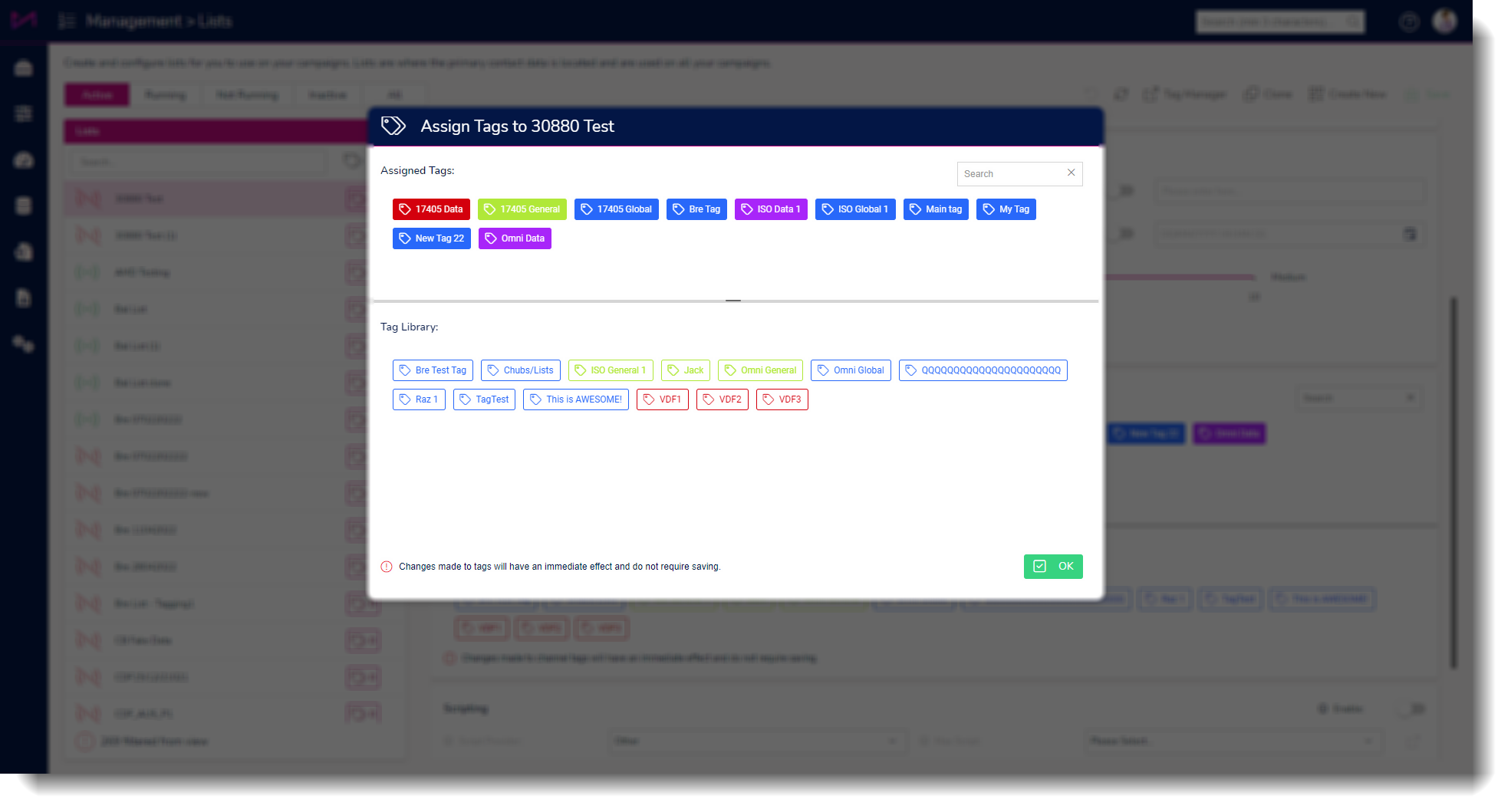
3 - Clicking a tag below the line will add the tag to the list, clicking a tag above the line will remove the tag from the list. You do not have to click save to effect the changes. Clicking the tags in and out automatically saves the changes.
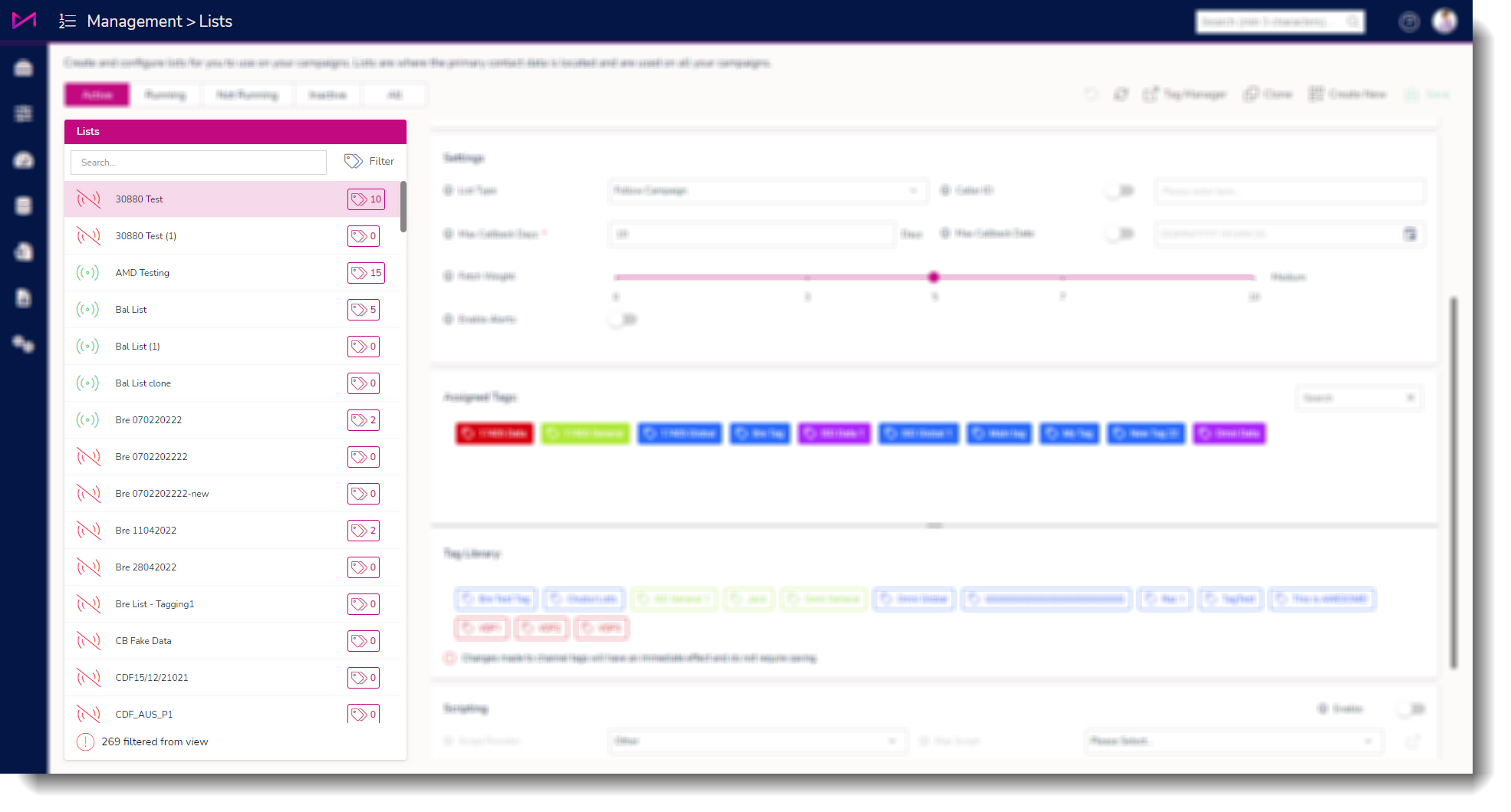
4 - You can also select the tag icon next to the list name to see which tags are assigned/unassigned via a dialog box.
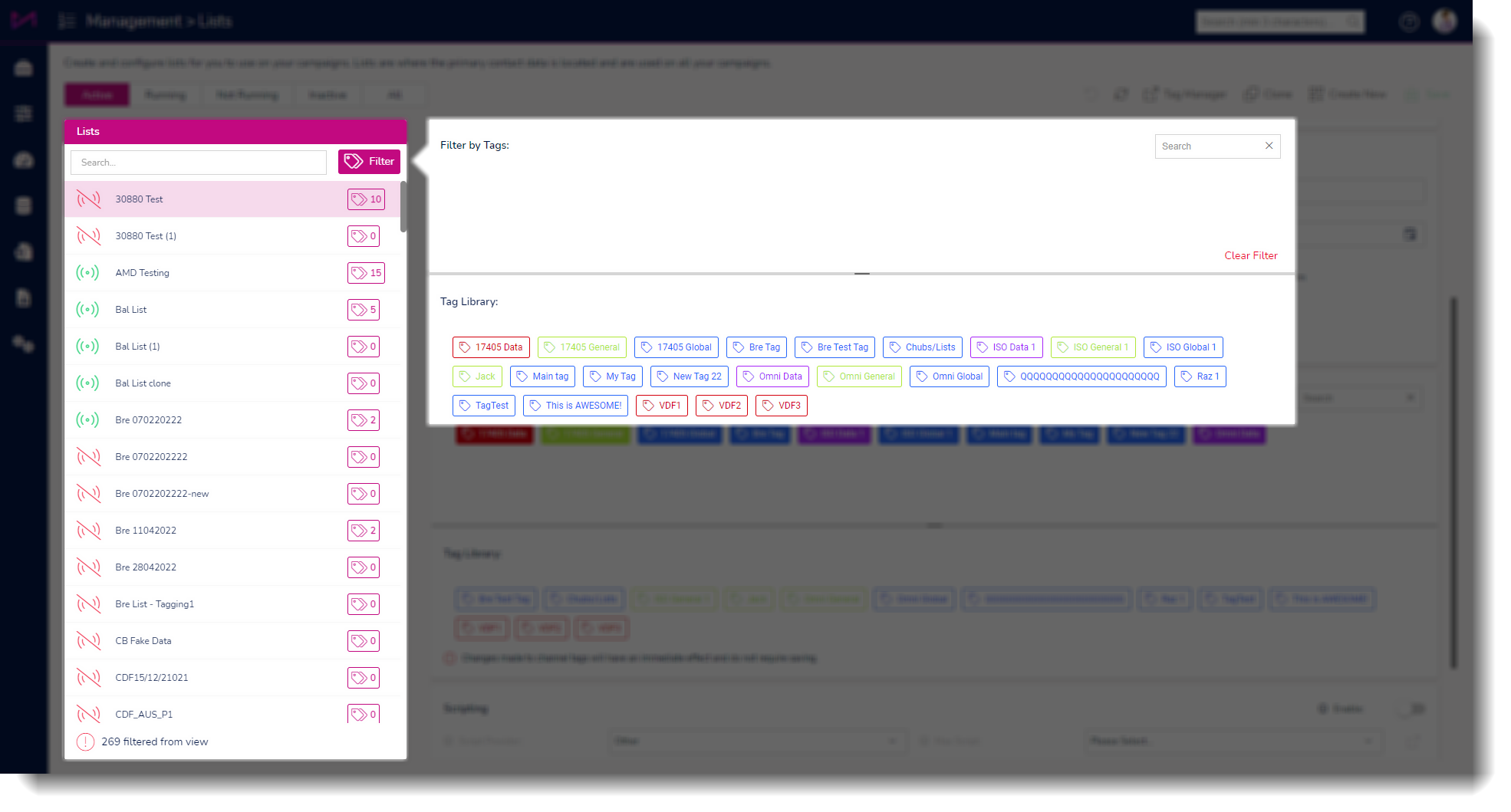
5 - Finally, you can filter the lists by tags by selecting the tag filter icon.